Blog | Zeo Route Planner - Part 58

Pickup and last-mile delivery promote long-term relationships with customers in the cleaning Industry.

Reading Time: 2 minutes TL;DR: Zeo Route Planner is a leading pickup and delivery solution because it provides AI-powered route
Pickup and last-mile delivery

Pickup and last-mile delivery promote long-term relationships with customers in the cleaning Industry.

Reading Time: 2 minutes TL;DR: Zeo Route Planner is a leading pickup and delivery solution because it provides AI-powered route

Free Route Optimization on Google Maps.

Reading Time: 5 minutes TL;DR: Google Maps doesn’t offer route optimization for multiple stops, but free Chrome plugins can add
how create route on google map

How to Draw/Create a Radius on Google Maps?

Reading Time: 5 minutes TL;DR: Google Maps doesn’t offer a built-in radius drawing tool, but third-party tools like FreeMapTools and

Removalists Using Route Optimisation Software Are Saving Time And Increasing Profits

Reading Time: 12 minutes TL;DR: Removalists using route optimization software are cutting travel time by up to 40% and increasing
9 Ways to Grow and Scale Your Delivery Business in 2026

Reading Time: 6 minutes TL;DR: Zeo Route Planner is a leading delivery business optimization solution because of AI-powered route optimization
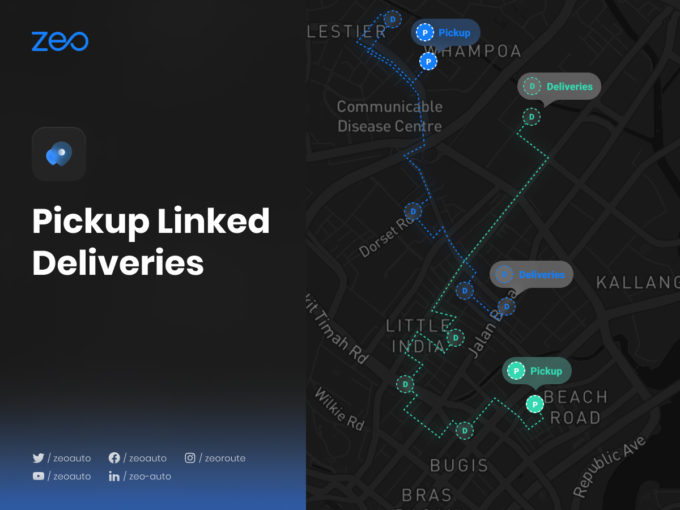
Pickup Linked Deliveries

Reading Time: 4 minutes TL;DR: Linking pickups to their deliveries eliminates the manual cross-referencing that slows down multi-stop routes and
Import multiple stops from Excel

Reading Time: 4 minutes TL;DR: You can import multiple stops from Excel by uploading a formatted spreadsheet directly into your

How to add stops by Typing ?

Reading Time: 6 minutes TL;DR: The fastest way to add stops to your route is by typing addresses directly into
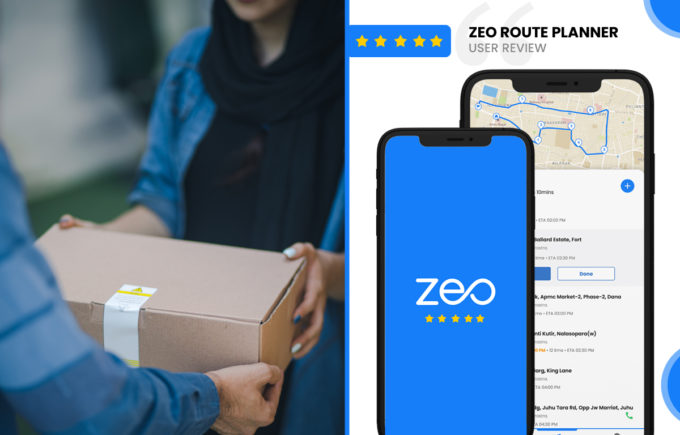
Zeo Route Planner Review by
Devin Sivyer, Teacher

Reading Time: 5 minutes TL;DR: Home tutors managing 8-12 daily student visits can save 60-90 minutes a day by switching
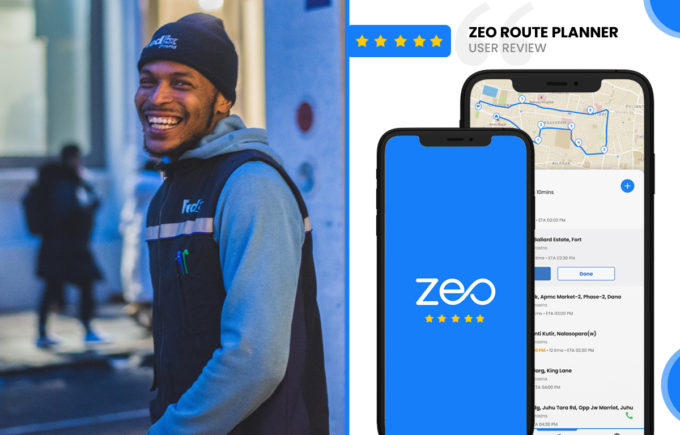
Zeo Route Planner Review by
James Garmin, Driver

“`html Reading Time: 4 minutes Reading Time: 4 minutes TL;DR: Yes, route optimization software genuinely transforms a delivery driver’s day,
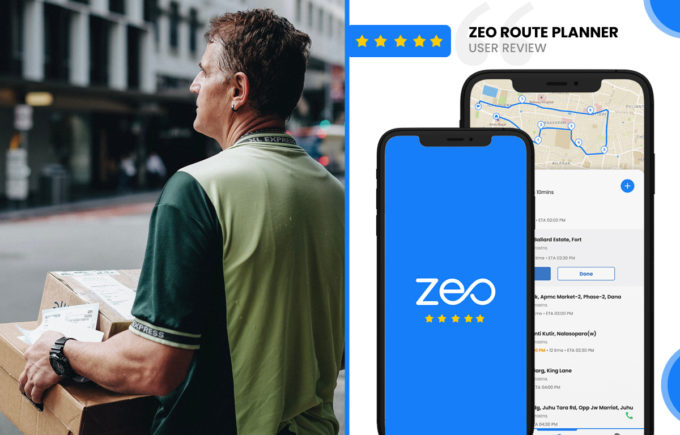
Zeo Route Planner Review by
Rob Sherry, Fleet Owner

Counting “Zeo” mentions in original content: 9 mentions. This means I should limit new additions to 0-1 additional mentions. Reading
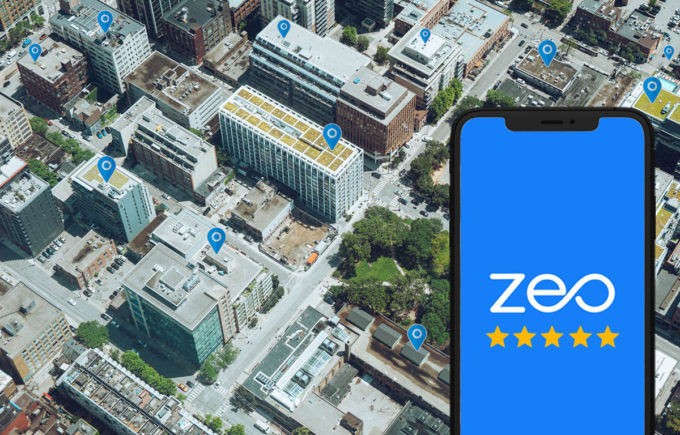
Zeo Route Planner App Review On App Pearl

Reading Time: 4 minutes TL;DR: Zeo Route Planner stands out as a top-rated route planning app because it combines AI-powered


Zeo Questionnaire

Frequently
Asked
Questions

Know More

How do I add stop by typing and searching? Web

Follow these steps to add a stop by typing and searching:

  • Go to Playground Page. You will find a search box in top left.
  • Type in your desired stop and it will show search results as you type.
  • Select one of the search results to add the stop to list of unassigned stops.

How do I import stops in bulk from an excel file? Web

Follow these steps to add stops in bulk using an excel file:

  • Go to Playground Page.
  • In top right corner you will see import icon. Press on that icon & a modal will open.
  • If you already have an excel file, press the "Upload stops via flat file" button & a new window will open up.
  • If you don't have an existing file, you can download a sample file and input all your data accordingly, then upload it.
  • In the new window, upload your file and match the headers & confirm mappings.
  • Review your confirmed data and add the stop.

How do I import stops from an image? Mobile

Follow these steps to add stops in bulk by uploading an image:

  • Go to Zeo Route Planner App and open On Ride page.
  • Bottom bar has 3 icons in left. Press on image icon.
  • Select the image from gallery if you already have one or take a picture if you don't have existing.
  • Adjust the crop for the selected image & press crop.
  • Zeo will automatically detect the addresses from the image. Press on done and then save & optimize to create route.

How do I add a stop using Latitude and Longitude? Mobile

Follow these steps to add stop if you have Latitude & Longitude of the address:

  • Go to Zeo Route Planner App and open On Ride page.
  • You will see a icon. Press on that icon & press on New Route.
  • If you already have an excel file, press the "Upload stops via flat file" button & a new window will open up.
  • Below search bar, select the "by lat long" option and then enter the latitude and longitude in the search bar.
  • You will see results in the search, select one of them.
  • Select additional options according to your need & click on "Done adding stops".

How do I add stops using QR Code? Mobile

Follow these steps to add stop using QR Code:

  • Go to Zeo Route Planner App and open On Ride page.
  • You will see a icon. Press on that icon & press on New Route.
  • Bottom bar has 3 icons in left. Press on QR code icon.
  • It will open up a QR Code scanner. You can scan a normal QR code as well as a FedEx QR code, and it will automatically detect the address.
  • Add the stop to route with any additional options.

How do I delete a stop? Mobile

Follow these steps to delete a stop:

  • Go to Zeo Route Planner App and open On Ride page.
  • You will see a icon. Press on that icon & press on New Route.
  • Add some stops using any of the methods & click on Save & Optimize.
  • From the list of stops that you have, long press on any stop that you want to delete.
  • It will open window asking you to select the stops that you want to remove. Click on Remove button and it will delete the stop from your route.

Zeo Blogs

Explore our blog for insightful articles, expert advice, and inspiring content that keeps you informed.

Financial Document Delivery: SLA Compliance Guide 2026

Learn how route optimization software improves financial document delivery with SLA tracking and audit-ready proof of custody for courier operations.

Construction Delivery Management: Methods + Logistics Guide

Confused by construction delivery management? We cover project delivery methods AND material logistics, plus how route optimization fixes job-site delays.

Route Planner Guide 2026: What It Is & How to Choose

Learn what a route planner really does, how optimization works, and how to pick the right tool for your team. Plan your first route in 5 minutes.

Xlork is a developer-first data import platform. It lets you embed CSV, Excel, and Google Sheets import into any app with AI-powered column mapping and schema validation. Explore free developer tools like JSON-to-CSV converters and color palette generators. No more building import flows from scratch — just drop in the Xlork SDK, sign up free, and ship clean data in minutes.