Reading Time: 3 minutes

Manage Your Pool Service
with Smart Route Optimization

Zeo Pool service software helps you run your business more efficiently with
scheduling, dispatching, and more.
Industry: Pool Servicing, Zeo Route Planner

#1 Rated for Productivity, Time & Costs in Route Planning Software

2 Star, Zeo Route Planner
RoutePlanning MomentumLeader Leader, Zeo Route Planner RoutePlanning HighPerformer HighPerformer, Zeo Route Planner RoutePlanning BestUsability Total, Zeo Route Planner RoutePlanning BestResults Total, Zeo Route Planner RoutePlanning BestRelationship Total, Zeo Route Planner RoutePlanning BestRelationship Small Business Total, Zeo Route Planner LastMileDelivery Leader Small Business Leader, Zeo Route Planner LastMileDelivery Leader Leader, Zeo Route Planner LastMileDelivery HighPerformer India HighPerformer, Zeo Route Planner LastMileDelivery HighPerformer EMEA HighPerformer, Zeo Route Planner LastMileDelivery HighPerformer AsiaPacific HighPerformer, Zeo Route Planner LastMileDelivery HighPerformer Asia HighPerformer, Zeo Route Planner Capterra, Zeo Route Planner Getapp 1, Zeo Route Planner SoftwareAdvice, Zeo Route Planner
Devider, Zeo Route Planner
Ratig 1, Zeo Route Planner Raiting 2, Zeo Route Planner


Pool Service Routes with
Route Optimisation Software
Efficient Scheduling and Dispatching

Group 1707478349, Zeo Route Planner
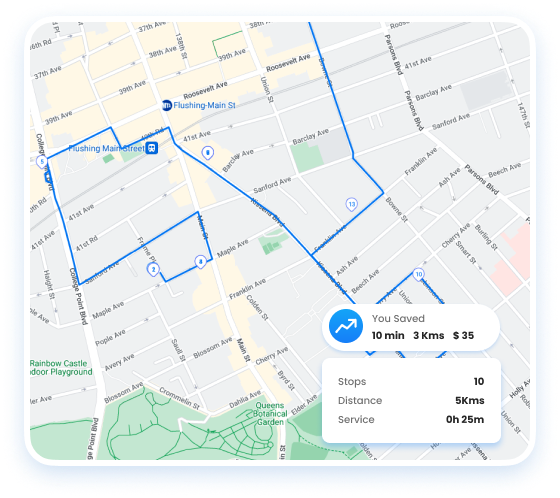
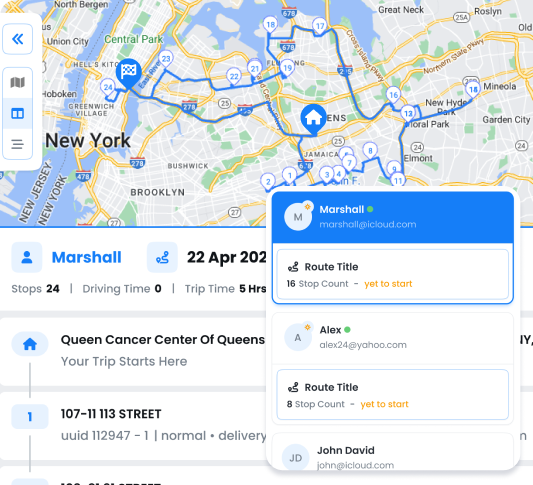
Streamline Your Pool Care Route servicing with optimized routing and scheduling.
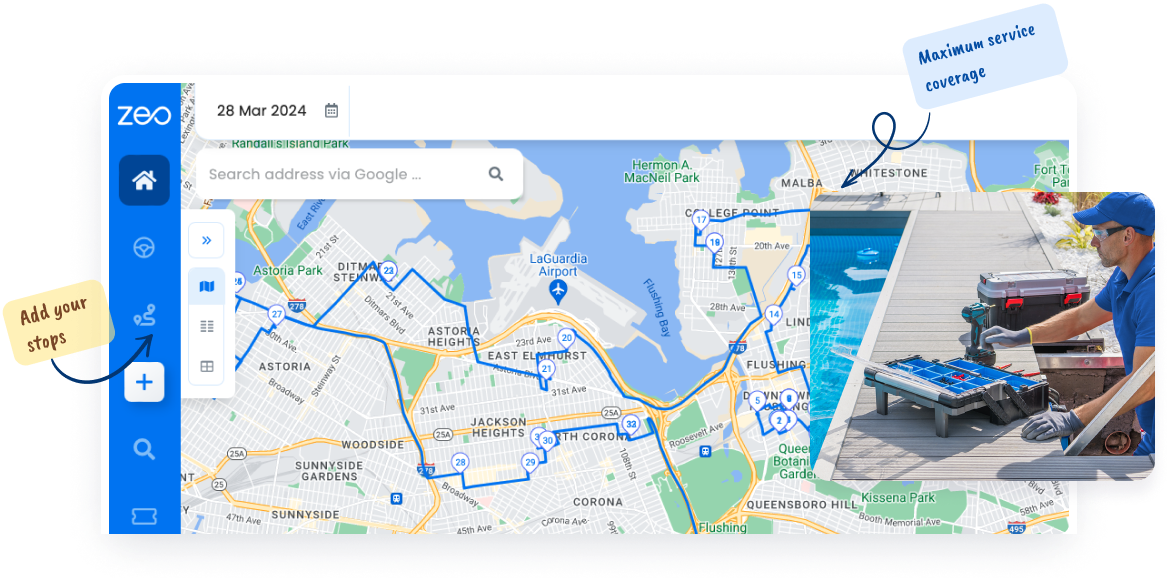
  • Streamline pool technician routes for maximum service coverage.
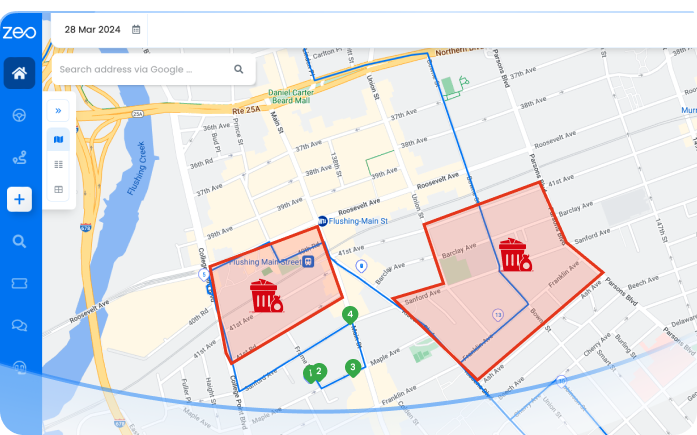
  • Efficiently distribute pool maintenance jobs among technicians.
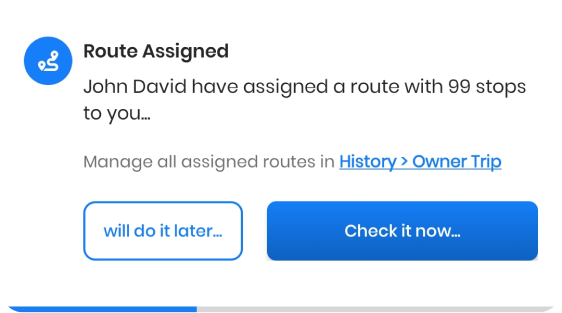
  • Keep track of pool technicians and provide accurate ETAs to clients.
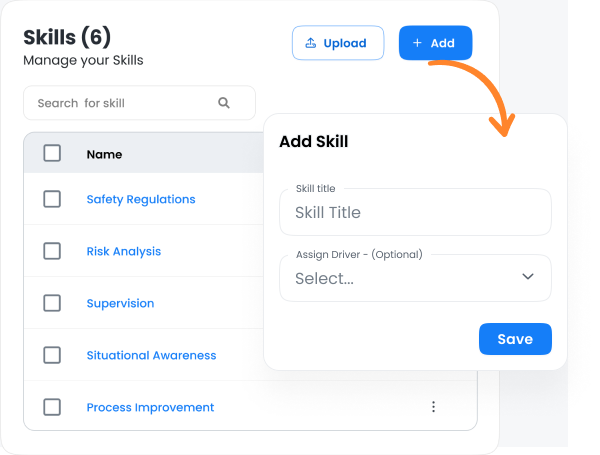
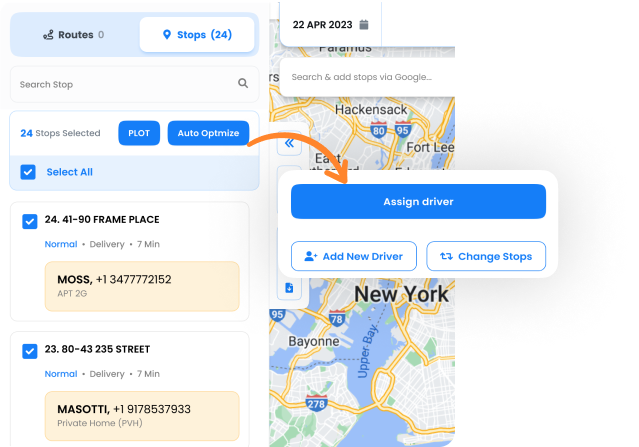
  • Assign technicians based on specializations like chemical treatment or pool repairs, Technician Profiling, Job Classification
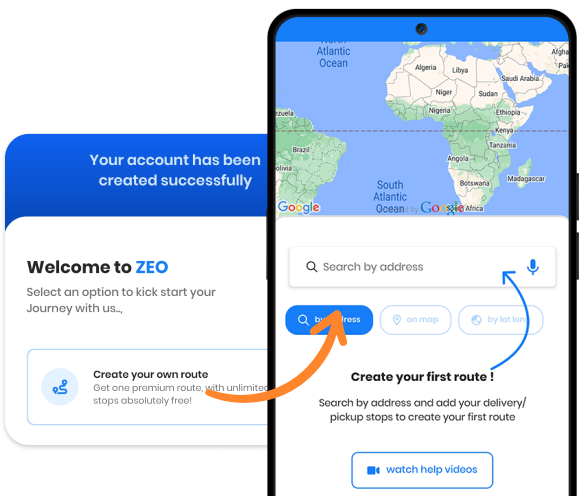
  • Simplify the integration process for pool servicing staff.
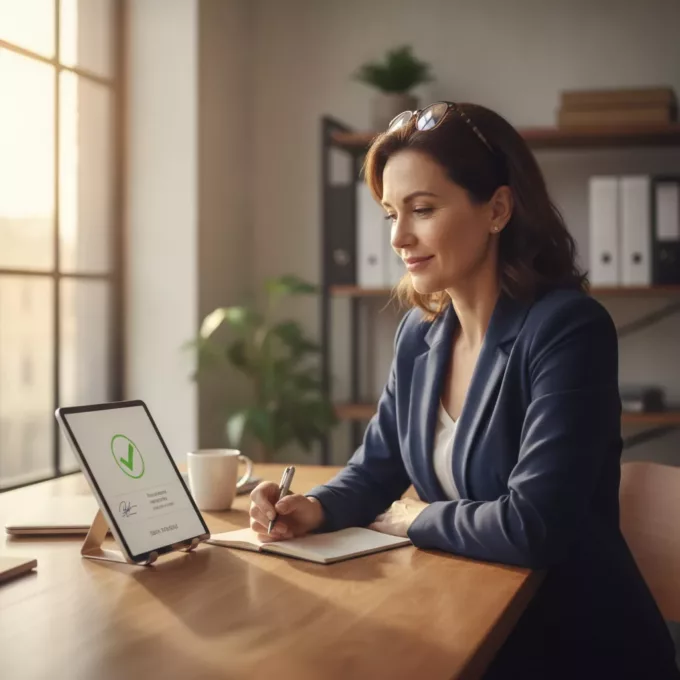
  • Personalize client interactions for pool service appointments and updates.
Get Started for Free
Explore All Features

Best Pool Services with Zeo

Pool Service Business Software: Plan, Schedule & Dispatch

Wastmanagement01 3, Zeo Route Planner

Transform your Pool
Servicing Business to
the Next Level


Get Started for Free

Trusted by 10,000+ Businesses for optimized routes

Used by over 1.5mn drivers across 150 countries to finish their work faster!

Industry: Pool Servicing, Zeo Route Planner
Zeo Questionnaire

Frequently
Asked
Questions

Know More

Industry: Pool Servicing

How does Zeo optimize pool service routes?

Zeo organizes daily pool maintenance visits in the most efficient order, reducing travel time and fuel use. Upload stops via Excel or Sheets, and Zeo optimizes routes by area, time, or workload so technicians focus more on servicing than driving.

Can I automatically assign pool service jobs to technicians?

Yes. Zeo’s Auto Assign feature distributes pool maintenance tasks based on area and skill. Technicians get automatic mobile alerts with job details and ETAs, ensuring balanced schedules and faster service.

How can I track pool technicians in real time?

Monitor all pool technicians live in Zeo’s dashboard. View active routes, ETAs, and completed jobs. If delays occur, you can instantly reassign or reroute tasks—keeping your pool service punctual and reliable.

How can I assign pool service jobs based on technician specialization?

Absolutely. Use Skill-Based Assignment to match pool maintenance tasks with qualified technicians. Add skills like Chemical Treatment or Repairs, and Zeo automatically assigns each task to the right expert.

How do I onboard new pool service staff easily?

Add new pool technicians in the Drivers section , assign them a seat after which you can assign them a route. Zeo sends mobile alerts with stops and built-in navigation. Supervisors can track performance live—making onboarding fast and effortless.

How can Zeo improve productivity for pool maintenance teams?

Zeo automates route optimization, job assignments, and tracking for pool technicians. It saves fuel, reduces idle time, and boosts daily job completion—helping you deliver consistent, timely pool service.

Is Zeo suitable for small pool businesses or large service fleets?

Yes. Small pool teams can plan routes easily, while large businesses can use Multi-driver Auto Assign, bulk upload, and zone-based routing for full automation. Zeo scales smoothly from one technician to large multi-vehicle pool service operations.

Zeo Blogs

Explore our blog for insightful articles, expert advice, and inspiring content that keeps you informed.

2026 04 22 Bringg Competitors Featured, Zeo Route Planner

Best Bringg Competitors 2026: Top Alternatives Compared

Reading Time: 9 minutesCompare top Bringg competitors for delivery management. Find the right platform for your fleet size, budget, and driver adoption needs in 2026.

2026 04 22 Government Route Optimization Case Study Featured 1024x900 1, Zeo Route Planner

Government Route Optimization Case Study: 3 Agencies Save $500K+

Reading Time: 7 minutesReal government route optimization case studies showing $240K+ annual savings. ROI data, compliance frameworks, and implementation roadmaps for agencies.

2026 04 14 How To Optimize Mobile Grooming Routes Featured 1024x900 1, Zeo Route Planner

How to Optimize Mobile Grooming Routes for Maximum Daily Stops

Reading Time: 7 minutesLearn how to optimize mobile grooming routes to add 2-3 daily appointments per groomer while reducing fuel costs by 25-30%. Proven strategies inside.

Xlork is a developer-first data import platform. It lets you embed CSV, Excel, and Google Sheets import into any app with AI-powered column mapping and schema validation. Explore free developer tools like JSON-to-CSV converters and color palette generators. No more building import flows from scratch — just drop in the Xlork SDK, sign up free, and ship clean data in minutes.