
Blog | Zeo Route Planner - Part 41

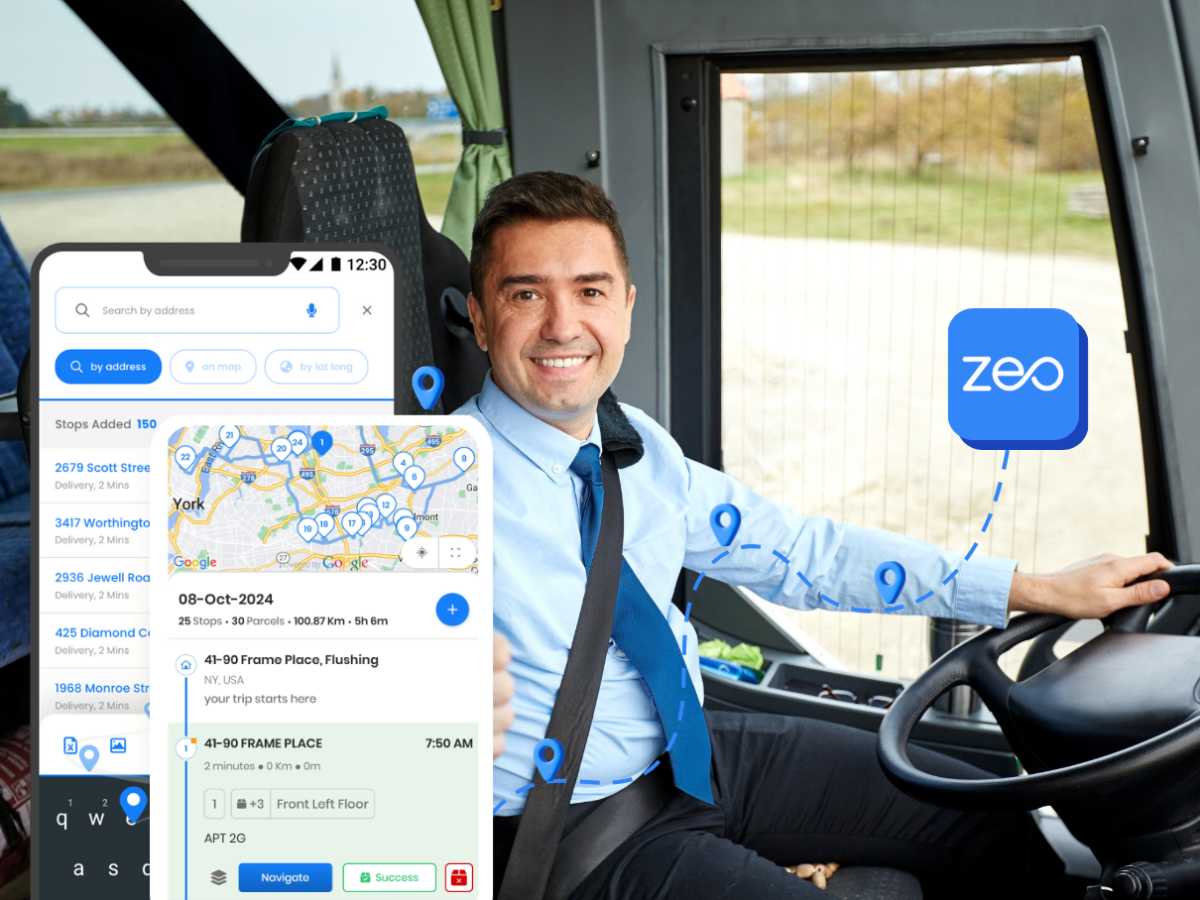
Reducing Stress for School Drivers: The Benefits of Zeo’s Route Optimization

Reading Time: 2 minutes TL;DR: School bus drivers can significantly reduce stress through AI-powered route optimization that eliminates inefficient planning
Reducing Stress for School Drivers: The Benefits of Zeo’s Route Optimization

Reading Time: 2 minutes TL;DR: School bus drivers can significantly reduce stress through AI-powered route optimization that eliminates inefficient planning

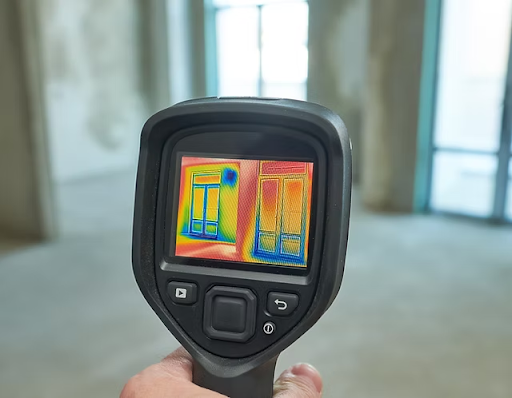
Identifying Potential Safety Hazards

How to Launch a Successful Home Inspection Business in 2025

Reading Time: 4 minutes TL;DR: Launch a successful home inspection business by building a skilled team, implementing digital reporting systems,
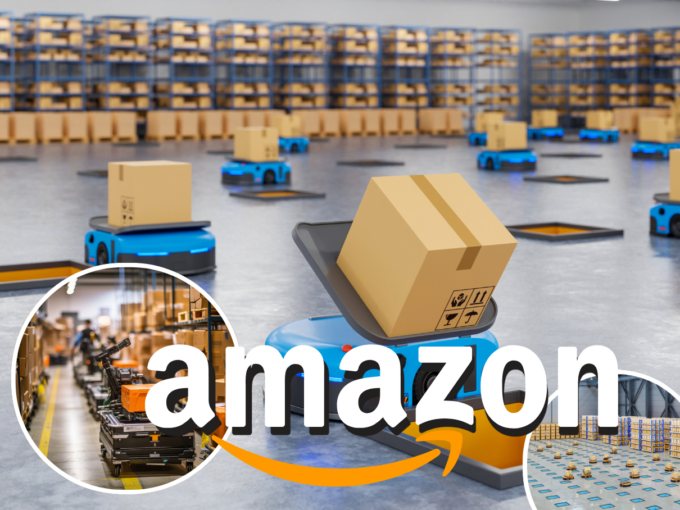
How Amazon Day Delivery is Changing the Game for E-commerce Businesses

TL;DR: Amazon Day Delivery is changing e-commerce by proving that batching orders into single scheduled drop-offs cuts costs, packaging waste,
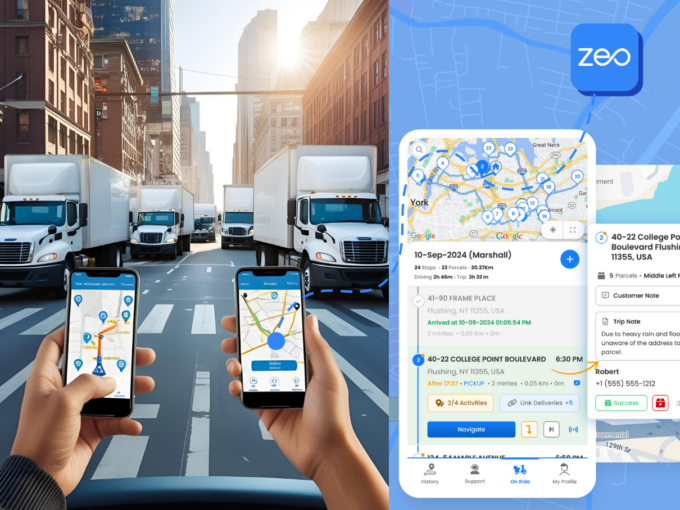
How Dynamic Route Adjustments Can Save Time and Reduce Costs

TL;DR: Dynamic route adjustments save time and cut costs by letting fleets react instantly to traffic, cancellations, and new orders
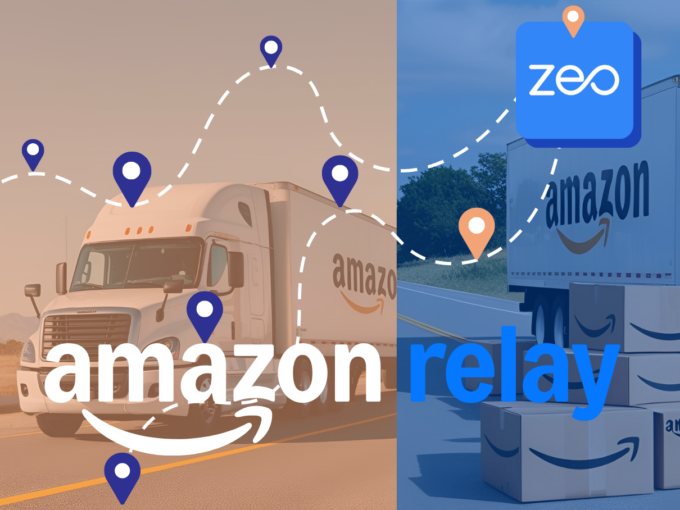
Zeo Route Planner: The Perfect Routing Partner for Amazon Relay Drivers

TL;DR: The best routing partner for Amazon Relay drivers is one that cuts wasted miles, documents every delivery, and keeps
Challenges for Amazon Relay Drivers : Tips for Amazon Relay success

Reading Time: 4 minutes TL;DR: Amazon Relay drivers face challenges with strict performance metrics, load availability fluctuations, app technical issues,
Amazon Relay

Key Benefits of Joining Amazon Relay for Freight Carriers

Reading Time: 3 minutes TL;DR: Amazon Relay provides freight carriers with consistent work opportunities, flexible scheduling, transparent payments, and advanced
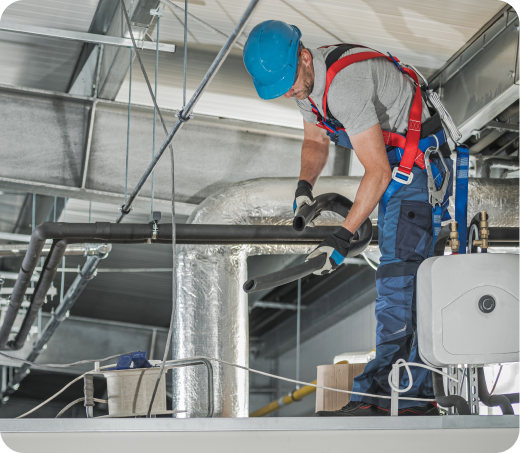
HVAC Logistics

How to Streamline Enterprise HVAC Logistics with Zeo Route Planner

TL;DR: Enterprise HVAC logistics gets streamlined by combining live tracking, driver management, and route optimization into a single workflow instead
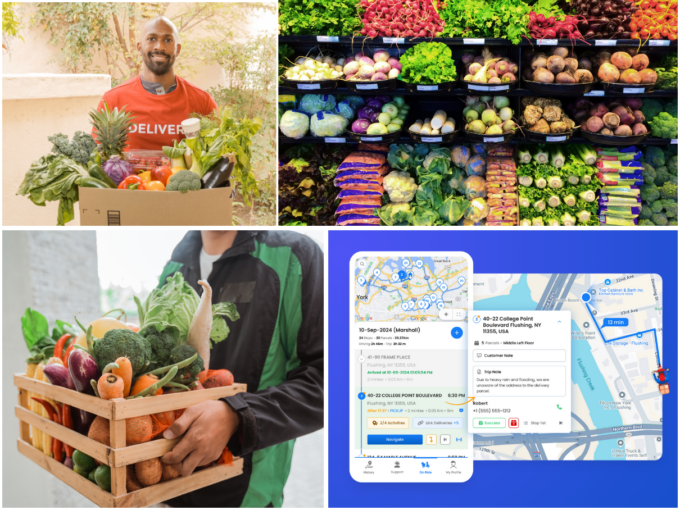
How to Start a Same-Day Grocery Delivery Service in 2026?

“`html TL;DR: Starting a same-day grocery delivery service in 2026 requires choosing the right business model, securing reliable store partnerships,
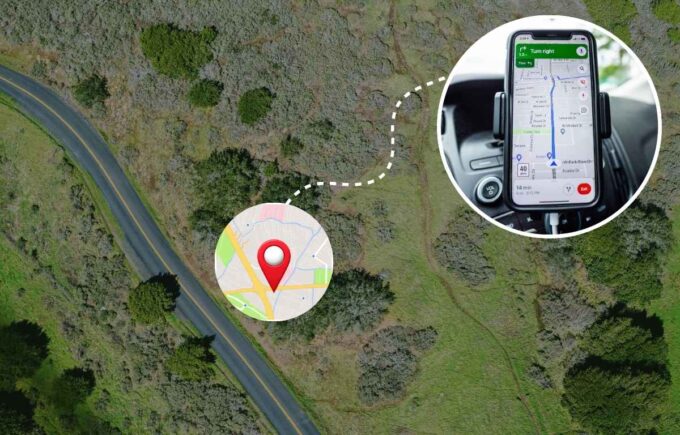
Drawing Radius and Circles on Google Maps: A Complete Guide

Reading Time: 6 minutes TL;DR: You can draw a radius on Google Maps using the “Measure distance” tool combined with

HVAC Service Routes

The Importance of Route Optimization in Enterprise HVAC Logistics

Reading Time: 4 minutes TL;DR: Route optimization serves as the operational backbone for enterprise HVAC logistics, directly addressing complex scheduling

Banking Logistics

Top Seven Trends Set to Shape Banking Logistics in 2025

Reading Time: 4 minutes TL;DR: Banking logistics in 2026 will be dominated by AI-driven routing, real-time tracking, and dynamic resource

Zeo Questionnaire

Frequently
Asked
Questions

Know More

How do I add stop by typing and searching? Web

Follow these steps to add a stop by typing and searching:

  • Go to Playground Page. You will find a search box in top left.
  • Type in your desired stop and it will show search results as you type.
  • Select one of the search results to add the stop to list of unassigned stops.

How do I import stops in bulk from an excel file? Web

Follow these steps to add stops in bulk using an excel file:

  • Go to Playground Page.
  • In top right corner you will see import icon. Press on that icon & a modal will open.
  • If you already have an excel file, press the "Upload stops via flat file" button & a new window will open up.
  • If you don't have an existing file, you can download a sample file and input all your data accordingly, then upload it.
  • In the new window, upload your file and match the headers & confirm mappings.
  • Review your confirmed data and add the stop.

How do I import stops from an image? Mobile

Follow these steps to add stops in bulk by uploading an image:

  • Go to Zeo Route Planner App and open On Ride page.
  • Bottom bar has 3 icons in left. Press on image icon.
  • Select the image from gallery if you already have one or take a picture if you don't have existing.
  • Adjust the crop for the selected image & press crop.
  • Zeo will automatically detect the addresses from the image. Press on done and then save & optimize to create route.

How do I add a stop using Latitude and Longitude? Mobile

Follow these steps to add stop if you have Latitude & Longitude of the address:

  • Go to Zeo Route Planner App and open On Ride page.
  • You will see a icon. Press on that icon & press on New Route.
  • If you already have an excel file, press the "Upload stops via flat file" button & a new window will open up.
  • Below search bar, select the "by lat long" option and then enter the latitude and longitude in the search bar.
  • You will see results in the search, select one of them.
  • Select additional options according to your need & click on "Done adding stops".

How do I add stops using QR Code? Mobile

Follow these steps to add stop using QR Code:

  • Go to Zeo Route Planner App and open On Ride page.
  • You will see a icon. Press on that icon & press on New Route.
  • Bottom bar has 3 icons in left. Press on QR code icon.
  • It will open up a QR Code scanner. You can scan a normal QR code as well as a FedEx QR code, and it will automatically detect the address.
  • Add the stop to route with any additional options.

How do I delete a stop? Mobile

Follow these steps to delete a stop:

  • Go to Zeo Route Planner App and open On Ride page.
  • You will see a icon. Press on that icon & press on New Route.
  • Add some stops using any of the methods & click on Save & Optimize.
  • From the list of stops that you have, long press on any stop that you want to delete.
  • It will open window asking you to select the stops that you want to remove. Click on Remove button and it will delete the stop from your route.

Zeo Blogs

Explore our blog for insightful articles, expert advice, and inspiring content that keeps you informed.

Financial Document Delivery: A Dispatcher

Learn how to run financial document delivery routes that hit bank cutoffs, prove chain-of-custody, and scale during peak season with Zeo.

Construction Delivery Management: The Complete 2026 Guide

Learn construction delivery management: project delivery methods vs. logistics software. Cut site delays with route optimization and real-time tracking.

Route Planner Guide 2026: What It Is & How to Choose One

Learn what a route planner is, how optimization works, and how to pick the right one in 2026. Compare options and start planning smarter routes today.

Please close developer tools to continue browsing.

Xlork is a developer-first data import platform. It lets you embed CSV, Excel, and Google Sheets import into any app with AI-powered column mapping and schema validation. Explore free developer tools like JSON-to-CSV converters and color palette generators. No more building import flows from scratch — just drop in the Xlork SDK, sign up free, and ship clean data in minutes.