

Blog | Zeo Route Planner - Part 38

Enhancing Bakery Delivery Efficiency with Smart Routing Solutions

“`html TL;DR: Bakery delivery efficiency improves most when routes are planned around freshness windows, not just distance, since baked goods

Enhancing Bakery Delivery Efficiency with Smart Routing Solutions

“`html TL;DR: Bakery delivery efficiency improves most when routes are planned around freshness windows, not just distance, since baked goods

Get Actionable Insights: Drive Success with Zeo’s Route Analytics

What if the key to driving your fleet success was right in front of you, hiding in plain sight? For
planning-routes-with-google-maps

Google Maps Alternatives for Privacy and Efficient Navigation

TL;DR: Yes, there are several Google Maps alternatives that offer stronger privacy controls and better tools for businesses managing multiple
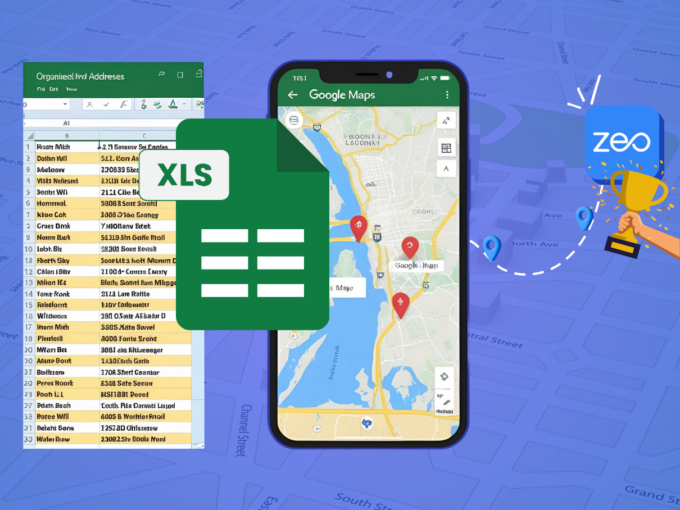
How to Plan A Delivery Route With Excel (With FREE Template)

TL;DR: You can plan a delivery route with Excel by organizing addresses, order IDs, and priority fields in columns, then
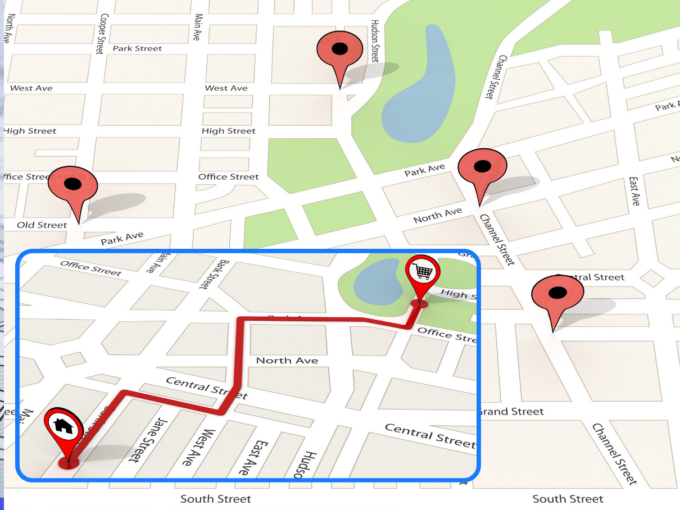
How to use Google Maps Route Planner For Deliveries?

“`html TL;DR: Google Maps Route Planner works well for quick, simple trips but caps out at 25 waypoints and can’t

Healthcare Fleet Management

Choosing the Right Route Planner Software for Healthcare Fleet Management

TL;DR: The right route planner for healthcare fleet management is one that combines real-time tracking, capacity-based routing, and proof of
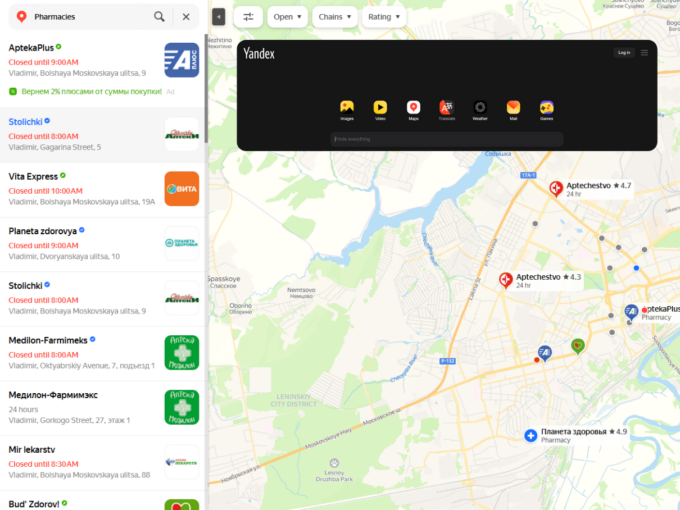
How to create routes on Yandex Maps?

“`html TL;DR: You can create a route on Yandex Maps by entering your start and end points, adding stops, and

E-Commerce Delivery Planning Software for Customer Satisfaction

Efficient and timely delivery has become a cornerstone of success in the competitive landscape of e-commerce. Businesses across industries are

Environmental Benefits of Optimized Routes and Resource Allocation in Plantation Operations

TL;DR: Optimized routes and smarter resource allocation cut fuel use, emissions, and waste in plantation operations while also lowering costs.
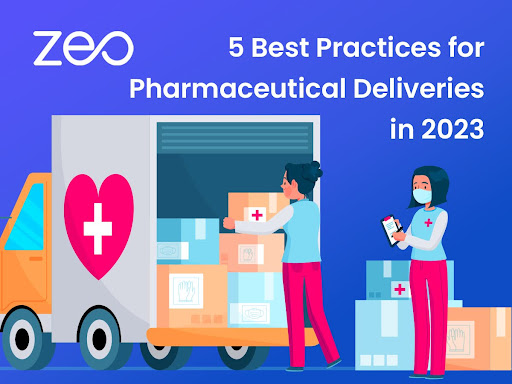
Pharmaceutical Deliveries

5 Best Practices for Pharmaceutical Deliveries in 2026

Timely delivery of critical medications efficiently is a complex puzzle in the pharmaceutical delivery business. Navigating challenges like temperature control,
Navigating Distribution Challenges

Navigating Distribution Challenges with Optimized Routing Software

Reading Time: 5 minutes TL;DR: Distribution challenges like manual route planning and poor visibility are solved with AI-powered route optimization
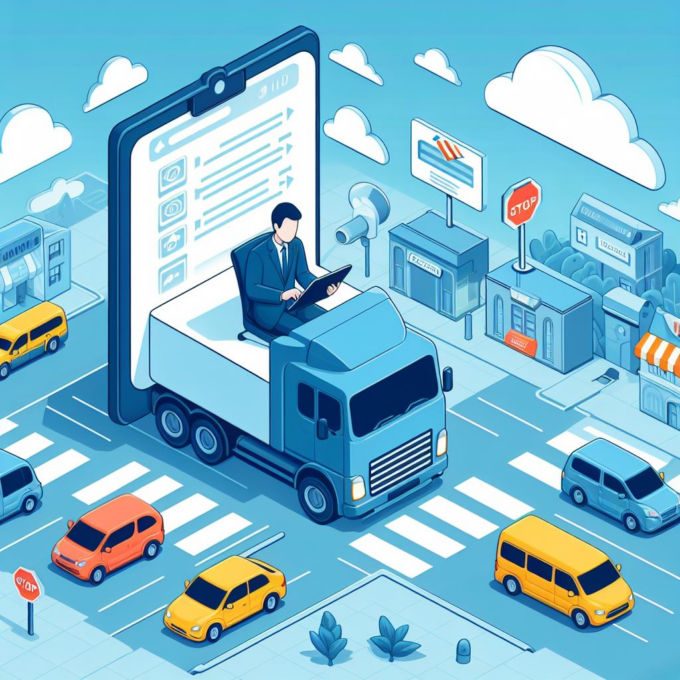
How to Assign Stops

How to Assign Stops to Drivers Based on Their Skills?

“`html In the fast-paced world of waste management and home services, assigning stops is based on each driver’s unique skills


Zeo Questionnaire

Frequently
Asked
Questions

Know More

How do I add stop by typing and searching? Web

Follow these steps to add a stop by typing and searching:

  • Go to Playground Page. You will find a search box in top left.
  • Type in your desired stop and it will show search results as you type.
  • Select one of the search results to add the stop to list of unassigned stops.

How do I import stops in bulk from an excel file? Web

Follow these steps to add stops in bulk using an excel file:

  • Go to Playground Page.
  • In top right corner you will see import icon. Press on that icon & a modal will open.
  • If you already have an excel file, press the "Upload stops via flat file" button & a new window will open up.
  • If you don't have an existing file, you can download a sample file and input all your data accordingly, then upload it.
  • In the new window, upload your file and match the headers & confirm mappings.
  • Review your confirmed data and add the stop.

How do I import stops from an image? Mobile

Follow these steps to add stops in bulk by uploading an image:

  • Go to Zeo Route Planner App and open On Ride page.
  • Bottom bar has 3 icons in left. Press on image icon.
  • Select the image from gallery if you already have one or take a picture if you don't have existing.
  • Adjust the crop for the selected image & press crop.
  • Zeo will automatically detect the addresses from the image. Press on done and then save & optimize to create route.

How do I add a stop using Latitude and Longitude? Mobile

Follow these steps to add stop if you have Latitude & Longitude of the address:

  • Go to Zeo Route Planner App and open On Ride page.
  • You will see a icon. Press on that icon & press on New Route.
  • If you already have an excel file, press the "Upload stops via flat file" button & a new window will open up.
  • Below search bar, select the "by lat long" option and then enter the latitude and longitude in the search bar.
  • You will see results in the search, select one of them.
  • Select additional options according to your need & click on "Done adding stops".

How do I add stops using QR Code? Mobile

Follow these steps to add stop using QR Code:

  • Go to Zeo Route Planner App and open On Ride page.
  • You will see a icon. Press on that icon & press on New Route.
  • Bottom bar has 3 icons in left. Press on QR code icon.
  • It will open up a QR Code scanner. You can scan a normal QR code as well as a FedEx QR code, and it will automatically detect the address.
  • Add the stop to route with any additional options.

How do I delete a stop? Mobile

Follow these steps to delete a stop:

  • Go to Zeo Route Planner App and open On Ride page.
  • You will see a icon. Press on that icon & press on New Route.
  • Add some stops using any of the methods & click on Save & Optimize.
  • From the list of stops that you have, long press on any stop that you want to delete.
  • It will open window asking you to select the stops that you want to remove. Click on Remove button and it will delete the stop from your route.

Zeo Blogs

Explore our blog for insightful articles, expert advice, and inspiring content that keeps you informed.

Financial Document Delivery: A Dispatcher

Learn how to run financial document delivery routes that hit bank cutoffs, prove chain-of-custody, and scale during peak season with Zeo.

Construction Delivery Management: The Complete 2026 Guide

Learn construction delivery management: project delivery methods vs. logistics software. Cut site delays with route optimization and real-time tracking.

Route Planner Guide 2026: What It Is & How to Choose One

Learn what a route planner is, how optimization works, and how to pick the right one in 2026. Compare options and start planning smarter routes today.

Please close developer tools to continue browsing.

Xlork is a developer-first data import platform. It lets you embed CSV, Excel, and Google Sheets import into any app with AI-powered column mapping and schema validation. Explore free developer tools like JSON-to-CSV converters and color palette generators. No more building import flows from scratch — just drop in the Xlork SDK, sign up free, and ship clean data in minutes.