

Blog | Zeo Route Planner - Part 35

Navigating Returns: Best Strategies for Shippers to Reduce Return to Origin

TL;DR: Shippers can reduce Return to Origin (RTO) by combining accurate address verification, flexible delivery scheduling, and optimized last-mile routing
Navigating Returns: Best Strategies for Shippers to Reduce Return to Origin

TL;DR: Shippers can reduce Return to Origin (RTO) by combining accurate address verification, flexible delivery scheduling, and optimized last-mile routing

Install Zeo Route Planner as a Desktop App

Reading Time: 4 minutes TL;DR: You can install Zeo Route Planner as a desktop Progressive Web App (PWA) for instant

What is Backhauling in Logistics and Trucking?

TL;DR: Backhauling means loading freight on the return trip instead of driving back empty, turning a one-way cost into a

How UPS solves the traveling salesman problem with AI-powered route optimization.

“`html TL;DR: UPS tackles the Traveling Salesman Problem using ORION, its AI-powered route optimization system that processes delivery data across
Automotive Logistics

The Importance of Route Optimization in Automotive Logistics

TL;DR: Route optimization is essential in automotive logistics because it keeps time-sensitive, multi-stop supply chains moving efficiently despite traffic, fuel

Telecom Fleet Management

The Future of Electric Vehicles in Telecom Fleets

“`html TL;DR: Electric vehicles are becoming a practical choice for telecom fleets because they lower fuel and maintenance costs while

What’s the Difference Between Estimated Time of Arrival and Estimated Time of Departure?

Reading Time: 4 minutes TL;DR: Estimated Time of Departure (ETD) indicates when a vehicle leaves its starting point, while Estimated
Enhancing Carpet Cleaning Services with Route Planning Tools

TL;DR: Carpet cleaning businesses can boost job completions and customer satisfaction by replacing manual scheduling with dedicated route planning software.
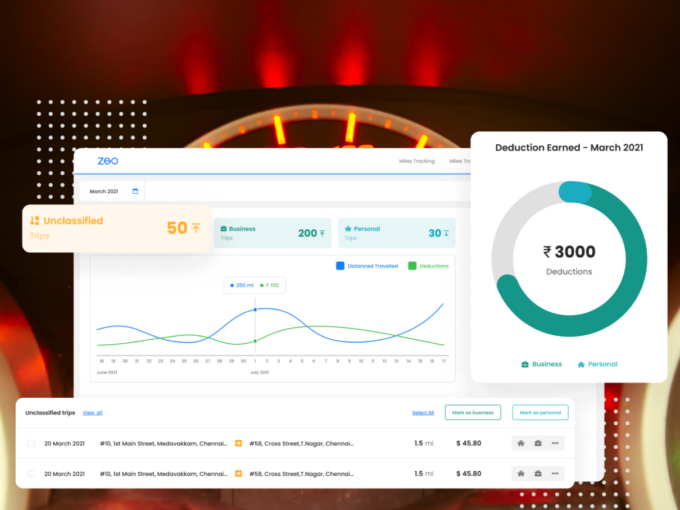
How to Automatically Track Your Miles?

For commercial purposes, automatically tracking your miles can be useful for tasks such as keeping track of expenses, planning the
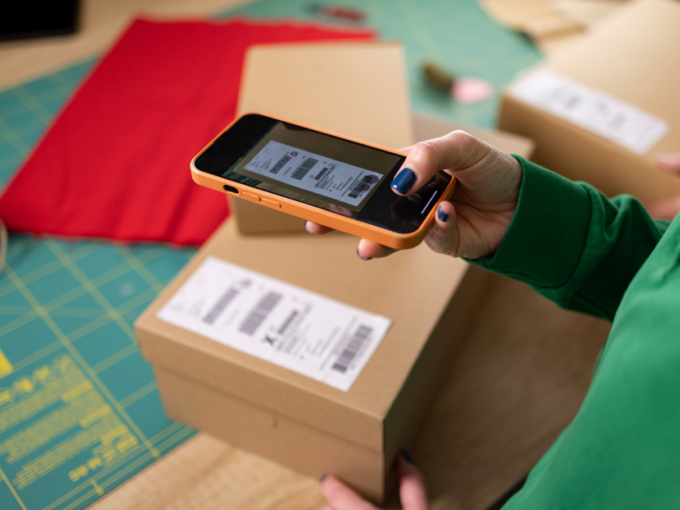
How to Scan Packages with FedEx QR Code for Delivery?

“`html TL;DR: You can scan a FedEx QR code for delivery by using a route planner’s barcode scan feature to
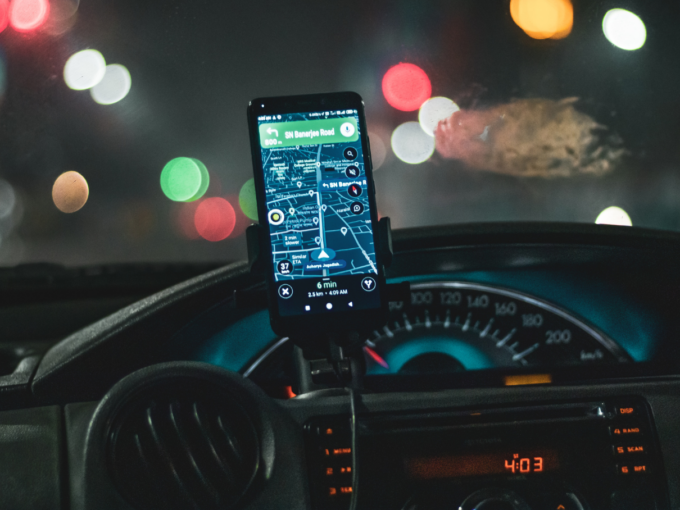
Maximizing Workforce Efficiency with Strategic Route Planning Software

TL;DR: Strategic route planning software maximizes workforce efficiency by automating route sequencing, driver assignment, and real-time tracking so field teams
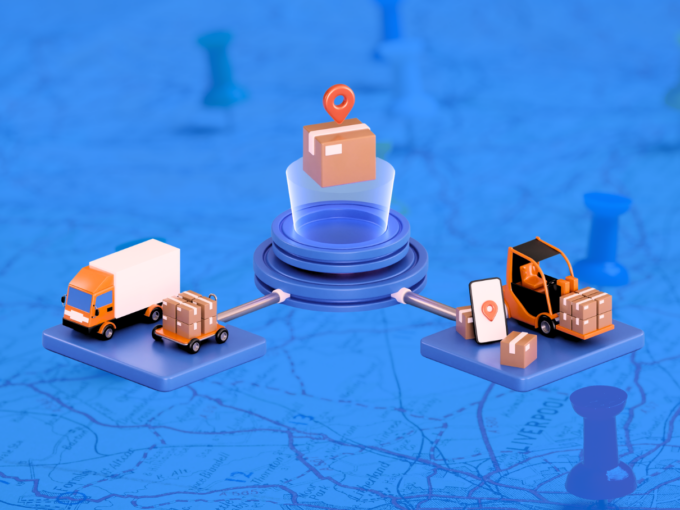
Transportation Management: Overcoming Routing Challenges

Reading Time: 3 minutes TL;DR: Transportation management routing challenges stem from unpredictable traffic, weather conditions, vehicle constraints, and the need

Zeo Questionnaire

Frequently
Asked
Questions

Know More

How do I add stop by typing and searching? Web

Follow these steps to add a stop by typing and searching:

  • Go to Playground Page. You will find a search box in top left.
  • Type in your desired stop and it will show search results as you type.
  • Select one of the search results to add the stop to list of unassigned stops.

How do I import stops in bulk from an excel file? Web

Follow these steps to add stops in bulk using an excel file:

  • Go to Playground Page.
  • In top right corner you will see import icon. Press on that icon & a modal will open.
  • If you already have an excel file, press the "Upload stops via flat file" button & a new window will open up.
  • If you don't have an existing file, you can download a sample file and input all your data accordingly, then upload it.
  • In the new window, upload your file and match the headers & confirm mappings.
  • Review your confirmed data and add the stop.

How do I import stops from an image? Mobile

Follow these steps to add stops in bulk by uploading an image:

  • Go to Zeo Route Planner App and open On Ride page.
  • Bottom bar has 3 icons in left. Press on image icon.
  • Select the image from gallery if you already have one or take a picture if you don't have existing.
  • Adjust the crop for the selected image & press crop.
  • Zeo will automatically detect the addresses from the image. Press on done and then save & optimize to create route.

How do I add a stop using Latitude and Longitude? Mobile

Follow these steps to add stop if you have Latitude & Longitude of the address:

  • Go to Zeo Route Planner App and open On Ride page.
  • You will see a icon. Press on that icon & press on New Route.
  • If you already have an excel file, press the "Upload stops via flat file" button & a new window will open up.
  • Below search bar, select the "by lat long" option and then enter the latitude and longitude in the search bar.
  • You will see results in the search, select one of them.
  • Select additional options according to your need & click on "Done adding stops".

How do I add stops using QR Code? Mobile

Follow these steps to add stop using QR Code:

  • Go to Zeo Route Planner App and open On Ride page.
  • You will see a icon. Press on that icon & press on New Route.
  • Bottom bar has 3 icons in left. Press on QR code icon.
  • It will open up a QR Code scanner. You can scan a normal QR code as well as a FedEx QR code, and it will automatically detect the address.
  • Add the stop to route with any additional options.

How do I delete a stop? Mobile

Follow these steps to delete a stop:

  • Go to Zeo Route Planner App and open On Ride page.
  • You will see a icon. Press on that icon & press on New Route.
  • Add some stops using any of the methods & click on Save & Optimize.
  • From the list of stops that you have, long press on any stop that you want to delete.
  • It will open window asking you to select the stops that you want to remove. Click on Remove button and it will delete the stop from your route.

Zeo Blogs

Explore our blog for insightful articles, expert advice, and inspiring content that keeps you informed.

Financial Document Delivery: A Dispatcher

Learn how to run financial document delivery routes that hit bank cutoffs, prove chain-of-custody, and scale during peak season with Zeo.

Construction Delivery Management: The Complete 2026 Guide

Learn construction delivery management: project delivery methods vs. logistics software. Cut site delays with route optimization and real-time tracking.

Route Planner Guide 2026: What It Is & How to Choose One

Learn what a route planner is, how optimization works, and how to pick the right one in 2026. Compare options and start planning smarter routes today.

Please close developer tools to continue browsing.

Xlork is a developer-first data import platform. It lets you embed CSV, Excel, and Google Sheets import into any app with AI-powered column mapping and schema validation. Explore free developer tools like JSON-to-CSV converters and color palette generators. No more building import flows from scratch — just drop in the Xlork SDK, sign up free, and ship clean data in minutes.