...
Reading Time: 5 minutes

Know Where Your Team Is,
In Real Time

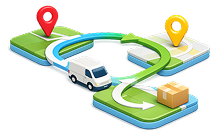
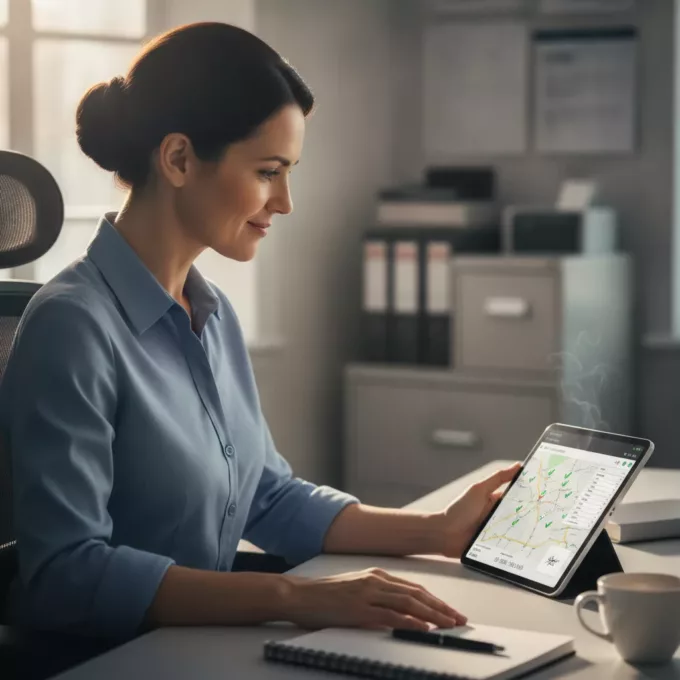
Track every route from first stop to last — whether your team is delivering packages or completing service calls.
Live ETAs, instant status updates, and complete visibility from your dashboard.
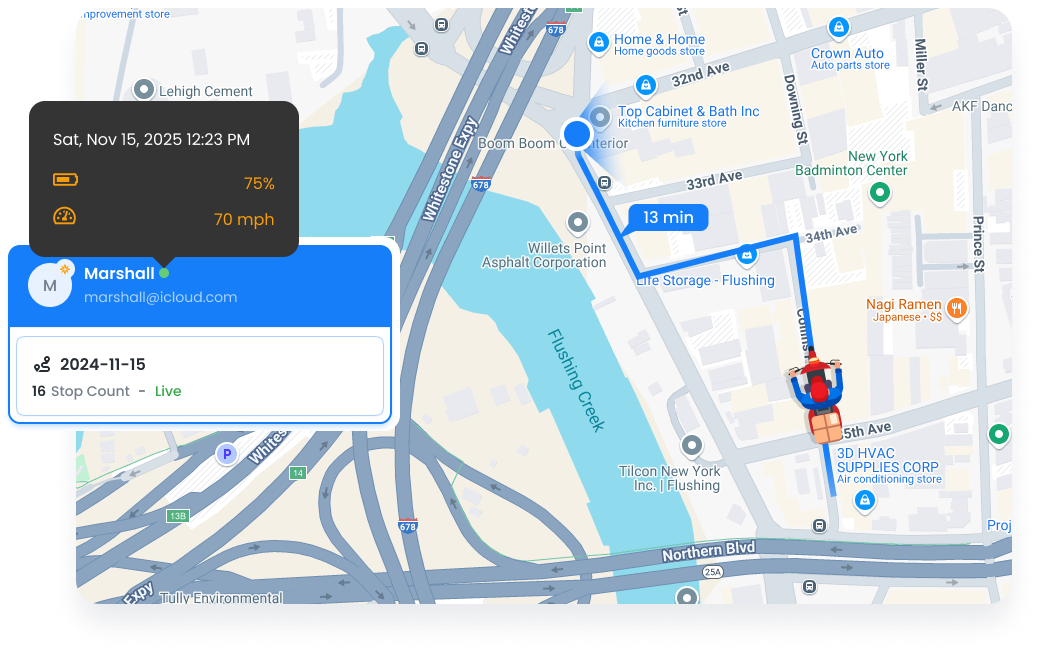
Live Tracking, Zeo Route Planner
  • 30s

    Real-time location updates 

  • 95%

    ETA accuracy rate

  • 80%

    Fewer “where are you?” calls

Complete Visibility for Every Route

From live location tracking to digital proof of service, know exactly what’s happening in the field.

  • Frame 3199, Zeo Route Planner

    Live Tracking

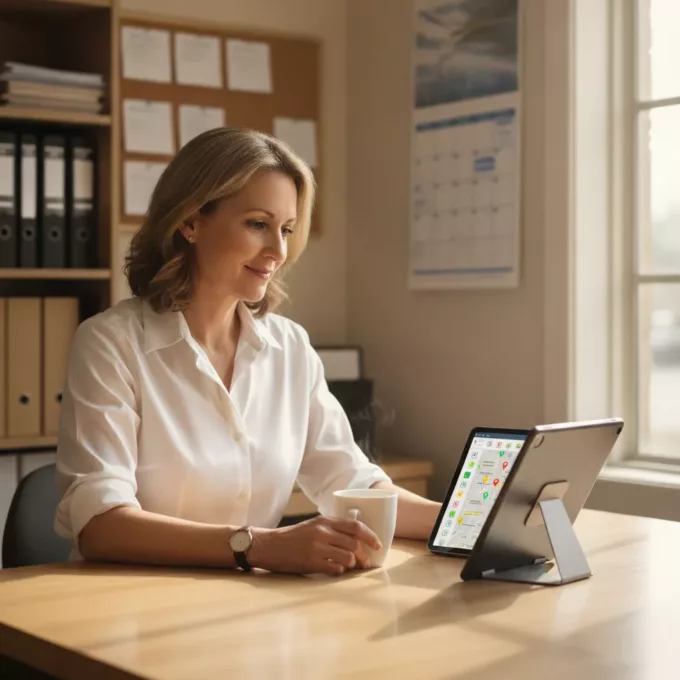
    See every team member’s location on a real-time map. Track route progress, view completed and remaining stops, and get accurate ETAs updated every 30 seconds.

    Learn More

  • UNIQUE TO ZEO
    Frame 1707478314 12, Zeo Route Planner

    Proof of Service

    Capture electronic signatures, photos, and notes at every stop. Document COD payments, scan barcodes, and record custom failure reasons when service can’t be completed.

    Learn More

  • Frame 1707478314 1 2, Zeo Route Planner

    Driver & Technician Management

    Manage your team from one dashboard. Set skills, assign vehicles, track performance, and communicate via in-app chat. Works for drivers, technicians, or any field team.
    Learn More

  • Frame 1707478314 2 1, Zeo Route Planner

    Driver & Technician App

    Your team gets an intuitive mobile app with turn-by-turn navigation, one-tap status updates, and easy proof of service capture. Works offline in low-connectivity areas.

    Learn More

  • Frame 1707478314, Zeo Route Planner

    Customer Tracking Portal

    Share live tracking links with customers so they can see their delivery or service arrival in real-time. Branded tracking pages with live map, ETA, and stops remaining.

    Learn More

Trusted by Delivery Teams
and Service Businesses.

Real results shared by teams who use us every day

Live Tracking, Zeo Route Planner

“Proof of service has saved us from several false damage claims. When a client said our technician never showed up, we had GPS data, timestamped photos, and their digital signature. Case closed.”

Live Tracking, Zeo Route Planner Sarah Thompson
Owner, Thompson HVAC Services

Live Tracking, Zeo Route Planner

“The live tracking has completely changed how we handle customer calls. Instead of ‘let me check and call you back,’ we now say ‘your driver is 3 stops away, about 15 minutes.’ Customers love the transparency.”

Live Tracking, Zeo Route Planner David Kim
Dispatch Manager, Metro Medical Supplies

Additional Capabilities

More features to give you complete visibility and control.

Stop Status Management

Track detailed status for every stop with mandatory documentation for skipped or failed visits.

Group, Zeo Route Planner
Multi-Status Options

Completed, Skipped, Failed, Partial — track exactly what happened at each stop.

Target 1, Zeo Route Planner
Mandatory Failure Reasons

Require drivers to select or enter why a stop couldn’t be completed. Build your own reason library.


G543 2, Zeo Route Planner
Re-Optimize on Skip

When a stop is skipped, automatically re-optimize the remaining route.

Group 1, Zeo Route Planner
Visit Time Tracking

Automatic tracking of arrival and departure times at each stop.

Location 3 1, Zeo Route Planner
Location Verification

GPS-verified arrival ensures your team was actually at the service location.

Vehicle Management

Manage your fleet of vehicles and ensure the right vehicle is assigned to each route.

Supply Chain 1, Zeo Route Planner
Vehicle-Driver Assignment

Link drivers to their assigned vehicles for accurate capacity planning.

Logistics 1, Zeo Route Planner
Capacity Settings

Set weight, volume, and item limits for each vehicle to prevent overloading.

Icon 1, Zeo Route Planner
Vehicle Type Routing

Route based on vehicle type — some stops may require specific vehicle capabilities.

Calculator 1, Zeo Route Planner
Cost Parameters

Set per-mile and per-hour costs for accurate route cost calculations.

In-App Communication

Keep your team connected without juggling phone calls and text messages.

Consultation 1, Zeo Route Planner
Chat Messaging

Send messages directly to drivers/technicians through the Zeo app

Group 2, Zeo Route Planner
Push Notifications

Important updates appear as notifications on your team’s devices.

Icon 2, Zeo Route Planner
Message History

All communications are logged and searchable for reference.

Visibility Without vs. With Zeo

See how real-time tracking transforms your operations.

No, Zeo Route Planner
Without Zeo

  • Constant calls asking “where are you?”
  • No idea which stops are completed
  • Paper signatures that get lost
  • Customer complaints about missed windows
  • No proof when disputes arise
  • Manual entry of service data at end of day

Yes, Zeo Route Planner
With Zeo

  • Real-time location visible on dashboard
  • Live status updates: arrived, completed, skipped
  • Digital signatures stored automatically
  • Proactive customer notifications
  • Photos and notes as irrefutable evidence
  • Data synced instantly to your dashboard

How Businesses Live Tracking

Real-time visibility helps both delivery companies and field service providers.

DELIVERY

Pharmacy Prescription Tracking

A pharmacy tracks drivers delivering prescriptions to ensure temperature-sensitive medications arrive on time. When a customer calls, staff can provide exact ETAs instantly. Proof of delivery photos protect against disputes.

FIELD SERVICE

Property Management Response

A property management company monitors technicians responding to maintenance requests across 50 buildings. Live tracking helps dispatch the nearest available technician for emergency calls, reducing response times by 45%.

DELIVERY

Catering Event Delivery

A catering company coordinates 15 simultaneous event deliveries. Proof of service photos confirm proper setup at each venue. When a client claims late delivery, timestamped GPS data provides clarity.

FIELD SERVICE

Pest Control Documentation

A pest control company uses proof of service to document treatment at each property. Before/after photos, service notes, and customer signatures create a complete service record for compliance.

Group 1707478361, Zeo Route Planner

See Your Team in Real Time

Start tracking routes and capturing proof of service today.

Group 1707478363, Zeo Route Planner

Zeo Questionnaire

Frequently
Asked
Questions

Know More

How do I add stop by typing and searching? Web

Follow these steps to add a stop by typing and searching:

  • Go to Playground Page. You will find a search box in top left.
  • Type in your desired stop and it will show search results as you type.
  • Select one of the search results to add the stop to list of unassigned stops.

How do I import stops in bulk from an excel file? Web

Follow these steps to add stops in bulk using an excel file:

  • Go to Playground Page.
  • In top right corner you will see import icon. Press on that icon & a modal will open.
  • If you already have an excel file, press the "Upload stops via flat file" button & a new window will open up.
  • If you don't have an existing file, you can download a sample file and input all your data accordingly, then upload it.
  • In the new window, upload your file and match the headers & confirm mappings.
  • Review your confirmed data and add the stop.

How do I import stops from an image? Mobile

Follow these steps to add stops in bulk by uploading an image:

  • Go to Zeo Route Planner App and open On Ride page.
  • Bottom bar has 3 icons in left. Press on image icon.
  • Select the image from gallery if you already have one or take a picture if you don't have existing.
  • Adjust the crop for the selected image & press crop.
  • Zeo will automatically detect the addresses from the image. Press on done and then save & optimize to create route.

How do I add a stop using Latitude and Longitude? Mobile

Follow these steps to add stop if you have Latitude & Longitude of the address:

  • Go to Zeo Route Planner App and open On Ride page.
  • You will see a icon. Press on that icon & press on New Route.
  • If you already have an excel file, press the "Upload stops via flat file" button & a new window will open up.
  • Below search bar, select the "by lat long" option and then enter the latitude and longitude in the search bar.
  • You will see results in the search, select one of them.
  • Select additional options according to your need & click on "Done adding stops".

How do I add stops using QR Code? Mobile

Follow these steps to add stop using QR Code:

  • Go to Zeo Route Planner App and open On Ride page.
  • You will see a icon. Press on that icon & press on New Route.
  • Bottom bar has 3 icons in left. Press on QR code icon.
  • It will open up a QR Code scanner. You can scan normal QR code as well as FedEx QR code and it will automatically detect address.
  • Add the stop to route with any additional options.

How do I delete a stop? Mobile

Follow these steps to delete a stop:

  • Go to Zeo Route Planner App and open On Ride page.
  • You will see a icon. Press on that icon & press on New Route.
  • Add some stops using any of the methods & click on save & optimize.
  • From the list of stops that you have, long press on any stop that you want to delete.
  • It will open window asking you to select the stops that you want to remove. Click on Remove button and it will delete the stop from your route.

Zeo Blogs

Explore our blog for insightful articles, expert advice, and inspiring content that keeps you informed.

2026 01 06 Home Inspection Scheduling Software Featured, Zeo Route Planner

Best Home Inspection Scheduling Software Guide 2026

Reading Time: 7 minutesComplete guide to choosing home inspection scheduling software that optimizes routes, reduces drive time 30%, and provides real-time updates to agents.

2026 01 06 Pool Service Route Scheduling Software Featured, Zeo Route Planner

Pool Service Route Scheduling Software: Complete Guide 2026

Reading Time: 8 minutesTransform your pool service operations with route scheduling software. Cut 2-3 hours of daily planning, handle seasonal demand, and optimize multi-crew routes.

2026 01 06 Multiple Delivery Runs Optimization Auto Parts Featured, Zeo Route Planner

Multiple Delivery Runs Optimization for Auto Parts Distributors

Reading Time: 9 minutesTransform chaotic multiple delivery runs into streamlined auto parts operations. Cut costs 25-30% with smart optimization strategies for urgent deliveries.