Updated on: April 30, 2026
Reading Time: 3 minutes
TL;DR: Optimizing digital/quick commerce deliveries requires AI-powered route planning, real-time tracking, and multi-stop management to meet sub-30-minute delivery expectations. Companies using advanced route optimization report reducing delivery times by up to 40% while cutting fuel costs significantly. Route optimization tools like Zeo Route Planner address this with AI-powered route optimization and real-time GPS tracking, helping quick commerce teams save 2+ hours daily.
Retailers in urban centers are increasingly focusing on speed of delivery over price, with Quick Commerce offering convenience and the potential to replace traditional delivery models shortly. It presents significant opportunities for early adopters due to customer demand and expectations.
Businesses can enhance their quick commerce deliveries by optimizing digital processes, reducing costs, and meeting delivery expectations. In this blog post, we will learn how to optimize digital/quick commerce deliveries and how route optimization software can help with fast deliveries.
What is Digital/Quick Commerce?
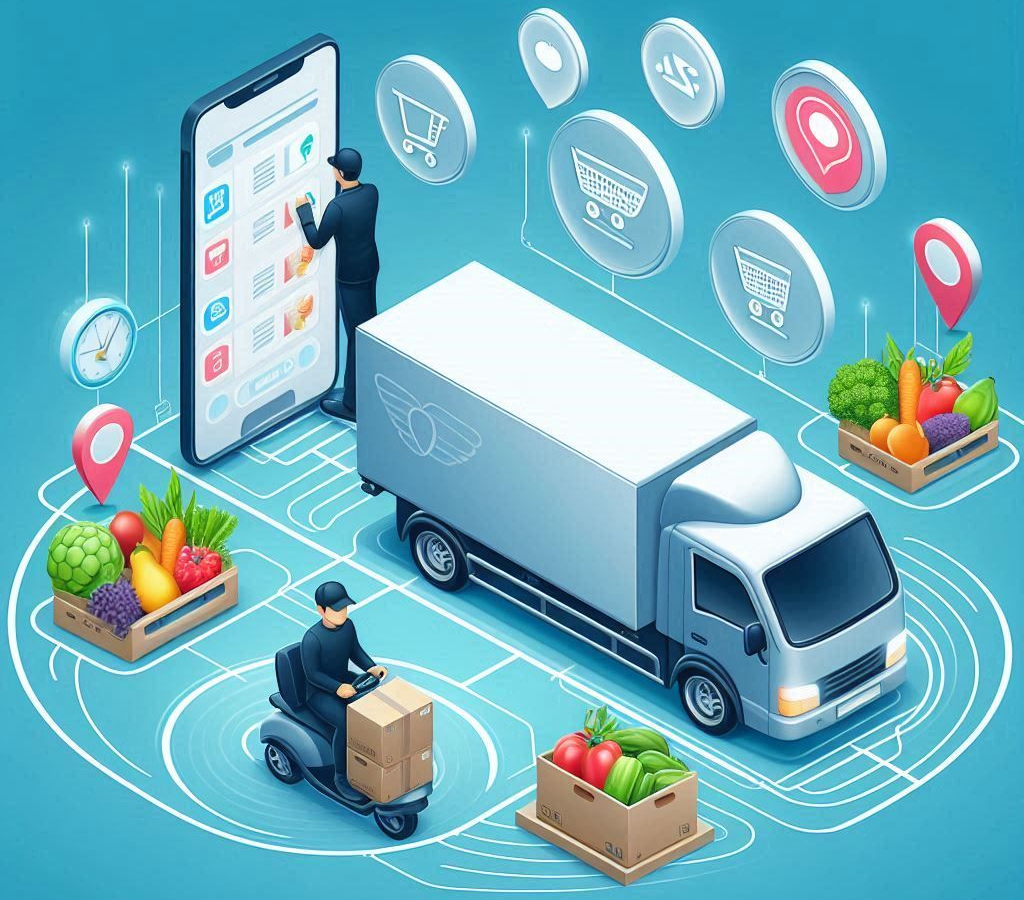
Quick commerce enhances speed and convenience by enabling retailers and FMCG brands to provide hyper-local, fast, and on-demand delivery. Advancements in delivery, warehousing, and ordering technology have revolutionized online shopping. It allows products to arrive within half an hour or as fast as 10 minutes, driven by consumer demand for speed and convenience.
Lockdowns accelerated the trend of speedy delivery, forcing consumers to order in and rely on online shopping. Q-commerce, a unique shopping method, is ideal for quick ingredient needs or fancy snacks or cold drinks. Retailers prioritize speed and convenience over price competition, making it an ideal choice for those in need of quick and convenient items.
The U.S. Census Bureau reports that e-commerce sales continue to grow year-over-year, with delivery expectations becoming increasingly demanding. Modern consumers expect transparency throughout the delivery process, from order placement to final delivery confirmation.
Key Challenges in Quick Commerce Delivery Operations
Quick commerce businesses face unique operational challenges that traditional delivery models don’t encounter. The promise of ultra-fast delivery creates pressure on every aspect of the supply chain, from inventory management to last-mile delivery execution.
Time Window Management: Meeting 10-30 minute delivery promises requires precise coordination between order processing, picking, and route execution. Any delay in one area cascades through the entire operation, potentially causing customer dissatisfaction.
Urban Navigation Complexity: Dense urban environments present challenges including traffic congestion, limited parking, restricted delivery windows in certain areas, and multi-story building access. Drivers must navigate these obstacles while maintaining speed and efficiency.
Capacity Planning: Balancing vehicle capacity with delivery speed requires careful consideration of order volume, product size, and geographic distribution. Overloading vehicles can slow delivery times, while underutilization increases operational costs.
Customer Communication: Quick commerce customers expect real-time updates about their order status and delivery progress. Maintaining transparent communication becomes critical when delivery windows are measured in minutes rather than hours.
Importance of Route Optimization Software in Digital/Quick Commerce Deliveries
Route optimization is crucial for digital and quick commerce, enabling faster delivery times and reduced fuel costs. Some benefits of using route optimization software are as follows,
- Reduced Delivery Times
Route optimization software aids companies in delivering more packages in less time, reducing delivery times and saving thousands of dollars annually. Faster delivery also boosts customer satisfaction and loyalty. - Lower Fuel Consumption and Costs
The software optimizes routes, reducing distance traveled, fuel usage, and environmental impact. Companies have saved on fuel expenses and emissions by finding the shortest routes, thereby reducing overall costs. - Enhanced Customer Satisfaction
Fast and timely deliveries boost customer satisfaction, trust, and repeat orders. Route optimization software ensures accurate delivery windows, fostering loyalty and positive reviews. Happy customers leave positive reviews and recommend the service to others. - Improved Operational Efficiency
Route optimization enhances business operations by improving planning, reducing mistakes, and minimizing missed deliveries. Efficient routes also reduce vehicle wear and tear, saving on maintenance costs, and promoting smoother and more effective business operations.
Advanced Features That Enable Quick Commerce Success
Modern route optimization platforms offer specialized capabilities designed specifically for quick commerce operations. These features go beyond basic routing to address the unique demands of ultra-fast delivery services.
Dynamic Route Adjustments: As new orders arrive throughout the day, optimization software can instantly recalculate routes to incorporate additional stops while maintaining delivery speed. This flexibility is essential for businesses promising same-hour delivery windows.
Priority Stop Management: Quick commerce often involves different service levels, from standard 30-minute delivery to premium 10-minute options. Advanced routing systems can prioritize ASAP deliveries while efficiently managing normal priority stops in the same route.
Driver Skill Integration: Some deliveries require specific driver qualifications, such as age verification for alcohol delivery or specialized equipment handling. Smart routing considers these requirements when assigning stops to drivers.
increase fuel savings
Save $200 on fuel, Monthly!
Optimize routes with our algorithm, reducing travel time and costs efficiently.
Get Started for Free
Real-Time Customer Updates: Integration with customer notification systems enables automatic SMS and email updates, plus live tracking links that allow customers to monitor their delivery progress in real-time.
Read More:Food Delivery Route Optimization: For Large Events or Catering Orders
How Zeo Route Optimization Software Helps Digital/ Quick Commerce Deliveries
Zeo Route Optimization Software enhances digital and quick commerce deliveries by improving efficiency, reducing costs, and meeting fast-paced delivery timelines.
- Efficient Route Planning
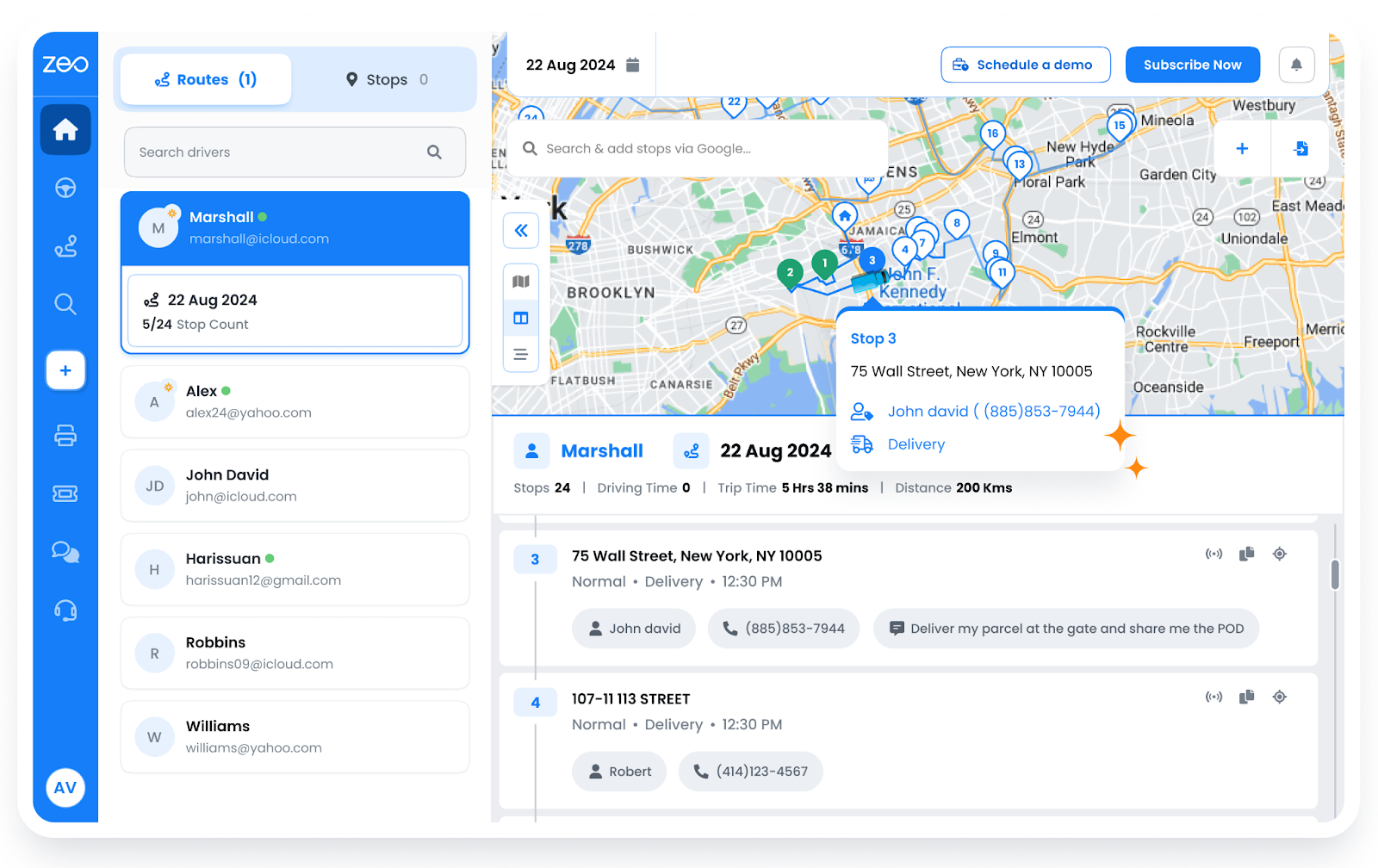
Quick commerce utilizes Zeo’s AI-powered route optimization to optimize routes based on traffic, distance, and delivery windows, resulting in faster deliveries and reduced fuel consumption, ensuring efficient and timely delivery of products.

- Multi-Stop Delivery Management
Using Zeo’s multi-stop planning Quick Commerce can efficiently schedule multiple delivery locations in a single trip. It maximizes efficiency and saves time by reducing unnecessary travel and ensuring multiple orders are delivered in fewer trips.
- Improved Fleet Efficiency
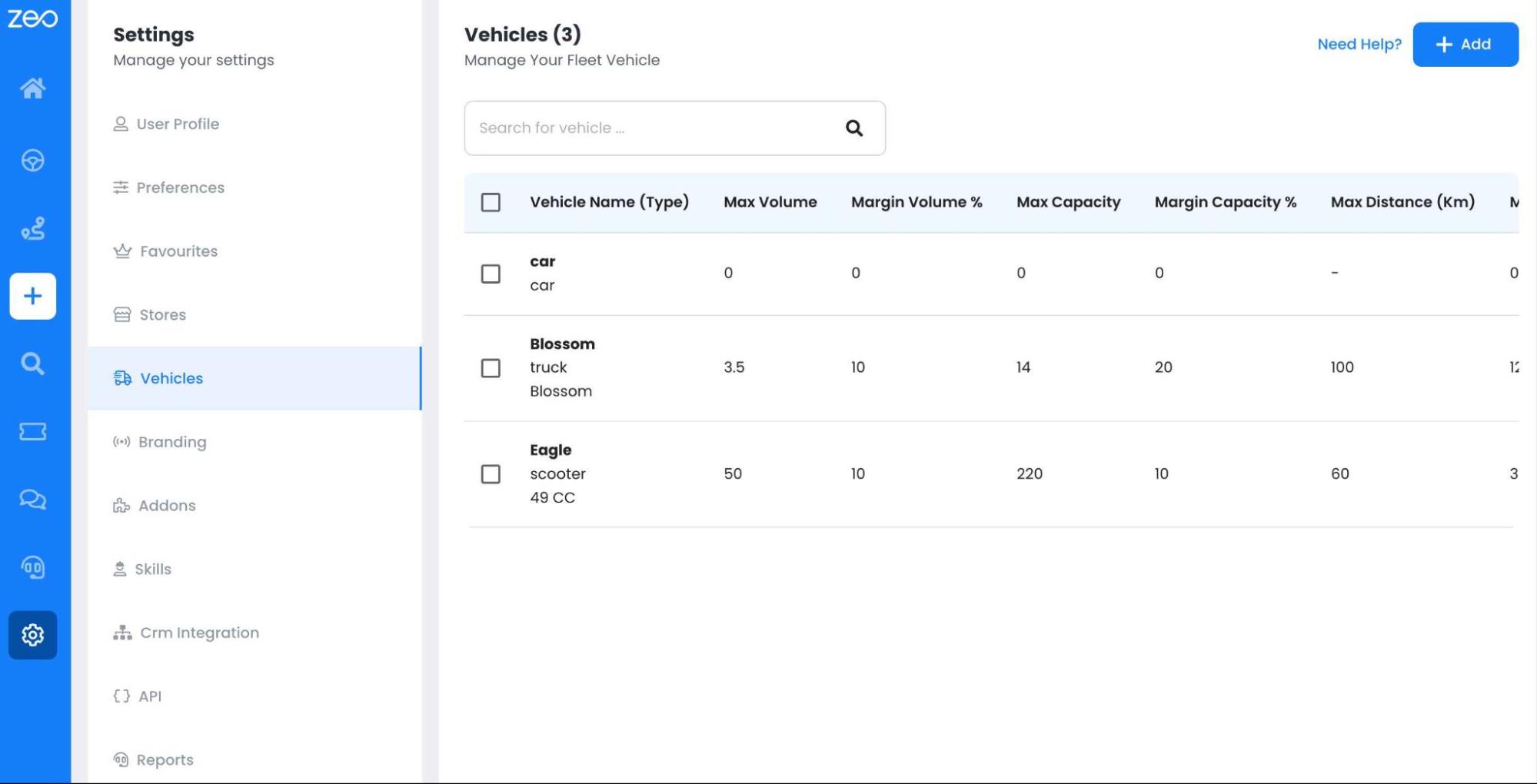
Zeo optimizes vehicle usage through capacity-based routing and driver performance analytics, ensuring efficient handling of orders. It manages driver assignments, preventing under-utilization of resources. This optimizes delivery fleets, minimizing operational costs, and enables businesses to handle high volumes during peak hours.
- Integration with eCommerce Platforms
Zeo offers seamless integration with eCommerce platforms such as Shopify and WooCommerce, ensuring a streamlined and smoother workflow for businesses. This seamless integration eliminates the need for manual order input, resulting in faster and more accurate deliveries.
Implementation Best Practices for Quick Commerce Routing
Successfully implementing route optimization in quick commerce requires attention to operational details and systematic approach to change management. Companies that achieve the best results follow proven implementation strategies.
Start with Accurate Data: Effective route optimization depends on accurate address data, realistic service times, and proper vehicle capacity information. According to Bureau of Transportation Statistics data, routing accuracy improves significantly when businesses maintain clean, standardized address databases.
Train Drivers on New Technology: Driver adoption is crucial for route optimization success. Provide comprehensive training on mobile apps, navigation integration, and proof of delivery features. Companies with thorough training programs report higher driver satisfaction and better customer service outcomes.
Monitor Performance Metrics: Track key performance indicators including average delivery time, fuel consumption per delivery, customer satisfaction scores, and driver efficiency metrics. Regular monitoring helps identify optimization opportunities and demonstrates ROI to stakeholders.
Integrate Communication Systems: Ensure route optimization software connects with existing customer communication platforms, inventory systems, and order management tools. Seamless integration reduces manual work and improves operational efficiency. For detailed guidance on setting up efficient routing workflows, check out our guide on route planner apps for growing businesses.
Conclusion
Adopting route optimization software can save time and money, enhance customer satisfaction, and keep companies ahead. Route optimization solutions provide scalable approaches for quick commerce businesses, improving customer satisfaction and efficiency. Advanced features including real-time tracking, multi-stop planning, and fleet management capabilities ensure efficient and scalable delivery operations.
If you are curious to know more about Zeo, then book a free demo with us!
Frequently Asked Questions
What delivery time should quick commerce businesses target?
Most successful quick commerce operations target 15-30 minute delivery windows for urban areas, with premium services offering 10-minute options. The optimal delivery time depends on your geographic coverage area, product mix, and local customer expectations.
How can businesses handle peak demand periods in quick commerce?
Peak demand management requires dynamic capacity planning, flexible driver scheduling, and real-time route adjustments. Many businesses use predictive analytics to anticipate demand spikes and pre-position inventory and drivers accordingly.
What proof of delivery features are essential for quick commerce?
Essential proof of delivery features include photo capture, digital signatures, and delivery notes to document successful completions. Zeo Route Planner provides comprehensive proof of delivery capabilities that help quick commerce businesses maintain delivery records and resolve customer disputes efficiently.
How do weather conditions affect quick commerce delivery optimization?
Weather significantly impacts delivery times, route safety, and customer demand patterns. Optimization software should account for real-time weather data when calculating routes and estimated delivery times, especially during adverse conditions like rain or snow.
What integration capabilities should quick commerce businesses prioritize?
Priority integrations include e-commerce platforms, payment systems, inventory management, and customer communication tools. Businesses using integrated solutions report 40% faster order processing and improved accuracy across their operations.
Are you a fleet owner?
Want to manage your drivers and deliveries easily?
Grow your business effortlessly with Zeo Routes Planner – optimize routes and manage multiple drivers with ease.
increase fuel savings
Save 2 Hours on Deliveries, Everyday!
Optimize routes with our algorithm, reducing travel time and costs efficiently.
Get Started for Free