
Updated on: March 21, 2026
TL;DR: AI content tools help home service businesses like plumbers, electricians, and HVAC technicians create professional marketing visuals without a design team, making local marketing faster and more affordable. Businesses that pair strong online visibility with efficient service delivery convert more leads into completed jobs. Route optimization tools like Zeo Route Planner address the delivery side with AI-powered route optimization and auto-assignment of stops to technicians, helping home service teams save 2+ hours daily.
Home service businesses such as plumbers, electricians, HVAC technicians, pest control professionals, and landscapers rely heavily on local visibility and trust. Customers usually search online when they need help urgently, and the businesses that appear with clear visuals, good content, and active social media often win the job.
Today, artificial intelligence tools make it easier than ever to create professional marketing content without hiring photographers, designers, or video editors.
One such tool is Zyka AI, which allows businesses to generate images, videos, and marketing content with simple prompts. The platform can create cinematic visuals, AI-generated ads, and short videos designed for marketing campaigns.
In this guide, we’ll show how home service providers can use AI-generated media to promote their services effectively.
Why Marketing Matters for Home Service Businesses
Many service providers rely on word-of-mouth or local directories. While these still work, modern customers often look at:
- Google search results
- Google Maps listings
- Social media pages
- Short video platforms like Instagram Reels or TikTok
If your business doesn’t have engaging photos or videos, potential customers may skip your listing. According to the U.S. Bureau of Labor Statistics, employment in construction and home-trade occupations like electricians and plumbers is projected to grow steadily through the decade, which means more local competition for the same searches.
This is where AI content generation becomes powerful.
Instead of spending hours designing posts or recording videos, you can generate marketing content instantly.
What is Zyka AI?
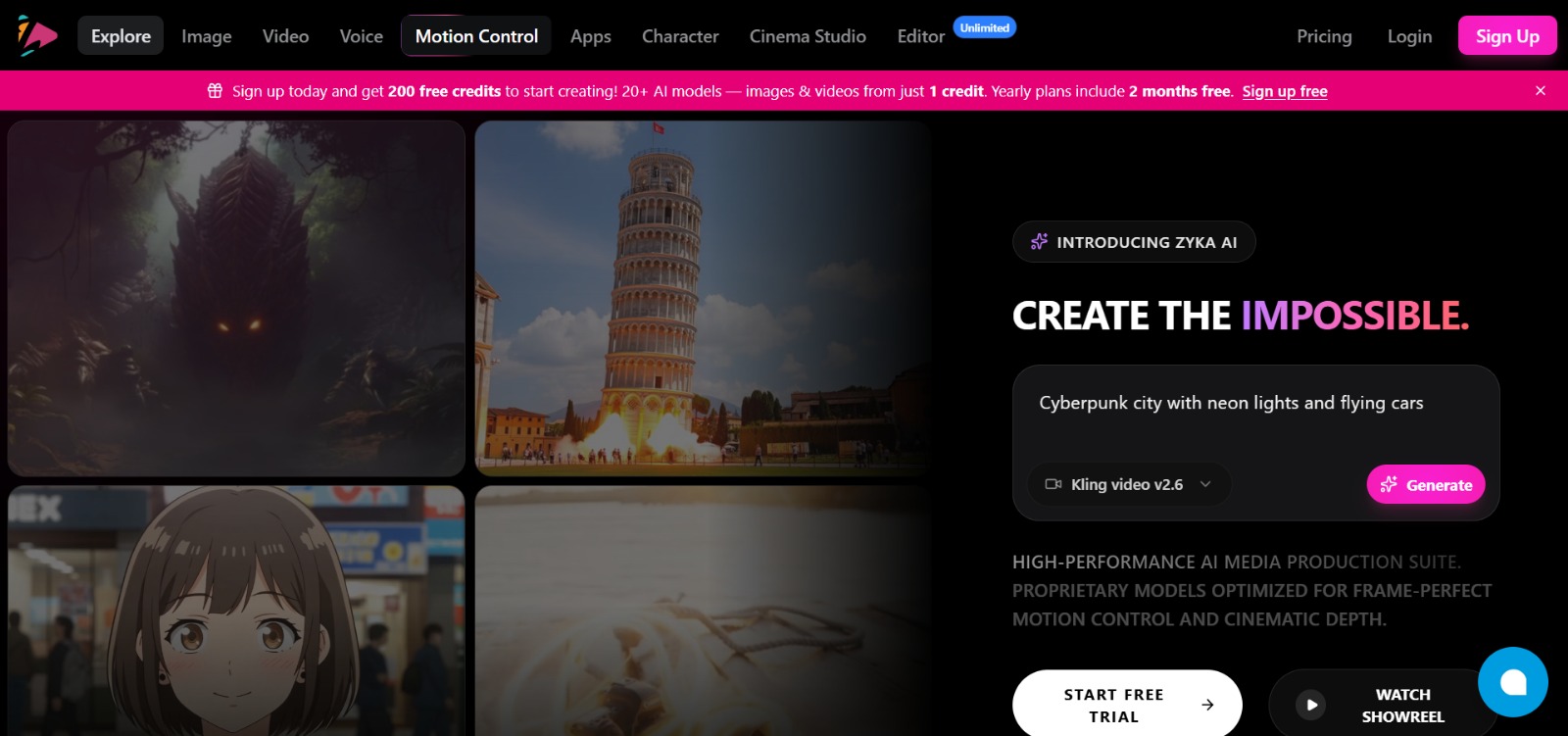
Zyka AI is an AI platform that helps businesses create:
- AI-generated marketing videos
- Professional product or service images
- Short social media clips
- UGC-style advertisements
- Visual effects and edited content
The platform allows users to generate visuals from simple prompts and create cinematic scenes or promotional content quickly.
For home service businesses, this means you can create professional marketing material without needing a camera crew or design team.
Simple Ways to Promote Your Business Using AI
1. Create Promotional Service Photos
Many home service businesses struggle with visuals. A plumber or electrician might only have a few photos of their work.
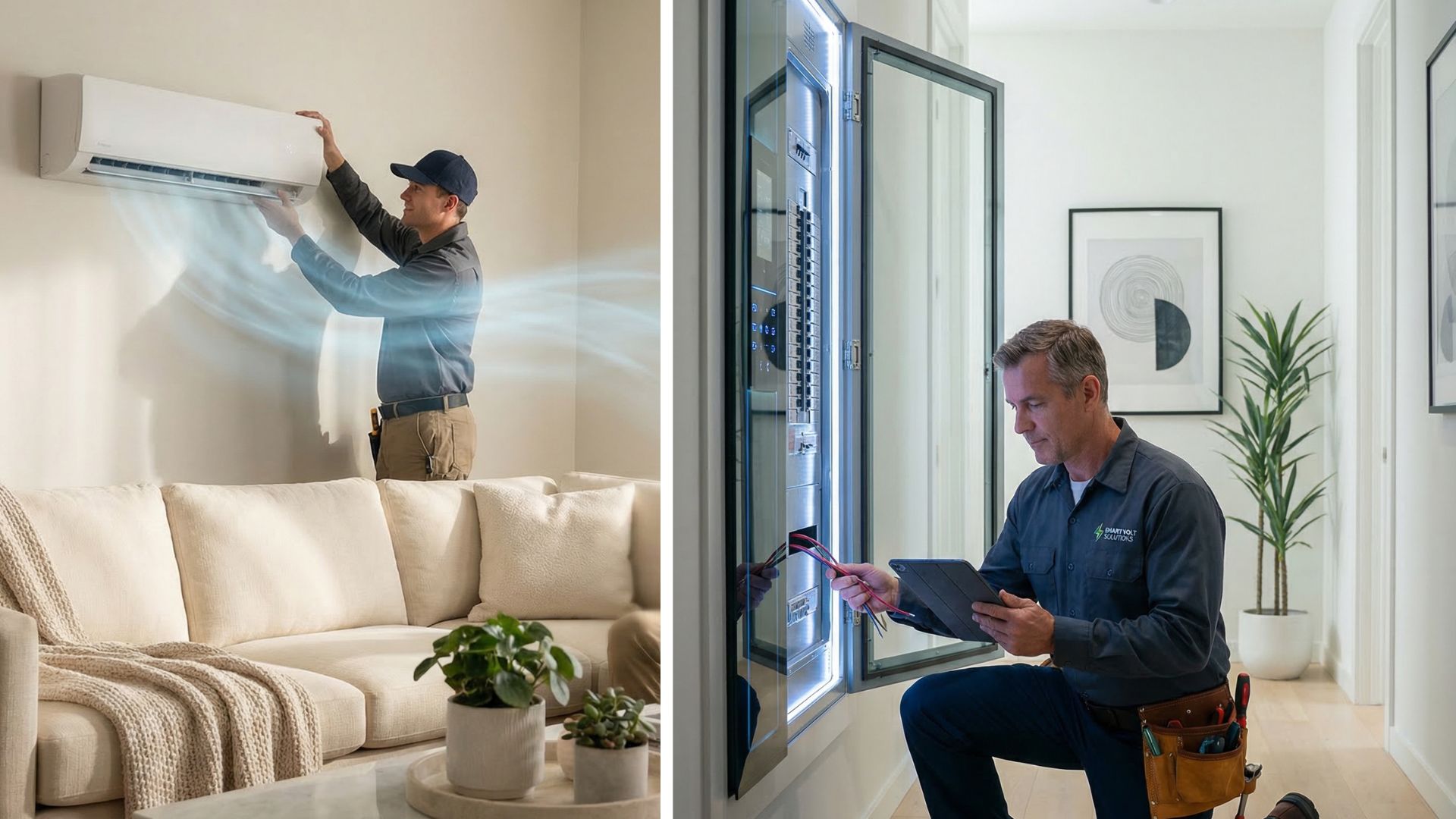
With AI tools, you can generate realistic promotional images such as:
- A modern bathroom plumbing installation
- An electrician fixing a smart home panel
- An HVAC technician installing an AC unit
- A pest control technician inspecting a home
These visuals can be used on:
- Your website
- Google Business Profile
- Facebook and Instagram
- Local service ads
AI visuals help your business appear more professional and trustworthy.
2. Generate Short Marketing Videos
Short videos are currently one of the most powerful marketing formats.
With AI video tools, you can create content such as:
Example video ideas
- “How to prevent plumbing leaks in winter”
- “Signs your electrical wiring needs repair”
- “5 AC maintenance tips before summer”
- “Before vs after pest control service”
These videos can be posted on:
- Instagram Reels
- YouTube Shorts
- TikTok
Short videos help increase reach and attract potential customers.
3. Create Social Media Ads Quickly
Paid ads can bring a steady flow of local customers.
Using AI, you can generate ad creatives like:
- Service promotion banners
- Short ad videos
- Seasonal service offers
Example ad ideas:
- Plumbing business
- “24/7 emergency plumbing service”
- “Fix leaking pipes today”
- Electrician
- “Upgrade your home wiring safely”
- HVAC service
- “AC installation before summer rush”
AI visuals help your business appear more professional and trustworthy.
4. Generate Content for Your Website or Blog
Content marketing is a powerful way to attract customers through Google search.
AI tools can help you create blog topics like:

increase fuel savings
Hassle Free Deliveries & Pickups!
Optimize routes with our algorithm, reducing travel time and costs efficiently.
Get Started for Free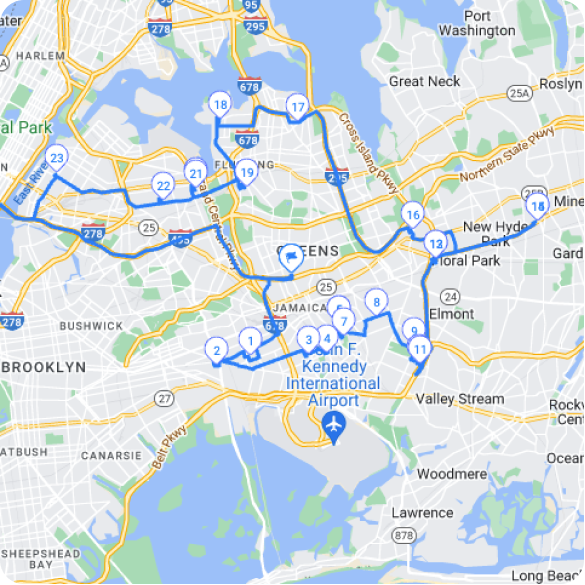
- How to unclog a sink at home
- When to replace your electrical panel
- Signs your AC needs servicing
- Pest control tips for summer
Publishing helpful articles improves your search visibility and credibility. The U.S. Small Business Administration notes that a consistent online presence, including a regularly updated website and active social profiles, is one of the most cost-effective ways small businesses can compete with larger, better-funded competitors.
Combining AI Marketing with Route Optimization
For home service providers, marketing is only half the job. Efficient service delivery is equally important.
This is where Zeo Route Planner becomes valuable.
Zeo helps businesses:
- Plan optimized service routes
- Assign stops to technicians
- Track drivers in real time
- Provide estimated arrival times to customers
Route optimization can reduce travel time, improve efficiency, and help service businesses handle more jobs per day. Zeo’s capacity-based routing and time window constraints also make it easier to schedule technicians around customer availability rather than guessing at drive times manually.
By combining AI marketing + smart routing, service providers can grow faster. If you’re scaling from a one-person operation to a small team, our guide on planning smarter routes walks through how to structure daily schedules as job volume increases.
Why Efficient Service Delivery Matters as Leads Grow
More marketing visibility naturally leads to more inbound calls and booking requests. But a surge in leads can backfire if your scheduling process can’t keep up. Technicians double-booked across town, missed time windows, and customers left guessing about arrival times all damage the trust your marketing worked hard to build.
This is why pairing AI-generated marketing with a structured dispatch and routing process matters. Zeo’s auto-assignment of stops to drivers and skill-based driver assignment help ensure the right technician gets routed to the right job, while live ETA updates and customer notifications keep homeowners informed without extra phone calls from your office.
For businesses managing recurring maintenance contracts, such as quarterly pest control visits or seasonal HVAC checkups, scheduled and recurring routes remove the need to manually rebuild the same route every week. Teams juggling similar scheduling challenges in other industries have found comparable gains, as detailed in these route optimization case studies for small fleets.
Workflow for a Home Service Business
Step 1: Generate Marketing Content
Use Zyka AI to create:
- Promotional images
- Short service videos
- Social media posts
Step 2: Publish Content Online
- Google Business Profile
- Local directories
Step 3: Receive Service Requests
Customers discover your business through content and ads.
Step 4: Plan Service Routes
Use Zeo Route Planner to assign jobs and optimize technician routes. Bulk address import from Excel, CSV, or Google Sheets makes it simple to load a full day’s job list in one step rather than entering each address manually.
Step 5: Deliver Services Efficiently
Drivers follow optimized routes and complete jobs faster, while proof of service features like photo capture and digital signature collection give both the business and the customer a clear record of completed work.
Why Use AI for Marketing
- Save time on content creation
- Reduce marketing costs
- Create professional visuals instantly
- Stay active on social media
- Increase online visibility
This allows small businesses to compete with larger companies without a big marketing budget.
AI tools are transforming how small businesses market themselves. The same logic applies on the operations side: equipment-heavy trades like HVAC and landscaping can learn from how larger fleets manage scheduling and dispatch in our equipment delivery management guide.
FAQs
Can plumbers and electricians really use AI-generated content for marketing?
Yes. AI tools can help plumbers, electricians, HVAC technicians, pest control providers, and other home service businesses create professional marketing visuals quickly.
Do I need technical skills to create AI marketing content?
No. Most AI tools are designed for beginners.
Where can home service businesses use AI-generated images and videos?
- Google Business Profile
- Instagram and Facebook
- YouTube Shorts
- Business websites
- Online advertisements
How can route planning help service businesses after they get more leads?
Route planning tools like Zeo Route Planner optimize technician routes, auto-assign stops to the right driver, and send customers live ETA updates, which helps businesses handle more service calls per day without adding staff.
Is AI marketing affordable for small businesses?
Yes. AI tools are often much cheaper than hiring agencies.
What’s the difference between marketing tools and route optimization tools for home service businesses?
Marketing tools like Zyka AI help generate the visuals and content that bring in new leads, while route optimization tools like Zeo Route Planner handle the operational side, scheduling technicians, tracking drivers in real time, and collecting proof of service once the job is booked.
Wrapping Up
For home service providers like plumbers, electricians, and HVAC technicians, AI can make it easier to create professional marketing content quickly.
By using tools like Zyka AI and Zeo Route Planner, businesses can attract more customers and handle more service requests efficiently.
More visibility, more bookings, and better service delivery.
Are you a fleet owner?
Want to manage your drivers and deliveries easily?
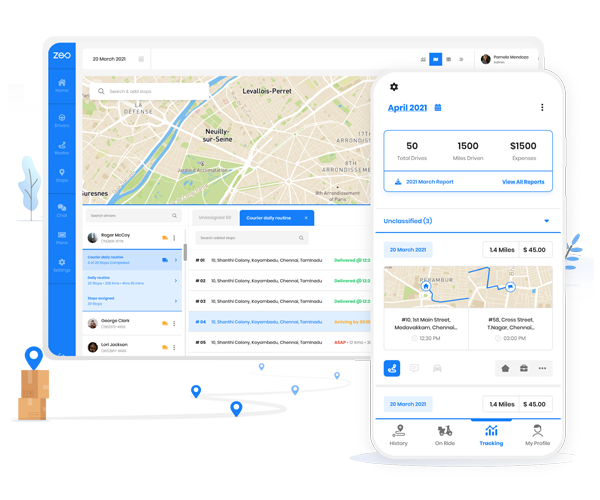
Grow your business effortlessly with Zeo Routes Planner – optimize routes and manage multiple drivers with ease.
increase fuel savings
Hassle Free Deliveries & Pickups!
Optimize routes with our algorithm, reducing travel time and costs efficiently.
Get Started for Free