Route Analytics | Zeo Route Planner ...
Fleet Platform
Mobile App

Data-Driven Route Performance

Track every metric that matters. From individual driver efficiency to fleet-wide trends,
get the insights you need to optimize operations and reduce costs.


Zeo Route Planner
  • 4

    Report types

  • 50+

    Tracked metrics

  • Real-Time

    Live dashboards

  • ∞

    Historical data access

4 Report Types for
Complete Visibility

Every angle on your route performance, from daily summaries to stop analysis

Real-Time Analytics Dashboard

Live visibility into today’s operations and historical trends.

Live Performance Metrics

Watch completion rates, on-time performance, and progress update in real-time throughout the day

Trend Visualization

Charts and graphs that reveal patterns over days, weeks, and months at a glance

KPI Tracking

Set performance targets and track progress toward goals with visual indicators

Alert Configuration

Get notified when metrics fall below thresholds or when anomalies are detected
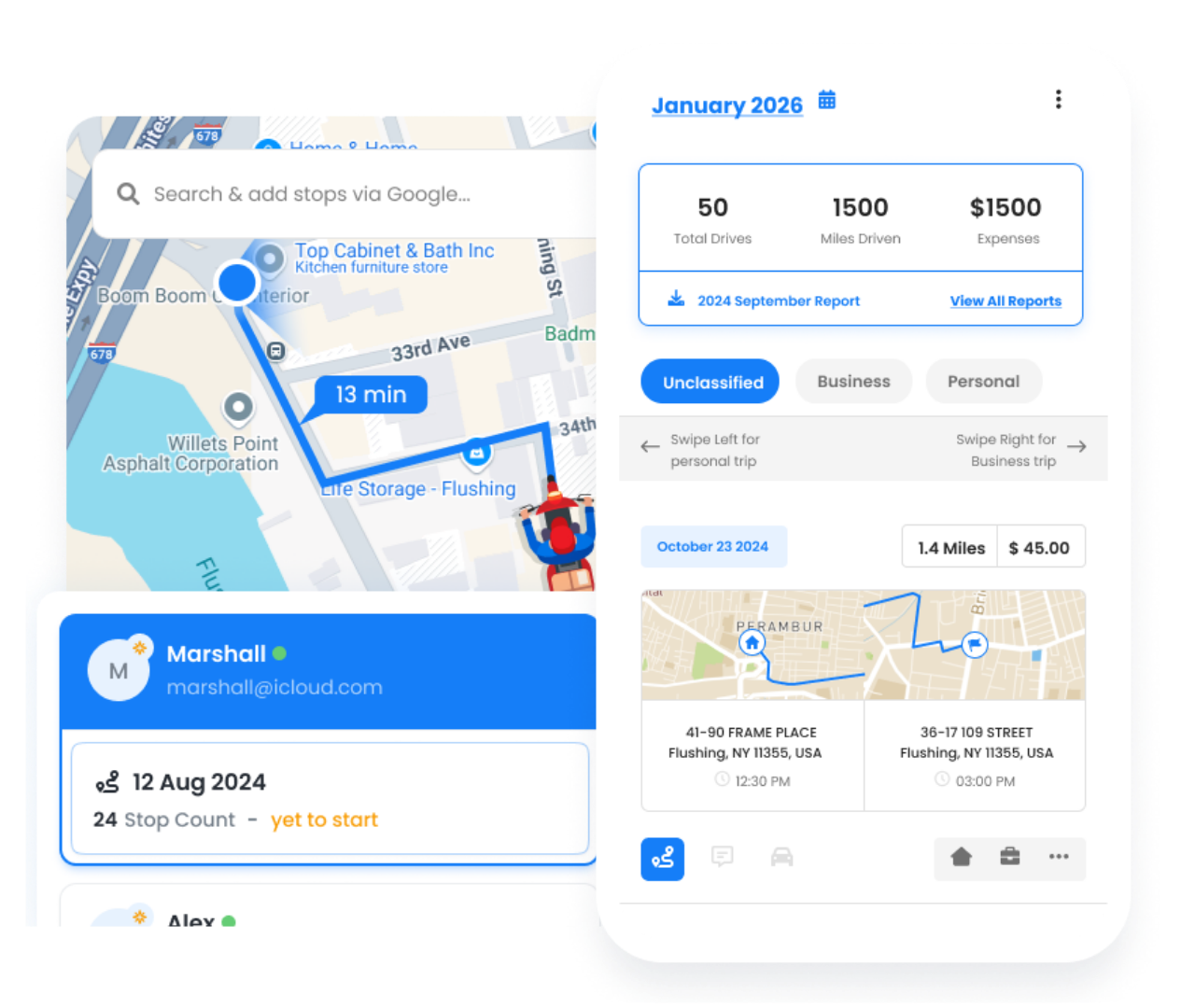
Guessing vs. Data-Driven Decisions

The difference analytics makes in operations management

No, Zeo Route Planner
Operating Blind


  • No idea which drivers are most productive
  • Can’t explain why some routes take longer
  • Failure patterns go unnoticed
  • Gut feeling drives decisions
  • Can’t prove ROI or improvements

Yes, Zeo Route Planner
Data-Driven


  • Identify top performers and learn from them
  • Pinpoint delays and their root causes
  • Spot failure patterns before they grow
  • Every decision backed by data
  • Quantify improvements and savings

How Businesses Use Analytics

Turn data into actionable improvements

DELIVERY

Courier Company Optimization

A courier company discovered through analytics that afternoon routes had 40% more failures. Digging deeper, they found customers weren’t home. They shifted sensitive deliveries to morning slots, improving success rates from 78% to 94%.

FIELD SERVICE

HVAC Service Efficiency

An HVAC company used driver performance reports to identify that one technician completed 30% more calls per day. Analyzing his approach, they discovered time-saving techniques and trained the entire team, boosting fleet-wide productivity.

Stop Guessing, Start Knowing

Get the analytics you need to optimize routes and improve performance


Zeo Questionnaire

Frequently
Asked
Questions

Know More

Route Analytics

How far back can I access historical data?

Route data is retained indefinitely. You can access and analyze routes from any time period, compare year-over-year performance, and identify long-term trends without data expiration.

Can I export analytics data?

Yes, all analytics can be exported to CSV or Excel format. You can also schedule automated reports to be emailed daily, weekly, or monthly to stakeholders.

Do drivers see their own performance metrics?

You can configure whether drivers see their performance data. Options include showing personal stats only, team rankings, or hiding performance data entirely. Many companies find transparency improves performance

Can I create custom reports?

On Route Management and Fleet Management plans, you can build custom reports combining different metrics, filters, and date ranges. Save custom reports for quick access and schedule them for automatic delivery.

What does Route Analytics show?

Zeo’s Route Analytics shows detailed performance data like completed stops, delays, distances, and time patterns, proof of services, lattitudes and longitudes and much more for each route.

Can route performance data be exported for reporting?

Yes. Zeo allows teams to export route and performance data for further analysis, audits, or sharing with stakeholders.

Does Route Analytics help identify inefficiencies?

Absolutely. Analytics highlight delays, long stops, and distance spikes that help pinpoint operational gaps.

Can I find reports for all historical routes or past deliveries?

Yes. You can access all the historical routes, with / without completed stops, and past activity without navigating multiple reports or screens.

Are analytics exportable for reporting?

Yes. You can export analytics data for use in presentations, reporting, or deeper analysis.

Can I create reports based on my specific operational questions?

Yes. Zeo lets you configure reports around various parameters based on individual needs that can help in assessing delays, completion rates, agent performance, distances, or any other combinations of data.

Zeo Blogs

Explore our blog for insightful articles, expert advice, and inspiring content that keeps you informed.

Delivery Optimization Success Stories: Real Fleet Results

Real delivery optimization success stories with verified KPIs by fleet size and industry, plus an ROI calculator to estimate your own savings.

Route Optimization Case Studies: Real SMB Results (2026)

Real route optimization case studies from small delivery and field service businesses—actual costs, timelines, and ROI. See what

How to Plan Propane Delivery Routes During Peak Season

Learn how to plan propane delivery routes during peak season with a week-by-week playbook, KPI checklist, and route optimization tips for winter demand.

Xlork is a developer-first data import platform. It lets you embed CSV, Excel, and Google Sheets import into any app with AI-powered column mapping and schema validation. Explore free developer tools like JSON-to-CSV converters and color palette generators. No more building import flows from scratch — just drop in the Xlork SDK, sign up free, and ship clean data in minutes.