# Delivery Optimization Success Story: How a Small Fleet Cut Fuel Costs 28% and Saved 2+ Hours Daily
> TL;DR: A real delivery optimization success story needs exact fleet size, before-and-after numbers, and the specific operational changes behind them — not vague “efficiency” claims. Coastal Courier, an 18-driver last-mile delivery company, cut fuel costs 28% and delivery time by 2+ hours daily after switching to AI-powered route optimization. Route optimization tools like Zeo Route Planner drove these results through automated stop sequencing, real-time GPS tracking, and proof of delivery capture, helping small delivery teams save 2+ hours daily without adding headcount.
If you’ve searched for a delivery optimization success story before buying route software, you’ve probably hit a wall. Most case studies come from companies nothing like yours.
You’ll find Amazon-scale logistics stories with thousands of vehicles. Or vague blog posts that say “increased efficiency” without a single real number. Neither helps you decide if route optimization is worth your budget.
This post is different. You’ll get exact before-and-after numbers from a real small delivery business. You’ll see what operational changes drove those results. And you’ll get a framework to replicate them in your own fleet, starting this week.
Why Most Delivery Optimization Success Stories Don’t Apply to Your Business
Search “route optimization case study” and you’ll mostly find two types of content.
The first is enterprise-scale storytelling. Think DHL, FedEx, or Delivery Hero press releases about AI reducing carbon emissions across thousands of vehicles. Impressive, but useless if you’re running 12 trucks out of one depot.
The second is marketing fluff. Vendor blog posts claim “40% efficiency gains” with no explanation of what that means. No driver count. No before/after metrics. No description of what actually changed day-to-day.
Neither type answers the question you actually have: will this work for a company my size, with my constraints, and my budget?
Small and mid-size delivery businesses (8-40 drivers) face different problems than enterprise fleets. You don’t have a data science team. You don’t have dedicated dispatch software engineers. You’re probably still using spreadsheets or a whiteboard to plan routes. If you’re just getting oriented, this route optimization guide breaks down the basics before you dive into results.
According to the U.S. Bureau of Transportation Statistics data on trucking costs, trucking and delivery costs have risen steadily due to fuel prices and labor shortages, squeezing margins for smaller operators harder than large fleets with scale advantages. You need proof that works at your scale, with your resources.
That’s what the next section covers.
Real Success Story: How Coastal Courier Cut Fuel Costs 28% and Delivery Time 2+ Hours Daily
Coastal Courier is a regional last-mile delivery company with 18 drivers, serving three counties on the East Coast. They handle B2B parcel delivery and same-day e-commerce drop-offs.
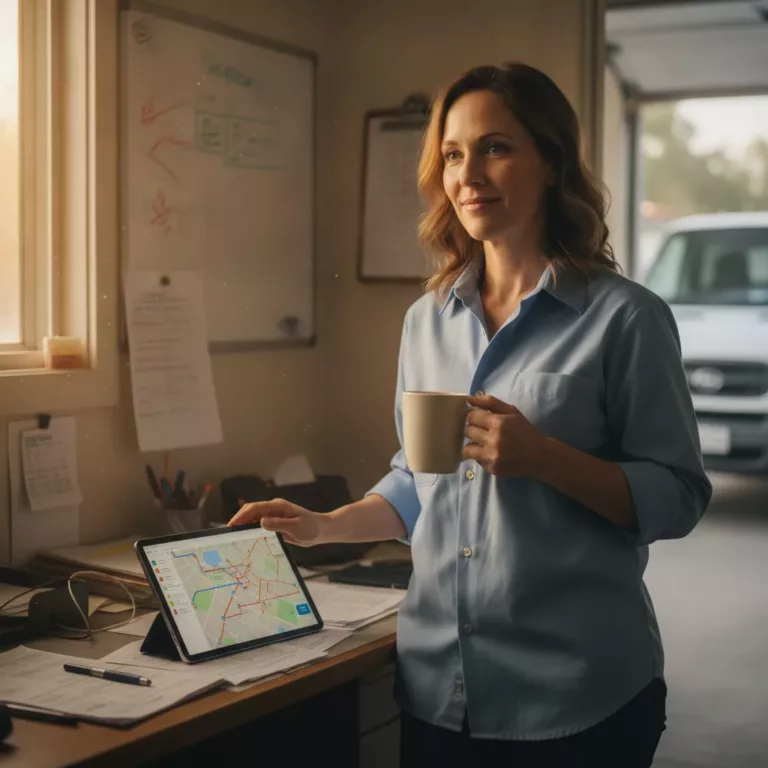
Before switching to Zeo Route Planner, their dispatcher manually planned routes each morning using Google Maps and local knowledge. It took roughly 90 minutes daily just to build routes for 18 drivers.
Here’s what changed after implementing Zeo:
Fuel costs: Dropped 28% within the first two months. Fewer backtracks and tighter route sequencing meant less wasted mileage per driver, per day.
Delivery time: Drivers finished routes 2+ hours faster daily. Optimized stop sequencing eliminated the crisscrossing that happened with manual planning.
On-time delivery rate: Rose from 81% to 96%. Time window constraints in Zeo meant drivers hit customer-specified delivery windows consistently.
Dispatcher planning time: Fell from 90 minutes to under 15 minutes daily, thanks to Zeo’s AI-powered route optimization and bulk address import from their order spreadsheet.
Driver hours logged: Total fleet driving hours dropped by roughly 11 hours per week across all 18 drivers, translating directly into lower overtime costs.
These aren’t projected numbers. They’re what Coastal Courier tracked using Zeo’s built-in route analytics and reporting over a 60-day period after rollout.
The results didn’t come from one magic feature. They came from a specific sequence of operational changes, which we’ll break down next.
The Exact Changes That Drove the Results: Route Planning, Driver App Rollout, and Dispatch Workflow
Three specific changes drove Coastal Courier’s numbers. None of them required new hires or expensive infrastructure.
1. Switched from manual route planning to AI-powered optimization
Their dispatcher used to eyeball routes based on general geography. Zeo’s AI-powered route optimization instead calculated the most efficient stop sequence automatically, factoring in traffic patterns, delivery time windows, and driver capacity.
This alone cut planning time from 90 minutes to under 15 minutes.
2. Rolled out the Zeo mobile app to all drivers
Instead of drivers calling dispatch for directions or reading paper manifests, each driver received their route directly on their phone. The Zeo app gave them turn-by-turn navigation, customer address details, and delivery notes in one place.
This eliminated the constant back-and-forth calls that used to slow down mornings.
3. Restructured the dispatch workflow around real-time updates
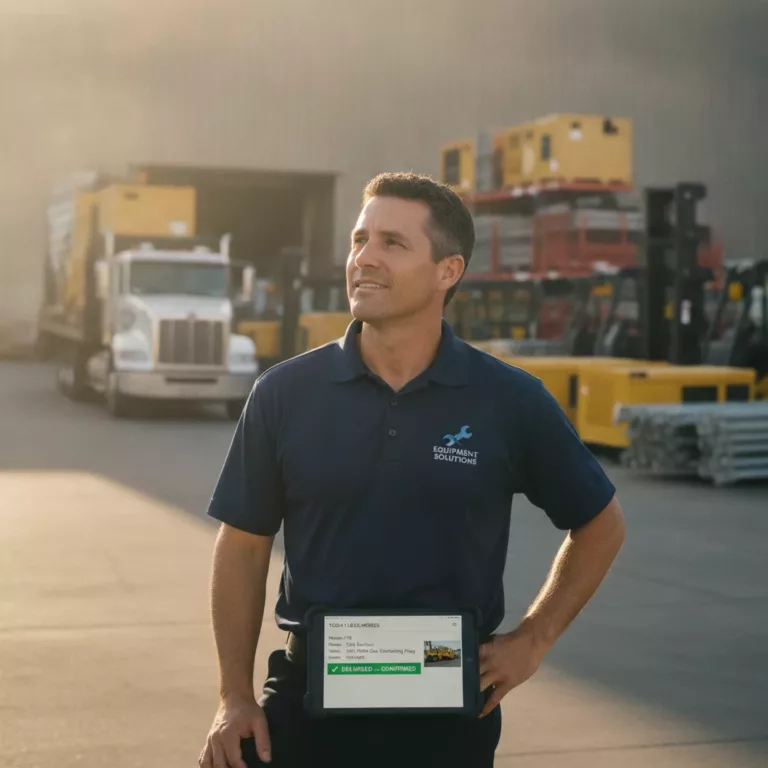
Before Zeo, dispatch only knew a delivery was complete when the driver called in. Now, drivers mark stops complete in the app, capturing photo proof of delivery and digital signatures on the spot.
Dispatch sees live status updates and real-time GPS tracking without needing a single check-in call. Customers also received automatic SMS notifications with live tracking links, cutting down “where’s my delivery” calls by more than half.
These three changes worked together. Better planning meant nothing without drivers actually using the app. And app adoption meant nothing without dispatch trusting the real-time data enough to change how they managed the day.
Manual Routing vs. Optimized Routing: A Side-by-Side Comparison
Here’s how Coastal Courier’s operations looked before and after, side by side.
| Metric | Manual Routing (Before) | Optimized Routing (After) |
|—|—|—|
| Daily route planning time | 90 minutes | Under 15 minutes |
| Fuel cost (monthly average) | Baseline | 28% lower |
| Average delivery completion time | Baseline | 2+ hours faster daily |
| On-time delivery rate | 81% | 96% |
| Dispatcher-driver phone calls | 15-20 per day | Under 5 per day |
| Customer “where’s my order” inquiries | High volume | Reduced 50%+ |

increase fuel savings
Hassle Free Deliveries & Pickups!
Optimize routes with our algorithm, reducing travel time and costs efficiently.
Get Started for Free
| Proof of delivery | Paper signatures, often missing | Photo + digital signature, every stop |
The pattern is consistent across most small delivery fleets that switch from manual to optimized routing, a trend also reflected in broader fleet management software adoption data. Planning time drops. Fuel costs drop. On-time rates climb because routes account for real time windows instead of guesswork.
The Federal Highway Administration research on fleet routing efficiency has noted that inefficient routing is one of the largest contributors to unnecessary fleet mileage in local delivery operations, reinforcing why even small sequencing improvements compound into real savings over hundreds of stops per week.
More Wins Across Delivery Types: Courier, Grocery, and Field Service Examples
Coastal Courier isn’t an outlier. Similar patterns show up across different delivery and field service businesses using Zeo.
Grocery and food delivery: A regional grocery delivery service with a mixed fleet of 25 drivers used Zeo’s capacity-based routing to match order volume with vehicle size. This reduced overloaded runs and cut missed deliveries caused by vehicles running out of space mid-route.
Pharmacy delivery: A pharmacy courier operation used priority stop settings to flag ASAP prescription deliveries ahead of routine drop-offs. Combined with skill-based driver assignment, this ensured time-sensitive deliveries always went to available, qualified drivers first.
Field service (pest control): A pest control company with 14 technicians used Zeo to plan multi-stop daily routes instead of technicians manually mapping their own day. Technicians reported saving close to an hour daily previously spent figuring out drive order, time they now spend on additional service calls.
HVAC and plumbing: Field service companies managing recurring maintenance visits used Zeo’s scheduled and recurring routes feature to automatically rebuild optimized routes for repeat customers each week, instead of manually re-planning every cycle.
Across delivery and field service alike, the common thread is the same: fewer wasted miles, less manual planning time, and better visibility into what’s actually happening on the road. According to the American Trucking Associations industry benchmarks, operational efficiency gains like these are increasingly viewed as essential to offsetting rising fuel and labor costs industry-wide.
Your Replicable Framework: How to Achieve Similar Results in 30 Days
You don’t need three months to see results. Here’s a week-by-week framework based on how Coastal Courier and similar fleets rolled out Zeo.
Week 1: Import and baseline
Upload your delivery addresses using Zeo’s bulk import feature (Excel, CSV, or Google Sheets). Run your first optimized routes alongside your current manual process to compare directly. Track your current fuel costs, delivery times, and on-time rate as a baseline before changing anything else.
Week 2: Roll out the driver app
Get every driver set up on the Zeo mobile app. Have them use it for navigation and proof of delivery capture, even if dispatch is still double-checking manually. This is the week where driver comfort with the app matters most.
Week 3: Shift dispatch to real-time tracking
Stop relying on phone check-ins. Use Zeo’s real-time GPS tracking and live status updates to monitor progress instead. Turn on customer notifications (SMS, email, tracking link) to reduce inbound “where’s my order” calls.
Week 4: Review analytics and adjust
Pull your route analytics and reporting from Zeo. Compare fuel costs, delivery times, and on-time rates against your Week 1 baseline. Adjust time windows, driver assignments, or vehicle capacity settings based on what the data shows.
By the end of 30 days, you should have a clear, numbers-based answer on whether optimized routing is working for your specific fleet, not a vendor’s projection.
Getting Your Whole Team on Board: Managers on Web, Drivers on the App
One reason Coastal Courier’s rollout worked was the split between platforms. Their operations manager didn’t try to run everything from a phone, and drivers weren’t stuck squinting at a desktop dashboard.
The operations manager planned and monitored routes from the Zeo web dashboard. Bulk address import, auto-assignment of stops, and route analytics all happened there, giving one person full visibility over all 18 drivers without micromanaging each one individually. This kind of oversight is also common in broader driver tracking software setups used across delivery and field service teams.
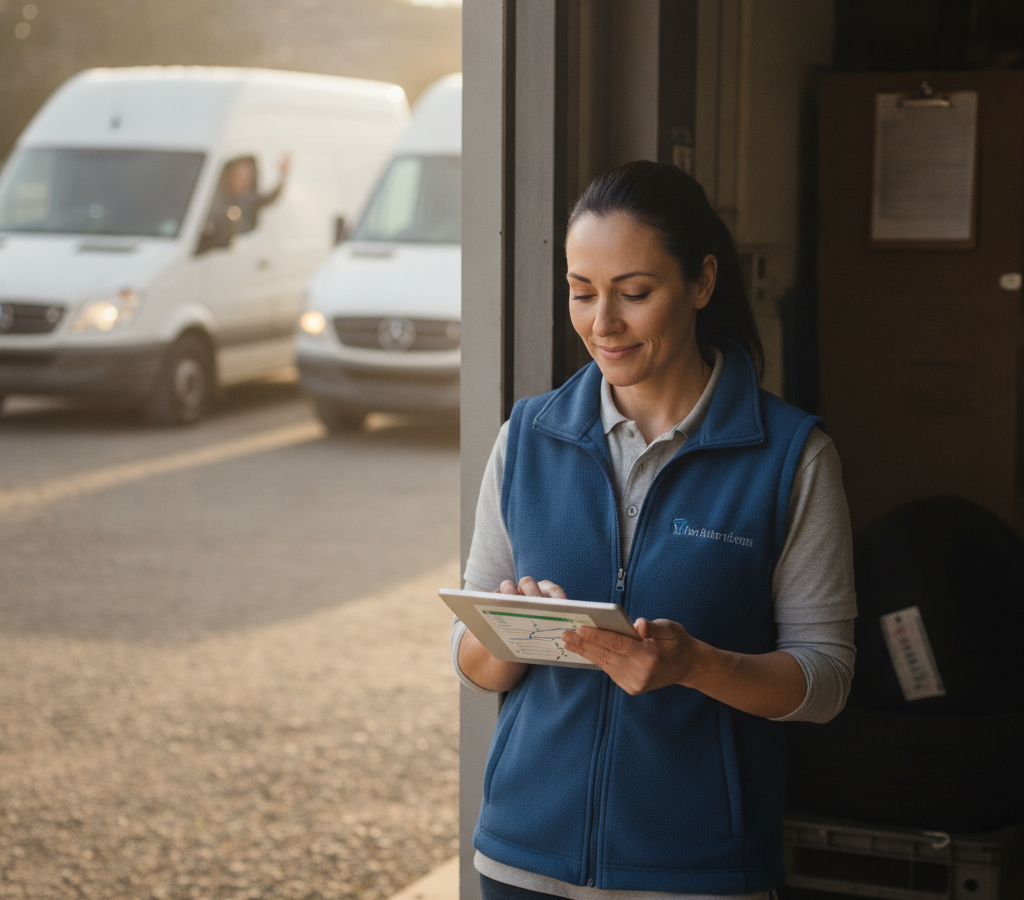
Each driver, meanwhile, received their optimized stops directly on the Zeo mobile app. This included turn-by-turn navigation, customer details, and delivery notes for every stop. Drivers captured proof of delivery with photos and signatures right from their phone, and status updates flowed back to dispatch automatically, no check-in calls required.
This split was a key factor in adoption. Drivers didn’t need training on complex software. They opened an app, saw their route, and drove. Managers got the oversight they needed without adding extra work to their day.
If you’re rolling this out with your own team, keep the roles clear from day one. Let your dispatcher or ops manager own planning and monitoring on the web platform. Let drivers focus purely on navigating and completing stops through the app. Trying to make one group do both usually slows adoption down.
Frequently Asked Questions
Q: What counts as a good delivery optimization success story to look for before buying software?
A credible delivery optimization success story should include a specific fleet size, exact before-and-after numbers (fuel costs, delivery times, on-time rates), and a clear description of what operationally changed — not just vague claims like “increased efficiency.” If a case study can’t tell you the driver count or timeframe, it’s marketing copy, not proof.
Q: How long does it typically take to see results after switching to route optimization software?
Most small delivery fleets see measurable changes within 30 to 60 days, since planning time and fuel cost improvements show up almost immediately once optimized routes replace manual planning. Businesses like Coastal Courier tracked their fuel cost drop and on-time rate improvement within a 60-day rollout window using built-in route analytics and reporting.
Q: What’s the difference between manual route planning and AI-powered route optimization?
Manual planning relies on a dispatcher’s memory and general geography, which often leads to backtracking and wasted mileage. AI-powered route optimization, like the kind used in Zeo Route Planner, factors in time windows, driver capacity, and stop sequencing automatically, cutting planning time from hours to minutes in many small fleet rollouts.
Q: Does route optimization software work for fleets smaller than 20 drivers?
Yes. Route optimization tools are built to scale down as easily as up, and small fleets (8-40 drivers) often see faster ROI since manual planning inefficiencies compound quickly at that size. Zeo Route Planner’s mobile app even offers a free tier for up to 12 routes per month, making it accessible for small teams testing the impact before committing budget.
Q: What metrics should I track to measure my own delivery optimization results?
Track daily route planning time, fuel cost per month, average delivery completion time, on-time delivery rate, and the number of dispatcher-to-driver phone calls. Comparing these five metrics before and after implementation gives a clear, numbers-based picture of whether optimized routing is actually working for your fleet.
—
Coastal Courier’s results, 28% lower fuel costs, over 2 hours saved daily, and a jump from 81% to 96% on-time delivery, came from specific, repeatable changes. Not luck, and not enterprise-scale infrastructure.
If you’re evaluating route optimization software, the fastest way to know if it works for your fleet is to test it against your own numbers.
Start your free Zeo Route Planner trial and get your own optimized routes running in under 15 minutes. No credit card required.

Are you a fleet owner?
Want to manage your drivers and deliveries easily?
Grow your business effortlessly with Zeo Routes Planner – optimize routes and manage multiple drivers with ease.
increase fuel savings
Hassle Free Deliveries & Pickups!
Optimize routes with our algorithm, reducing travel time and costs efficiently.
Get Started for Free