7 Best Delivery and Pickup Services to Start in 2026

Reading Time: 4 minutesPickup and delivery is one industry that has consistently picked pace since 2020. The global market size of all courier,

7 Best Delivery and Pickup Services to Start in 2026

Reading Time: 4 minutesPickup and delivery is one industry that has consistently picked pace since 2020. The global market size of all courier,

Real Estate 2026: How to Conduct Successful Site Visits?

Reading Time: 5 minutesReading Time: 3 minutes TL;DR: Successful site visits in 2026 require thorough preparation, systematic evaluation of exteriors and interiors, and

Snow Plowing Logistics

Preparing for Winters: Strategies to Enhance your Snow Plowing Logistics

Reading Time: 4 minutesWhen winter storms arrive, cities grind to a halt, and fleet managers in snow plowing logistics take center stage. Managing
Automotive Logistics

Maximizing Performance in Automotive Logistics with Actionable Strategies for Fleet Managers

Reading Time: 3 minutesEfficient automotive logistics is the engine that keeps the automotive industry running, ensuring parts, vehicles, and supplies flow seamlessly from

Banking Logistics

Maximizing Efficiency in Banking Logistics: Proven Strategies for Fleet Managers

Reading Time: 4 minutesAs the banking sector becomes more fast-paced and security-driven, fleet managers are faced with the challenge of managing logistics that
Cracking delivery contracts in 2026

Reading Time: 5 minutesReading Time: 3 minutes TL;DR: Winning delivery contracts requires demonstrating efficiency, reliability, and customer satisfaction through market research, brand visibility,
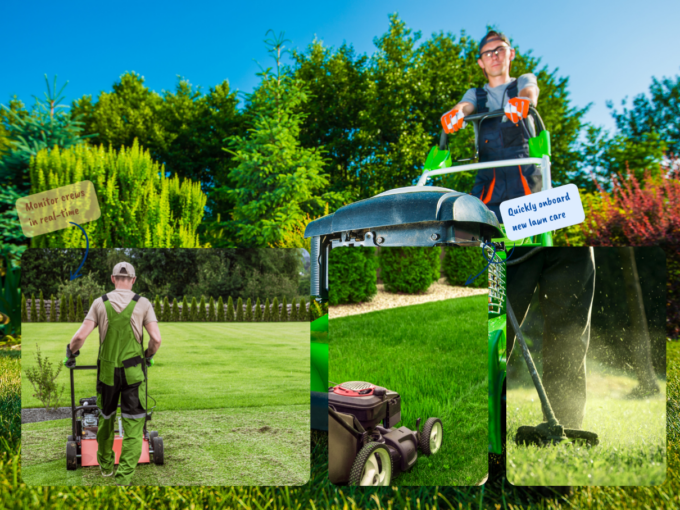
14 Essential Landscaping Tools for Your Business

Reading Time: 4 minutesWhen you are just starting your landscaping business, getting the right tools & equipment in place may feel overwhelming. You

Automotive Logistics

How You Can Streamline Automotive Logistics with Zeo’s Fleet Management Solution

Reading Time: 4 minutesIn the fast-paced world of automotive logistics, inefficiency can negatively affect customer satisfaction. The strategic implementation of advanced technologies can
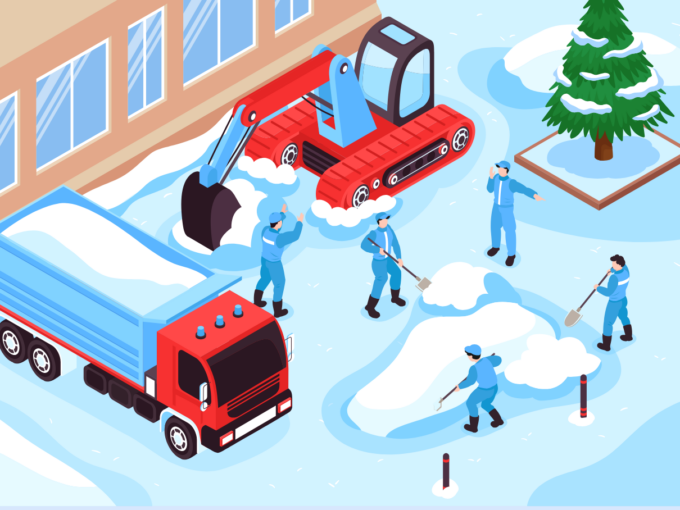
Snow Plowing Logistics

Future Trends to Look Out For in Snow Plowing Logistics in 2026

Reading Time: 5 minutesReading Time: 4 minutes TL;DR: Snow plowing logistics in 2026 will be dominated by AI-powered route optimization, electric and autonomous
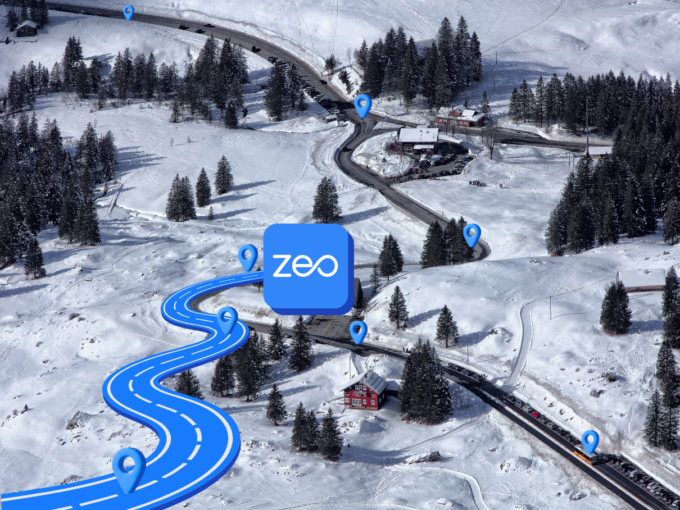
How to Streamline Snow Plowing Logistics with Zeo Route Planner

Reading Time: 4 minutesWinter storms pose challenges for snow ploughing fleet managers, including route optimization, maintaining timetables, driver safety, and managing ineffective routing.
Conquer the Winter Choas: Importance of Route Optimization in the Snow Plowing Industry

Reading Time: 4 minutesAh, winter is here! For many, it’s a time for cozy evenings, snowball fights, and hot cocoa. But ask a

Key Features to Look for in Logistics Route Planning Software

Reading Time: 3 minutesIn the ever-evolving realm of logistics, the importance of streamlined route planning cannot be overstated. Selecting the right route planning

Zeo Questionnaire

Frequently
Asked
Questions

Know More

How do I add stop by typing and searching? Web

Follow these steps to add a stop by typing and searching:

  • Go to Playground Page. You will find a search box in top left.
  • Type in your desired stop and it will show search results as you type.
  • Select one of the search results to add the stop to list of unassigned stops.

How do I import stops in bulk from an excel file? Web

Follow these steps to add stops in bulk using an excel file:

  • Go to Playground Page.
  • In top right corner you will see import icon. Press on that icon & a modal will open.
  • If you already have an excel file, press the "Upload stops via flat file" button & a new window will open up.
  • If you don't have an existing file, you can download a sample file and input all your data accordingly, then upload it.
  • In the new window, upload your file and match the headers & confirm mappings.
  • Review your confirmed data and add the stop.

How do I import stops from an image? Mobile

Follow these steps to add stops in bulk by uploading an image:

  • Go to Zeo Route Planner App and open On Ride page.
  • Bottom bar has 3 icons in left. Press on image icon.
  • Select the image from gallery if you already have one or take a picture if you don't have existing.
  • Adjust the crop for the selected image & press crop.
  • Zeo will automatically detect the addresses from the image. Press on done and then save & optimize to create route.

How do I add a stop using Latitude and Longitude? Mobile

Follow these steps to add stop if you have Latitude & Longitude of the address:

  • Go to Zeo Route Planner App and open On Ride page.
  • You will see a icon. Press on that icon & press on New Route.
  • If you already have an excel file, press the "Upload stops via flat file" button & a new window will open up.
  • Below search bar, select the "by lat long" option and then enter the latitude and longitude in the search bar.
  • You will see results in the search, select one of them.
  • Select additional options according to your need & click on "Done adding stops".

How do I add stops using QR Code? Mobile

Follow these steps to add stop using QR Code:

  • Go to Zeo Route Planner App and open On Ride page.
  • You will see a icon. Press on that icon & press on New Route.
  • Bottom bar has 3 icons in left. Press on QR code icon.
  • It will open up a QR Code scanner. You can scan normal QR code as well as FedEx QR code and it will automatically detect address.
  • Add the stop to route with any additional options.

How do I delete a stop? Mobile

Follow these steps to delete a stop:

  • Go to Zeo Route Planner App and open On Ride page.
  • You will see a icon. Press on that icon & press on New Route.
  • Add some stops using any of the methods & click on save & optimize.
  • From the list of stops that you have, long press on any stop that you want to delete.
  • It will open window asking you to select the stops that you want to remove. Click on Remove button and it will delete the stop from your route.

Zeo Blogs

Explore our blog for insightful articles, expert advice, and inspiring content that keeps you informed.

How to Reduce Flower Delivery Times and Never Miss a Deadline

Reading Time: 6 minutesLearn proven strategies to reduce flower delivery times by 30%+. Master route optimization, peak season planning, and real-time coordination for florists.

How to Reduce Cable Installation Time by 30% in 2026

Reading Time: 9 minutesLearn how to reduce cable installation time with route optimization, crew coordination, and digital tools. Cut travel time and increase daily installations.

How to Optimize Pharmaceutical Sales Routes in 2026

Reading Time: 6 minutesLearn how to optimize pharmaceutical sales routes to increase physician touchpoints by 40% while ensuring compliance and reducing territory management time.

Xlork is a developer-first data import platform. It lets you embed CSV, Excel, and Google Sheets import into any app with AI-powered column mapping and schema validation. Explore free developer tools like JSON-to-CSV converters and color palette generators. No more building import flows from scratch — just drop in the Xlork SDK, sign up free, and ship clean data in minutes.