



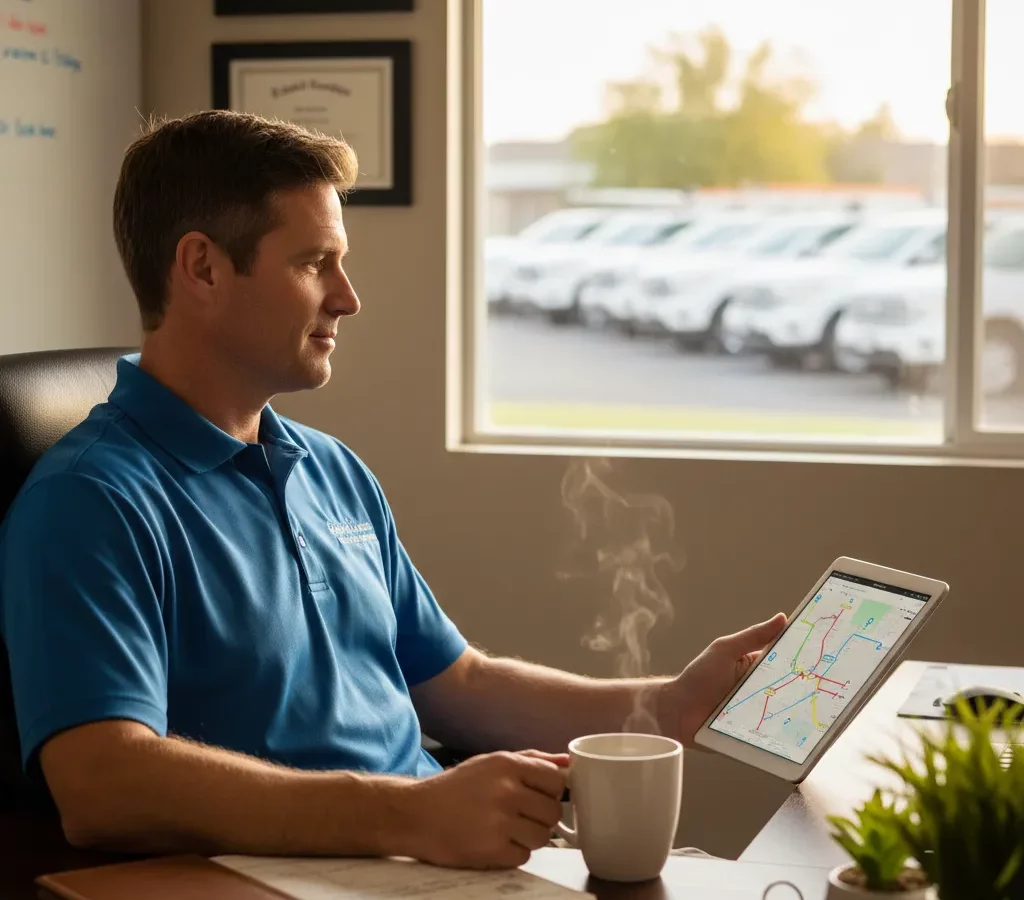
TL;DR: Pool services route optimization can increase daily stops by 25-40% while reducing fuel costs and operational chaos that typically destroys profit margins as companies scale. According to the U.S. Small Business Administration, transportation inefficiencies rank among the top factors limiting service business profitability. Route optimization software like Zeo Route Planner addresses this by calculating optimal stop sequences that reduce travel time by up to 30%.
Pool services companies face a brutal reality: thin margins and operational chaos that gets worse as you grow. What is pool services route optimization? It’s the strategic planning of technician routes to maximize daily stops while minimizing drive time, fuel costs, and operational overhead.
Most pool service owners start with good intentions. You map out territories, assign routes, and hope for the best. But as your customer base grows from 50 accounts to 200+, the complexity explodes exponentially.
Your technicians spend more time driving between stops than actually servicing pools. Fuel costs eat into profits. Customers complain about missed appointments and inconsistent service windows.
The difference between barely surviving and building a profitable, scalable pool services business comes down to systems. Not just any systems—the right operational framework that grows with your business.
The Hidden Costs Killing Pool Service Profitability
Fuel represents just the tip of the iceberg when it comes to inefficient routing costs.
Transportation and logistics inefficiencies are among the top three factors limiting small business profitability in service industries, according to industry research. Your pool service business feels this impact daily.
Consider a typical 10-technician pool service operation covering residential neighborhoods across a metro area. Poor routing decisions compound throughout each day. A technician drives 15 extra minutes between two stops that should have been sequential. Multiply that waste across 8 stops per day, 10 technicians, and 250 working days per year.
That’s 5,000 hours of wasted drive time annually—equivalent to 2.5 full-time employees doing nothing but burning fuel.
Labor costs amplify routing inefficiencies. When technicians spend excessive time driving, they complete fewer stops per day. You need more technicians to service the same number of accounts. Each additional technician means more vehicle costs, insurance, workers’ compensation, and management overhead.
Overtime becomes inevitable when routes run long due to poor planning. A technician scheduled for 8 stops who spends extra time driving will either work overtime to finish or leave customers unserviced until the next cycle.
Customer churn accelerates when service windows become unpredictable. Pool owners expect consistency. When your routing chaos creates erratic arrival times, customers notice and start shopping for competitors who can deliver reliable service.
Why Traditional Scheduling Methods Fail at Scale
Most pool service companies start with simple scheduling approaches that work fine for 50-75 accounts.
You might assign technicians to general geographic areas—north side, south side, east and west territories. Within those zones, technicians follow familiar patterns or tackle accounts in whatever order seems logical that day.
This informal system breaks down completely once you cross 100+ accounts per territory.
Geographic territories become inefficient as customer density varies across neighborhoods. Your north-side technician might have 20 accounts clustered in one subdivision and 15 accounts scattered across rural areas 30 minutes away.
Daily variations in service requirements create scheduling nightmares. Some pools need basic cleaning and chemical balancing. Others require equipment repairs, filter replacements, or seasonal opening and closing services that take 2-3 times longer than standard maintenance.
Weather disruptions expose the weakness of rigid territorial assignments. Rain cancellations in one area leave technicians idle while other territories have backlog building up.
Manual scheduling becomes a daily crisis management exercise. You spend hours every morning redistributing accounts, handling customer calls about service windows, and trying to balance workloads across technicians.
The cognitive load overwhelms business owners who should focus on growth, customer acquisition, and strategic planning instead of daily scheduling puzzles.
New technician onboarding becomes nearly impossible without standardized routing systems. Each technician develops their own informal system, making coverage during vacations or sick days chaotic.
Essential Systems Every Growing Pool Service Business Needs
Route optimization technology forms the foundation of scalable pool service operations and effective field service management.
Zeo Route Planner serves over 2 million users with advanced algorithms that calculate optimal stop sequences based on location, service time requirements, and traffic patterns. The platform reduces travel time by up to 30% compared to manual routing methods.Digital scheduling systems eliminate the daily routing puzzle that consumes management time. Upload your customer addresses, service requirements, and technician parameters. The system generates optimal routes automatically.
Customer communication automation keeps pool owners informed without constant manual updates. Automated systems send service reminders, arrival notifications, and completion confirmations that maintain professional touchpoints without administrative overhead.
Standardized service protocols ensure consistent quality regardless of which technician handles each account. Document your chemical balancing procedures, equipment inspection checklists, and customer communication standards.
Mobile applications enable real-time updates between technicians and your central office. Technicians can report completed services, note equipment issues, and request schedule adjustments without phone calls disrupting other work.
Performance tracking systems provide visibility into technician productivity, customer satisfaction trends, and operational efficiency metrics. You need concrete data to identify improvement opportunities and recognize top performers.
Inventory management integration prevents technicians from arriving at pools without necessary chemicals or replacement parts. Pool cleaning route optimization systems can factor in required supplies for each stop.
Maximizing Daily Route Efficiency and Technician Productivity
Strategic route sequencing can increase daily stop capacity by 25-40% without adding technicians or extending work hours.
Start each route at the furthest point from your service center and work back toward home base. This approach minimizes end-of-day drive time when technicians are tired and traffic is heavier.
Cluster similar service types together when possible. Pool equipment repairs require different tools and supplies than routine cleaning. Grouping similar work reduces truck organization time and mental switching costs.

increase fuel savings
Save 2 Hours on Deliveries, Everyday!
Optimize routes with our algorithm, reducing travel time and costs efficiently.
Get Started for Free
Factor in realistic service windows based on historical data. New pool service owners often underestimate time requirements. Standard maintenance might take 20 minutes, but account for occasional equipment issues that extend visits to 45+ minutes.
Build buffer time into daily schedules for unexpected delays. Traffic, customer conversations, and minor equipment repairs happen regularly. Schedules without flexibility create cascading delays throughout the day.
Driver tracking software and Zeo Route Planner provide real-time tracking and precise ETA updates that keep technicians and customers informed when delays occur, maintaining professional service standards even when schedules shift.Optimize lunch breaks and fuel stops by positioning them near central points in daily routes. A technician shouldn’t drive 20 minutes out of the way for lunch when multiple options exist along their planned route.
Consider seasonal demand patterns when establishing permanent route structures. Pool opening season requires longer service windows, while winter maintenance in warmer climates might allow more stops per day.
Train technicians to communicate efficiently with customers. A brief conversation about pool conditions and upcoming service needs is valuable, but 15-minute social visits on every stop destroy route efficiency.
Building Customer Communication Systems That Retain Accounts
Proactive communication differentiates professional pool services from casual competitors who show up whenever convenient, as outlined in effective customer retention strategies.
Establish service day notifications that arrive 24 hours before scheduled visits. Pool owners appreciate knowing when to expect your technician, especially for equipment access or special requests.
Implement arrival window communications that provide 30-60 minute estimated arrival windows instead of vague “sometime Tuesday” promises. Customers can plan their day around specific timeframes.
Service completion reports build trust and justify your value proposition. Document chemical levels, equipment conditions, and any issues requiring attention. This professional touch separates you from competitors who clean pools and leave without communication.
Exception reporting systems notify customers immediately when service must be rescheduled due to weather, equipment emergencies, or other circumstances beyond your control.
Seasonal communication campaigns remind customers about pool opening and closing services, equipment maintenance schedules, and chemical adjustment needs during temperature changes.
Digital communication channels work better than phone calls for routine updates. Most customers prefer text messages or email notifications they can read when convenient rather than interrupting their workday with phone calls.
Automated review and feedback requests capture customer satisfaction data while issues are still fresh and actionable. Don’t wait for annual surveys to identify service problems.
Billing and payment automation reduces administrative overhead while improving cash flow. Customers receive invoices immediately after service completion with convenient online payment options.
Scaling Your Pool Service Business Without Losing Control
Geographic expansion requires systematic approaches that maintain service quality while increasing operational complexity through comprehensive route optimization software.
Analyze customer density patterns before adding new territories. A scattered customer base across wide geographic areas will never achieve the efficiency needed for profitable operations.
Establish minimum account thresholds for new service areas. You need sufficient customer concentration to justify technician assignments and travel time to distant neighborhoods.
Standardize training programs that produce consistent service quality regardless of location or technician experience level. Document every procedure, from chemical testing protocols to customer interaction standards.
Implement quality control systems that monitor service consistency across all locations. Random inspections, customer feedback tracking, and photographic service documentation help maintain standards as you grow.
Develop technician advancement pathways that retain experienced employees while creating growth opportunities. Your best technicians should see clear paths to lead technician, supervisor, or territory manager roles.
Financial controls become critical as operations scale beyond what one person can oversee directly. Separate billing, service delivery, and customer communication functions with appropriate oversight mechanisms.
Territory management systems help optimize resource allocation across multiple service areas. Some neighborhoods might support premium pricing for specialized services, while others compete primarily on basic maintenance costs.
According to Statista, service businesses that implement systematic operational controls achieve 40% higher profit margins than competitors relying on informal management approaches.
Frequently Asked Questions
Q: What is the optimal customer density for profitable pool service routes?Profitable pool service routes require at least 15-20 accounts within a 5-mile radius to minimize drive time between stops. Lower density areas need premium pricing to offset additional travel costs and reduced daily capacity, as technicians spend more time driving than servicing pools.
Q: How do seasonal demand changes affect pool service scheduling?Pool service demand fluctuates 30-40% between peak season (spring/summer) and off-season periods. Companies need flexible route structures that can accommodate increased capacity during pool opening season while maintaining efficiency during lower-demand winter months when routes may be consolidated.
Q: What technology provides the biggest ROI for pool service companies?Route optimization software delivers immediate returns through reduced fuel costs and increased daily capacity. Zeo Route Planner’s algorithms can reduce travel time by up to 30%, allowing technicians to service more accounts per day while cutting operational overhead.
Q: How many pool accounts can one technician realistically service daily?A well-planned route typically allows 8-12 standard maintenance accounts per technician per day, depending on drive time between stops and service complexity. Equipment repairs and seasonal services require fewer daily stops due to longer service windows.
Q: What are the main causes of customer churn in pool services?Inconsistent service windows and unpredictable arrival times are primary drivers of customer churn in pool services. Pool owners expect reliable scheduling, and companies using systematic route planning with automated customer notifications retain significantly more accounts than those with informal scheduling methods.
Ready to transform your pool service operations from chaotic scheduling to profitable efficiency? Start Your Free Trial and discover how systematic route optimization can increase your daily capacity while reducing operational stress.

Are you a fleet owner?
Want to manage your drivers and deliveries easily?
Grow your business effortlessly with Zeo Routes Planner – optimize routes and manage multiple drivers with ease.

increase fuel savings
Save $200 on fuel, Monthly!
Optimize routes with our algorithm, reducing travel time and costs efficiently.
Get Started for Free 










