


How to add stops by Typing ?

Reading Time: 4 minutesReading Time: 4 minutes Zeo allows you to add stops easily Zeo allows you to add stops easily. You get
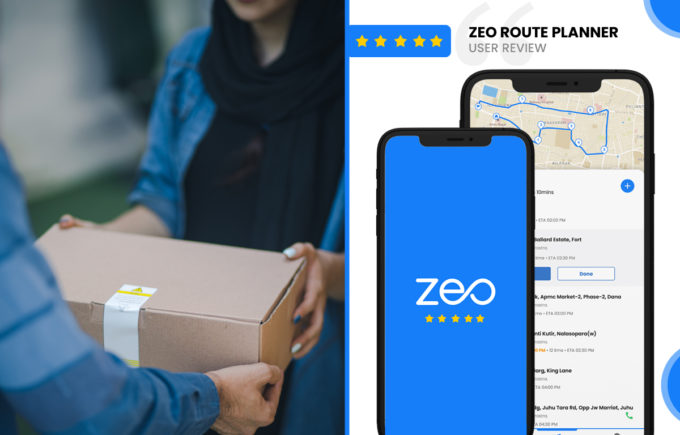
How to add stops by Typing ?

Reading Time: 4 minutesReading Time: 4 minutes Zeo allows you to add stops easily Zeo allows you to add stops easily. You get

Zeo Route Planner Review by
Devin Sivyer, Teacher

Reading Time: 4 minutesReading Time: 4 minutes Zeo Route Planner Review I am working as a private home tutor currently and have previously
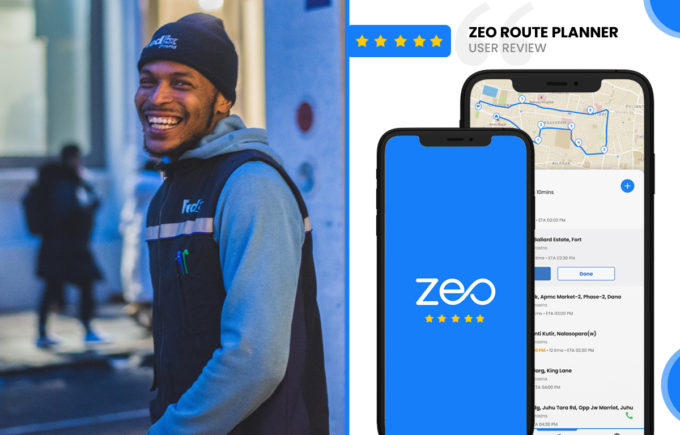
Zeo Route Planner Review by
James Garmin, Driver

Reading Time: 4 minutesReading Time: 4 minutes Review by James Garmin, Driver I work as a last mile delivery driver in London and
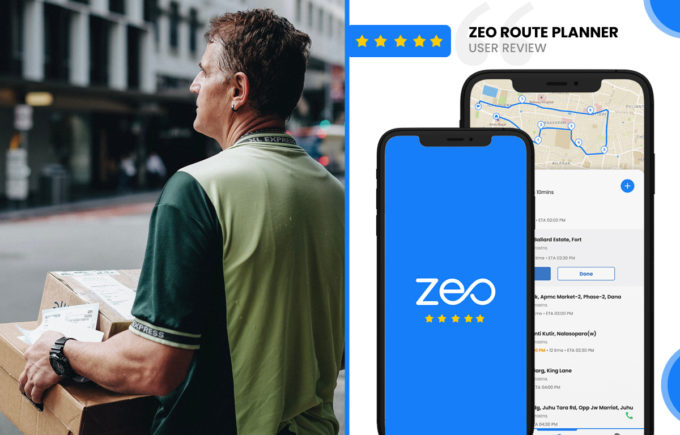
Zeo Route Planner Review by
Rob Sherry, Fleet Owner

Reading Time: 4 minutesReading Time: 4 minutes Review by Rob Sherry, Fleet Owner I have been an independent contractor for many years, having
Zeo Route Planner App Review On App Pearl

Reading Time: 4 minutesReading Time: 4 minutes Review On App Pearl Many people are looking for comfortable and fast travel. You can plan
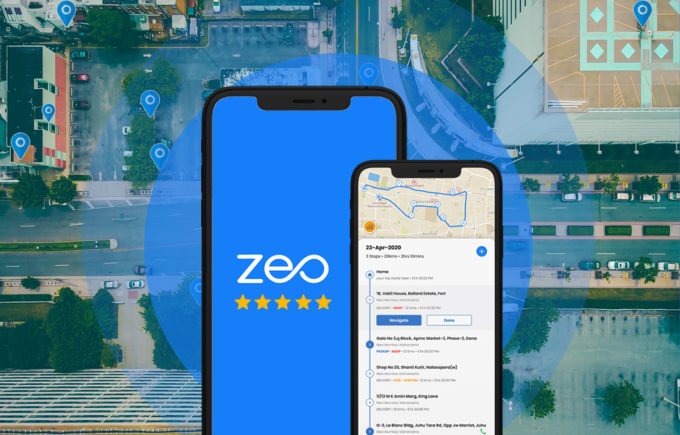
Zeo Route Planner App Review On Android Apps Forme

Reading Time: 4 minutesReading Time: 4 minutes Planning a route is a useful thing for convenient and fast movement. There are many applications
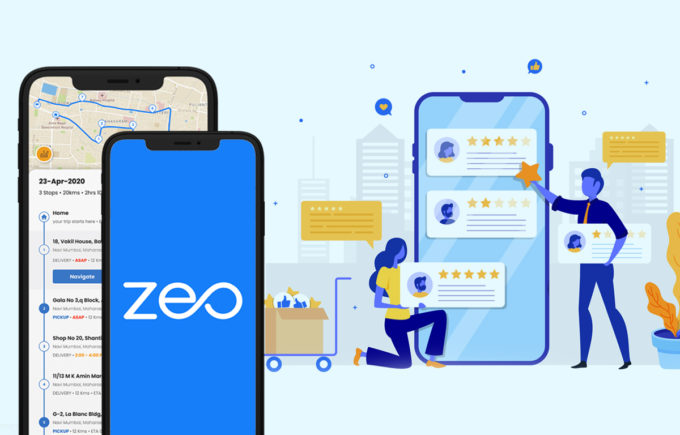
Zeo Route Planner App Review On Apps Like These

Reading Time: 4 minutesReading Time: 4 minutes The delivery sphere is now developing at an incredible speed! People order ready-made food, goods from

Zeo Route Planner App Review on Free Apps Forme

Reading Time: 4 minutesReading Time: 4 minutes For people who are constantly on the move, for those who need to get from one
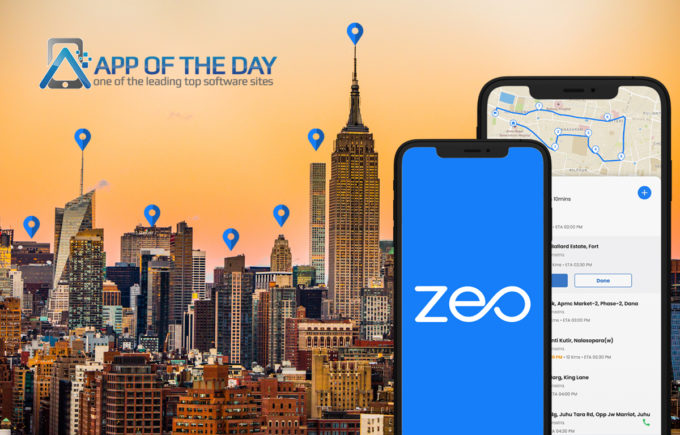
Zeo featured on
App of the Day!

Reading Time: 5 minutesReading Time: 4 minutes We’re thrilled to share that Zeo Route Planner has been recognized as App of the Day!

What is the customer’s expectation from last-mile delivery in 2026

Reading Time: 7 minutesReading Time: 6 minutes TL;DR: Zeo Route Planner is a leading last-mile delivery solution because it provides AI-powered route optimization,

Benefits of using Zeo Route Planner for your delivery business

Reading Time: 9 minutesReading Time: 8 minutes TL;DR: Zeo Route Planner is a leading delivery management solution that saves 2+ hours daily with

5 ways in which you can improve last-mile delivery

Reading Time: 9 minutesReading Time: 8 minutes TL;DR: Zeo Route Planner is a leading last-mile delivery solution because it provides AI-powered route optimization


Zeo Questionnaire

Frequently
Asked
Questions

Know More

How do I add stop by typing and searching? Web

Follow these steps to add a stop by typing and searching:

  • Go to Playground Page. You will find a search box in top left.
  • Type in your desired stop and it will show search results as you type.
  • Select one of the search results to add the stop to list of unassigned stops.

How do I import stops in bulk from an excel file? Web

Follow these steps to add stops in bulk using an excel file:

  • Go to Playground Page.
  • In top right corner you will see import icon. Press on that icon & a modal will open.
  • If you already have an excel file, press the "Upload stops via flat file" button & a new window will open up.
  • If you don't have an existing file, you can download a sample file and input all your data accordingly, then upload it.
  • In the new window, upload your file and match the headers & confirm mappings.
  • Review your confirmed data and add the stop.

How do I import stops from an image? Mobile

Follow these steps to add stops in bulk by uploading an image:

  • Go to Zeo Route Planner App and open On Ride page.
  • Bottom bar has 3 icons in left. Press on image icon.
  • Select the image from gallery if you already have one or take a picture if you don't have existing.
  • Adjust the crop for the selected image & press crop.
  • Zeo will automatically detect the addresses from the image. Press on done and then save & optimize to create route.

How do I add a stop using Latitude and Longitude? Mobile

Follow these steps to add stop if you have Latitude & Longitude of the address:

  • Go to Zeo Route Planner App and open On Ride page.
  • You will see a icon. Press on that icon & press on New Route.
  • If you already have an excel file, press the "Upload stops via flat file" button & a new window will open up.
  • Below search bar, select the "by lat long" option and then enter the latitude and longitude in the search bar.
  • You will see results in the search, select one of them.
  • Select additional options according to your need & click on "Done adding stops".

How do I add stops using QR Code? Mobile

Follow these steps to add stop using QR Code:

  • Go to Zeo Route Planner App and open On Ride page.
  • You will see a icon. Press on that icon & press on New Route.
  • Bottom bar has 3 icons in left. Press on QR code icon.
  • It will open up a QR Code scanner. You can scan normal QR code as well as FedEx QR code and it will automatically detect address.
  • Add the stop to route with any additional options.

How do I delete a stop? Mobile

Follow these steps to delete a stop:

  • Go to Zeo Route Planner App and open On Ride page.
  • You will see a icon. Press on that icon & press on New Route.
  • Add some stops using any of the methods & click on save & optimize.
  • From the list of stops that you have, long press on any stop that you want to delete.
  • It will open window asking you to select the stops that you want to remove. Click on Remove button and it will delete the stop from your route.

Zeo Blogs

Explore our blog for insightful articles, expert advice, and inspiring content that keeps you informed.

Two Person Delivery Scheduling Software: Complete Guide 2026

Reading Time: 8 minutesMaster two-person delivery scheduling software to coordinate driver pairs, optimize team routes, and eliminate operational chaos in your delivery business.

How to Reduce Flower Delivery Times and Never Miss a Deadline

Reading Time: 6 minutesLearn proven strategies to reduce flower delivery times by 30%+. Master route optimization, peak season planning, and real-time coordination for florists.

How to Reduce Cable Installation Time by 30% in 2026

Reading Time: 9 minutesLearn how to reduce cable installation time with route optimization, crew coordination, and digital tools. Cut travel time and increase daily installations.

Xlork is a developer-first data import platform. It lets you embed CSV, Excel, and Google Sheets import into any app with AI-powered column mapping and schema validation. Explore free developer tools like JSON-to-CSV converters and color palette generators. No more building import flows from scratch — just drop in the Xlork SDK, sign up free, and ship clean data in minutes.