



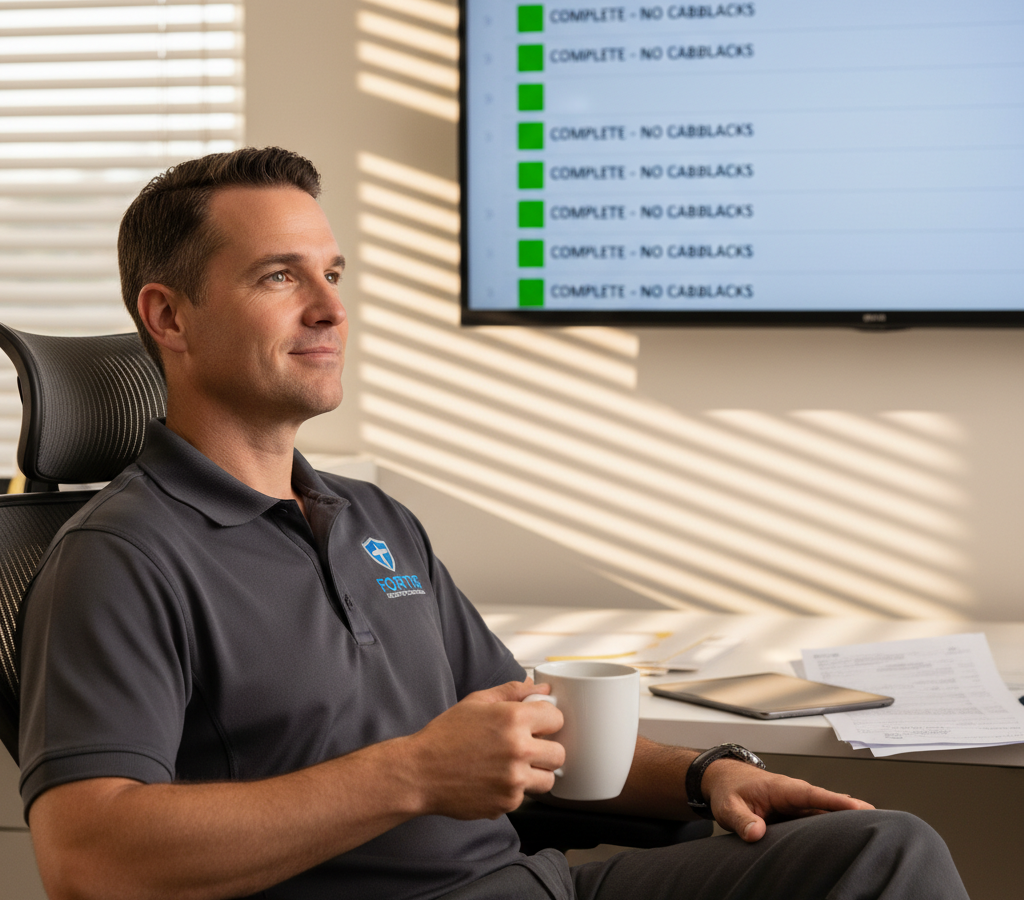
# How to Reduce Security Installation Callbacks in 2026
> TL;DR: Security installation callbacks can be reduced by 60-80% through proper planning, quality control checklists, and optimized scheduling that prevents rushed installations. Smart route optimization tools like Zeo Route Planner help security companies achieve this by ensuring adequate time allocation for thorough work, with AI-powered routing that saves 2+ hours daily per technician.
Learning how to reduce security installation callbacks is critical for protecting your profit margins. Every time a technician returns to fix an incomplete or faulty installation, your company loses money, time, and customer trust.
The average security company faces callback rates between 15-25% according to the Electronic Security Association. For a company completing 100 installations monthly, that’s 15-25 additional trips that could have been prevented.
Smart security companies are transforming their installation processes to achieve 95%+ first-time-right installations. Here’s how to build a system that eliminates callbacks and protects your profit margins.
The True Cost of Security Installation Callbacks: Why Every Return Visit Kills Your Profit
Every callback costs 2-3 times more than the original installation. Here’s why these numbers add up fast.
Direct Costs Per Callback:
- Technician wages for return trip (2-4 hours)
- Vehicle expenses and fuel
- Replacement parts or equipment
- Administrative time for rescheduling
Hidden Costs That Hurt More:
- Lost revenue from delayed new installations
- Overtime payments when callbacks push technicians past regular hours
- Damage to customer relationships and online reviews
- Increased stress on technicians and operations staff
A $300 camera installation can easily become an $800 loss when factoring in a callback visit, overtime wages, and the missed opportunity to complete a profitable new installation instead.
The Bureau of Labor Statistics reports that security system installers earn an average of $28 per hour. When you add vehicle costs, benefits, and lost opportunity revenue, each callback hour costs your business $60-80.
Pre-Installation Planning: Site Surveys and Customer Prep That Prevent Problems
Proper planning eliminates 60% of potential callbacks before technicians leave the shop.
Conduct Thorough Site Surveys:
- Test existing internet speeds for IP cameras
- Measure signal strength throughout the property
- Identify potential interference sources (microwaves, routers, metal structures)
- Document power outlet locations and electrical panel access
- Take photos of installation areas for technician reference
Prepare Customers Before Installation Day:
- Send detailed preparation checklists 48 hours in advance
- Confirm WiFi passwords and network information
- Request pets be secured during installation
- Verify access to all installation areas
- Set realistic timeline expectations (4-6 hours for full system installs)
Create Detailed Installation Packets:
Include property photos, customer preferences, equipment specifications, and any special requirements. Your technicians should know exactly what they’re walking into before they arrive.
Essential Quality Control Checklists for Camera, Alarm, and Access Control Installations
Standardized checklists prevent human error and ensure consistent quality across all installations.
Camera System Checklist:
- Test recording quality in day/night conditions
- Verify motion detection zones and sensitivity settings
- Confirm mobile app connectivity and push notifications
- Test all camera angles for blind spots
- Document WiFi signal strength at each camera location
Alarm System Checklist:
- Test every sensor (doors, windows, motion detectors)
- Verify cellular or internet backup communication
- Walk through complete arm/disarm procedures with customer
- Test panic buttons and emergency contacts
- Program and test all user codes
Access Control Checklist:
- Test every card reader and keypad
- Verify door strike and magnetic lock operation
- Program all user access levels and time restrictions
- Test emergency override procedures
- Document all access codes and administrative passwords
Create laminated checklists for technician tool bags. Digital checklists on tablets work well but always have paper backups for areas with poor cell service. Implementing proof of delivery systems helps document completion of each checklist item.
Optimizing Installation Routes to Reduce Security Installation Callbacks Through Better Scheduling
Rushed installations create callbacks. Proper route planning gives technicians adequate time for thorough work.
Smart route optimization software prevents the scheduling chaos that leads to rushed jobs and quality shortcuts. When technicians feel pressured to finish quickly, they skip important testing steps or cut corners on installation quality.
Time Allocation Guidelines:
- Basic camera systems: 3-4 hours
- Full alarm systems: 4-6 hours
- Access control installations: 2-4 hours depending on door count
- Complex commercial systems: 6-8 hours
Zeo Route Planner solves this by automatically calculating realistic travel times between jobs and factoring in installation complexity. The AI-powered routing saves 2+ hours daily per technician by eliminating inefficient driving patterns.
Your operations manager can plan optimal installation routes on the web platform while technicians receive detailed schedules and customer information directly on their mobile devices, ensuring adequate time allocation for quality installations.
Route Planning Best Practices:
- Schedule complex installations early in the day when technicians are fresh
- Group installations by geographic area to minimize drive time
- Build buffer time between jobs for unexpected delays
- Avoid scheduling installations during rush hour when possible
Real-Time Customer Communication During Installation to Set Proper Expectations
Transparent communication prevents unrealistic expectations and reduces complaint-driven callbacks.

increase fuel savings
Save $200 on fuel, Monthly!
Optimize routes with our algorithm, reducing travel time and costs efficiently.
Get Started for Free
Start-of-Day Communication:
- Text customers with technician arrival window (within 1-hour)
- Include technician photo and vehicle description
- Provide direct contact number for questions
During Installation Updates:
- Explain any changes or additions discovered during installation
- Send progress photos for remote monitoring systems
- Discuss any limitations or environmental factors affecting performance
Real-time customer notifications through driver tracking software keep customers informed throughout the installation process. The live tracking feature lets customers see exactly when technicians will arrive, reducing anxiety and missed appointments.
End-of-Installation Walkthrough:
- Demonstrate all system functions with customer present
- Explain maintenance requirements and schedules
- Provide written instructions for common tasks
- Schedule follow-up call for one week later
Document everything with photos and customer signatures. This protects your company from claims about incomplete work or missing demonstrations.
Building a First-Time-Right Culture: Training and Accountability Systems That Work
Create systems that make quality installations the easiest path for your technicians.
Technician Training Program:
- Monthly hands-on workshops with new equipment
- Callback review sessions to identify common failure patterns
- Peer mentoring for complex installations
- Customer service communication skills training
Accountability Measures:
- Track callback rates by individual technician
- Reward lowest callback rates with bonuses or recognition
- Require callback technicians to document root causes
- Share successful installation best practices across the team
Quality Control Follow-Up:
- Call every customer 48 hours post-installation
- Send satisfaction surveys with specific technical questions
- Schedule voluntary system checks at 30 and 90 days
- Use positive feedback for marketing testimonials
According to the National Institute of Standards and Technology, companies with formal quality control processes reduce defect rates by 35-50%. This directly translates to fewer callbacks and higher customer satisfaction.
Technology Tools That Support Quality:
- Photo documentation requirements for every installation
- Digital signature capture for completion verification
- GPS tracking to verify time spent on site
- Customer feedback integration with technician performance reviews
Companies using field service management features report improved accountability through photo documentation and digital signatures, creating clear records of completed work that protect against disputed callbacks.
Frequently Asked Questions
Q: What percentage of security installations typically require callbacks?
According to the Electronic Security Association, most security companies face callback rates between 15-25%. This means that for every 100 installations completed, 15-25 will require a return visit to fix issues or complete work that wasn’t finished properly the first time.
Q: How much does a security installation callback actually cost?
Each callback costs 2-3 times more than the original installation when you factor in technician wages, vehicle expenses, lost revenue opportunities, and administrative time. A $300 camera installation can easily become an $800 loss after accounting for all callback-related costs.
Q: How can route optimization software reduce security installation callbacks?
Route optimization software like Zeo Route Planner helps reduce callbacks by ensuring technicians have adequate time for thorough installations. The AI-powered routing saves 2+ hours daily per technician, eliminating the rushed work that leads to quality shortcuts and return visits.
Q: What should be included in a pre-installation site survey?
A thorough site survey should test internet speeds for IP cameras, measure signal strength throughout the property, identify interference sources, document power outlet locations, and take photos of installation areas. This preparation eliminates about 60% of potential callback issues before technicians leave the shop.
Q: How do you prevent rushed installations that cause callbacks?
Proper time allocation is crucial – basic camera systems need 3-4 hours, full alarm systems require 4-6 hours, and access control installations take 2-4 hours. Using route planning tools that factor in realistic travel times and installation complexity helps ensure technicians aren’t pressured to cut corners on quality work.
Start your free trial of route planning software to optimize your installation schedules and reduce callbacks through better route planning. Transform your security installation process and protect your profit margins with smarter scheduling and improved technician efficiency.

Are you a fleet owner?
Want to manage your drivers and deliveries easily?
Grow your business effortlessly with Zeo Routes Planner – optimize routes and manage multiple drivers with ease.

increase fuel savings
Hassle Free Deliveries & Pickups!
Optimize routes with our algorithm, reducing travel time and costs efficiently.
Get Started for Free



















