...
Reading Time: 4 minutes
Fleet Platform
Mobile App

Give Customers
Real-Time Visibility

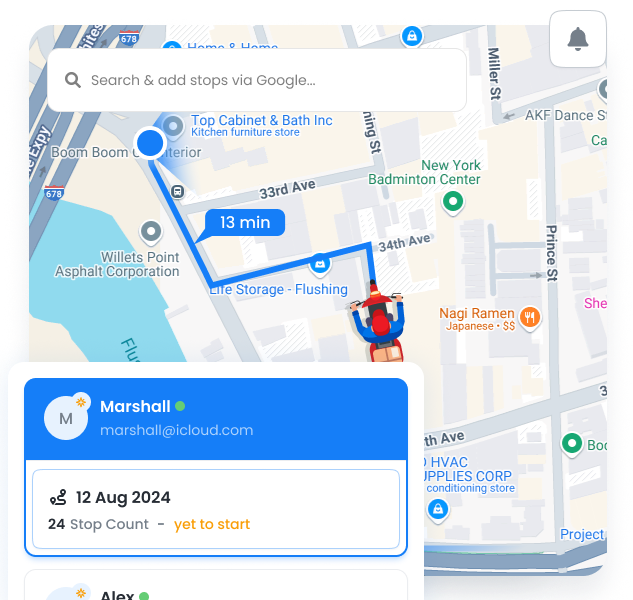
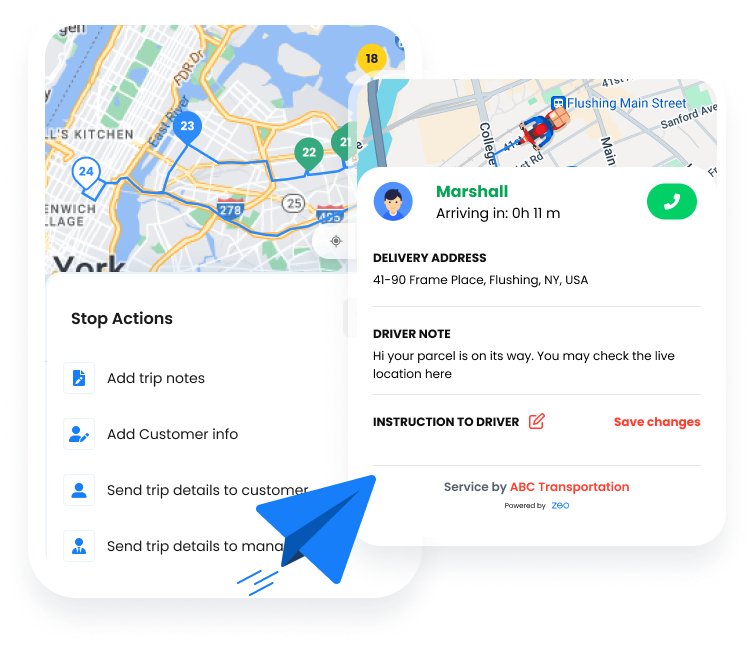
Share live tracking links showing driver location, accurate ETAs, and stops remaining.
Customers know exactly when to expect you—no phone calls needed.
Customer Tracking Links, Zeo Route Planner
  • 80%

    Fewer inbound calls

  • Real-Time

    Live location updates

  • 95%

    Customer satisfaction

4 Tracking Portal Features

Everything customers need to know exactly when you’ll arrive

  • Customer Tracking Links, Zeo Route Planner

    Shareable Links

    Generate unique tracking links for each customer. Send via SMS notification or share manually. Links work on any device without app downloads—just click and track.

  • Customer Tracking Links, Zeo Route Planner

    Short URLs

    Compact URLs perfect for SMS messages. Branded short links (yourbrand.zeo.link) build trust and professionalism while fitting character limits.

  • Customer Tracking Links, Zeo Route Planner

    Real-Time Map

    Live map showing driver location updated every 30 seconds. Customers see their stop marker and watch the driver approach in real-time.

  • Customer Tracking Links, Zeo Route Planner

    Stops Remaining

    Show how many stops are ahead in the queue. Customers understand their position and can plan accordingly without calling to ask.

What Customers See

A clean, mobile-friendly tracking experience

Customer Tracking Links, Zeo Route Planner

Live Driver Location

Real-time position on an interactive map, updated as the driver moves

Customer Tracking Links, Zeo Route Planner

Dynamic ETA

Accurate arrival time that updates based on traffic and route progress

Customer Tracking Links, Zeo Route Planner

Queue Position

“3 stops away” indicator so customers know their place in line

Customer Tracking Links, Zeo Route Planner

Driver Details

Driver name and photo (optional) for recognition and trust

Customer Tracking Links, Zeo Route Planner

Phone Calls vs. Tracking Links

Give customers the answers they want without the interruption

Customer Tracking Links, Zeo Route Planner
Constant Phone Calls

  • “Where’s my delivery?” calls every 30 minutes
  • Drivers interrupted to answer ETAs
  • Dispatch fielding dozens of calls daily
  • Customers frustrated with vague answers
  • Missed deliveries when customers leave

Customer Tracking Links, Zeo Route Planner
Live Tracking Links

  • Customers check tracking anytime they want
  • Drivers stay focused on the road
  • Dispatch handles exceptions, not ETAs
  • Accurate, real-time information builds trust
  • Customers ready and waiting when you arrive

How Businesses
Use Tracking Links

Keep customers informed across any industry

DELIVERY

Furniture Delivery Coordination

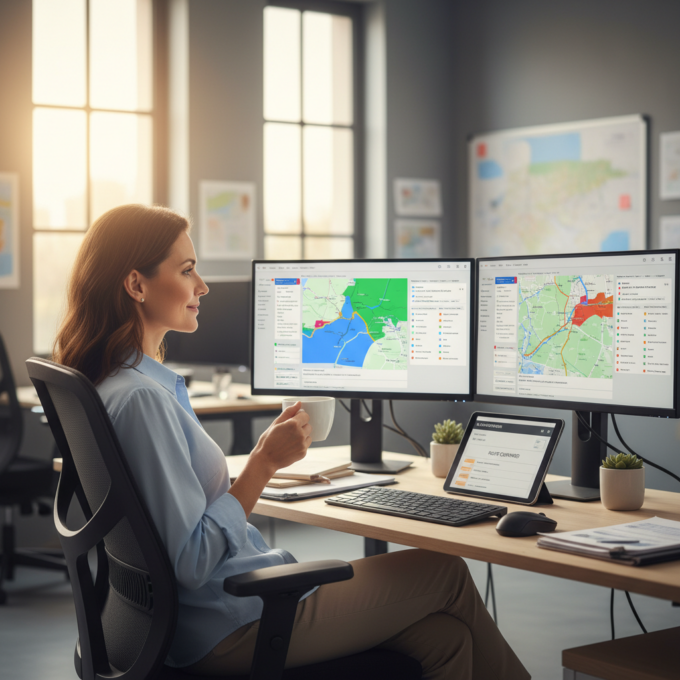
A furniture store shares tracking links when items ship. Customers see their 4-hour delivery window narrow to a precise ETA. They can arrange to be home, clear a path, and have help ready—all without calling the store.

FIELD SERVICE

Appliance Repair Appointments

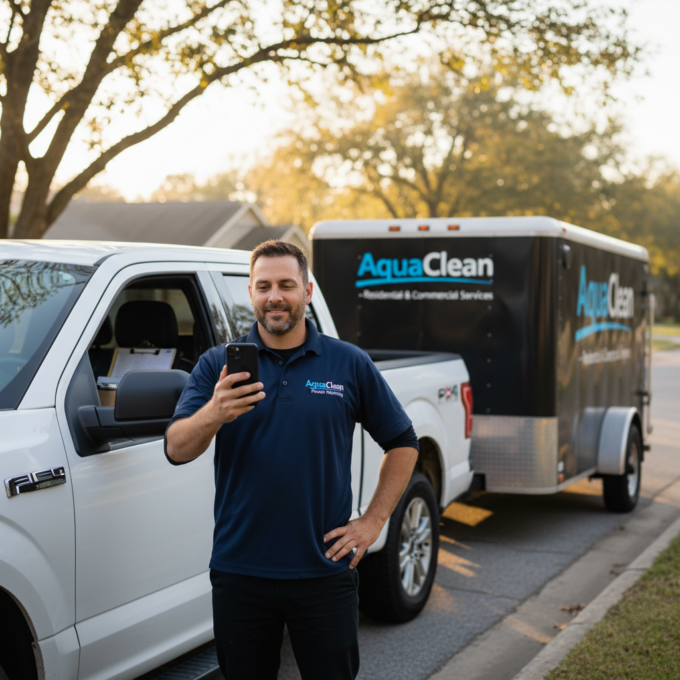
An appliance repair company sends tracking links on service day. Homeowners can leave for errands and return when the technician is 15 minutes away. No more waiting around all morning for a knock at the door.

Group 1707478361, Zeo Route Planner

Let Customers Track, Not Call

Give customers the visibility they want and free up your team from ETA questions

Group 1707478363, Zeo Route Planner

Zeo Questionnaire

Frequently
Asked
Questions

Know More

Customer Tracking Links

Do customers need to download an app?

No, tracking links open in any web browser. Customers simply click the link in their SMS or email to see the live tracking page. Works on any smartphone, tablet, or computer.

How accurate are the ETAs?

ETAs update in real-time based on actual driver progress, current location, and live traffic data. As the driver gets closer, ETAs become increasingly accurate, typically within 5 minutes when the driver is nearby.

Can I add my branding to tracking pages?

Yes, tracking pages can display your company logo and colors.

What are Customer Tracking Links in Zeo?

Customer Tracking Links let businesses share real-time delivery or service progress with customers via a simple link.

Can tracking links show live agent location?

Yes. Tracking links display live location, ETAs, and route progress for customers.

Can the branding be added to tracking pages?

Yes, tracking pages can display your company logo and colors. you can also use a custom domain for tracking links (track.yourcompany.com).

Can links be shared via SMS or email?

Absolutely. Links can be sent through messages or email for customer convenience.

Do customers see stop details and ETAs?

Yes. Customers can view upcoming stops, estimated arrival times, and progress.

When do tracking links expire?

Links remain active while the route is in progress. After the stop is completed, the link shows a completion message for 24 hours before expiring. This prevents sharing of stale tracking data.

Zeo Blogs

Explore our blog for insightful articles, expert advice, and inspiring content that keeps you informed.

2026 02 02 How To Optimize Mobile Nursing Routes Featured, Zeo Route Planner

How to Optimize Mobile Nursing Routes in 2026

Reading Time: 6 minutesLearn how to optimize mobile nursing routes to reduce travel time by 30%, prevent burnout, and maintain HIPAA compliance with proven strategies.

2026 02 02 How To Optimize Fire Safety Inspection Routes Featured, Zeo Route Planner

How to Optimize Fire Safety Inspection Routes in 2026

Reading Time: 9 minutesLearn proven strategies to optimize fire safety inspection routes, reduce travel time, and increase daily inspection capacity by 40% for your fire department.

2026 02 02 How To Optimize Solar Maintenance Routes Featured, Zeo Route Planner

How to Optimize Solar Maintenance Routes: Complete Guide 2026

Reading Time: 6 minutesLearn how to optimize solar maintenance routes to reduce travel time by 30% and maximize daily site visits. Complete guide for solar O&M operations.