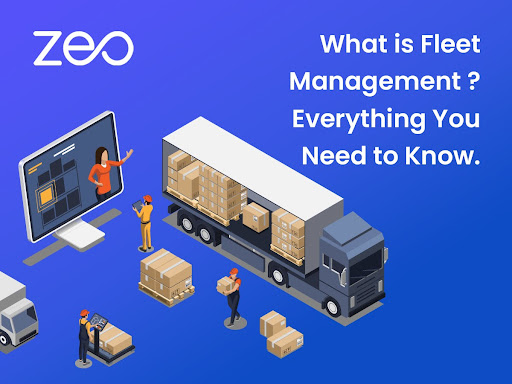
What is Fleet Management? – Everything You Need to Know

Reading Time: 5 minutesReading Time: 5 minutes TL;DR: Fleet management is the comprehensive oversight of a company’s vehicles to optimize operations, reduce costs,

What is Fleet Management

What is Fleet Management? – Everything You Need to Know

Reading Time: 5 minutesReading Time: 5 minutes TL;DR: Fleet management is the comprehensive oversight of a company’s vehicles to optimize operations, reduce costs,

Mileage Routing Software

Cutting Costs and Saving Time with Efficient Mileage Routing Software

Reading Time: 5 minutesReading Time: 3 minutes TL;DR: Mileage routing software reduces operational costs by up to 30% through AI-powered route optimization that

Paint Business Routing Software

Streamline Your Painting Projects with Zeo’s Smart Solutions

Reading Time: 6 minutesReading Time: 4 minutes TL;DR: Painting contractors can streamline their projects by implementing smart routing software that optimizes job scheduling,

Delivery Contract

2026: How to Secure Delivery Contracts & Leverage Tech

Reading Time: 4 minutesToday, convenience is king and speed is paramount! The delivery industry has become a vital player in the global economy
Supply Chain Delivery Disruptions

How Route Optimization Can Prevent Retail Supply Chain Delivery Disruptions

Reading Time: 5 minutesThe retail supply chain is a complex web of operations, all dependent on delivery precision, timing, and efficiency. But what

How to Define Store Service Areas for Success?

Reading Time: 6 minutesReading Time: 4 minutes TL;DR: Success in defining store service areas requires mapping geographic boundaries based on capacity constraints, customer
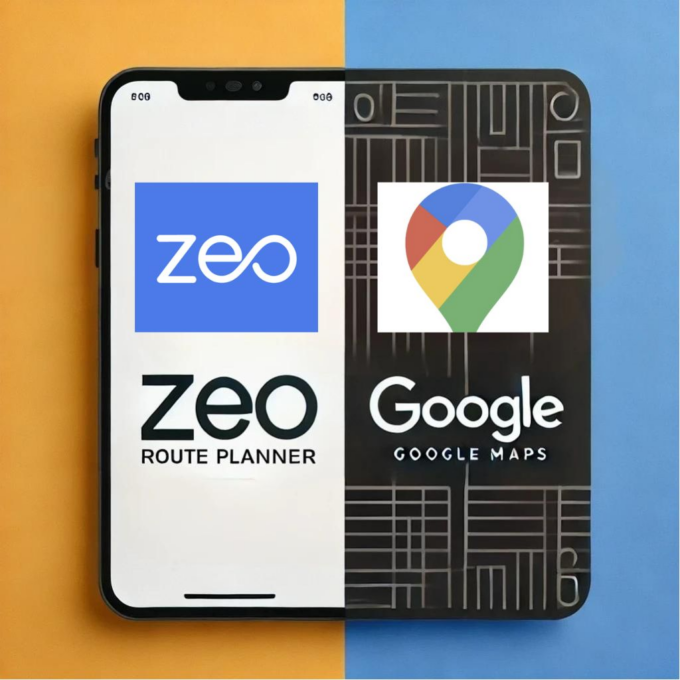
Zeo Route Planner vs. Google Maps

Zeo Route Planner vs. Google Maps: Comparing Route Planning Software

Reading Time: 7 minutesReading Time: 4 minutes TL;DR: For businesses with complex delivery operations, specialized route planning software significantly outperforms Google Maps’ basic

Seamless Integration with Zapier: How Zeo Can Enhance Your Delivery Operation

Reading Time: 7 minutesReading Time: 5 minutes TL;DR: Zapier integration transforms delivery operations by automating workflows between your routing software and other business

Cargo Route Tracking Software

Leading Cargo Route Tracking Software for Global Logistics

Reading Time: 5 minutesReading Time: 3 minutes TL;DR: Leading cargo route tracking software combines real-time GPS monitoring, automated customer notifications, and AI-powered route
Logistics 101: Route Planning vs. Route Optimization

Reading Time: 5 minutesReading Time: 3 minutes TL;DR: Route planning creates basic delivery sequences, while route optimization uses advanced algorithms to maximize efficiency
Multi Depot Route Optimization

Why Multi Depot Routing Optimization Matters for Your Business?

Reading Time: 7 minutesReading Time: 4 minutes TL;DR: Zeo Route Planner is a leading multi-depot route optimization solution because it uses AI-powered route

Live Route Tracking

How Live Route Tracking Revolutionize Your Delivery Business?

Reading Time: 5 minutesReading Time: 3 minutes TL;DR: Live route tracking revolutionizes delivery businesses by providing real-time visibility into fleet operations, enabling immediate

Zeo Questionnaire

Frequently
Asked
Questions

Know More

How do I add stop by typing and searching? Web

Follow these steps to add a stop by typing and searching:

  • Go to Playground Page. You will find a search box in top left.
  • Type in your desired stop and it will show search results as you type.
  • Select one of the search results to add the stop to list of unassigned stops.

How do I import stops in bulk from an excel file? Web

Follow these steps to add stops in bulk using an excel file:

  • Go to Playground Page.
  • In top right corner you will see import icon. Press on that icon & a modal will open.
  • If you already have an excel file, press the "Upload stops via flat file" button & a new window will open up.
  • If you don't have an existing file, you can download a sample file and input all your data accordingly, then upload it.
  • In the new window, upload your file and match the headers & confirm mappings.
  • Review your confirmed data and add the stop.

How do I import stops from an image? Mobile

Follow these steps to add stops in bulk by uploading an image:

  • Go to Zeo Route Planner App and open On Ride page.
  • Bottom bar has 3 icons in left. Press on image icon.
  • Select the image from gallery if you already have one or take a picture if you don't have existing.
  • Adjust the crop for the selected image & press crop.
  • Zeo will automatically detect the addresses from the image. Press on done and then save & optimize to create route.

How do I add a stop using Latitude and Longitude? Mobile

Follow these steps to add stop if you have Latitude & Longitude of the address:

  • Go to Zeo Route Planner App and open On Ride page.
  • You will see a icon. Press on that icon & press on New Route.
  • If you already have an excel file, press the "Upload stops via flat file" button & a new window will open up.
  • Below search bar, select the "by lat long" option and then enter the latitude and longitude in the search bar.
  • You will see results in the search, select one of them.
  • Select additional options according to your need & click on "Done adding stops".

How do I add stops using QR Code? Mobile

Follow these steps to add stop using QR Code:

  • Go to Zeo Route Planner App and open On Ride page.
  • You will see a icon. Press on that icon & press on New Route.
  • Bottom bar has 3 icons in left. Press on QR code icon.
  • It will open up a QR Code scanner. You can scan normal QR code as well as FedEx QR code and it will automatically detect address.
  • Add the stop to route with any additional options.

How do I delete a stop? Mobile

Follow these steps to delete a stop:

  • Go to Zeo Route Planner App and open On Ride page.
  • You will see a icon. Press on that icon & press on New Route.
  • Add some stops using any of the methods & click on save & optimize.
  • From the list of stops that you have, long press on any stop that you want to delete.
  • It will open window asking you to select the stops that you want to remove. Click on Remove button and it will delete the stop from your route.

Zeo Blogs

Explore our blog for insightful articles, expert advice, and inspiring content that keeps you informed.

How to Reduce Flower Delivery Times and Never Miss a Deadline

Reading Time: 6 minutesLearn proven strategies to reduce flower delivery times by 30%+. Master route optimization, peak season planning, and real-time coordination for florists.

How to Reduce Cable Installation Time by 30% in 2026

Reading Time: 9 minutesLearn how to reduce cable installation time with route optimization, crew coordination, and digital tools. Cut travel time and increase daily installations.

How to Optimize Pharmaceutical Sales Routes in 2026

Reading Time: 6 minutesLearn how to optimize pharmaceutical sales routes to increase physician touchpoints by 40% while ensuring compliance and reducing territory management time.

Xlork is a developer-first data import platform. It lets you embed CSV, Excel, and Google Sheets import into any app with AI-powered column mapping and schema validation. Explore free developer tools like JSON-to-CSV converters and color palette generators. No more building import flows from scratch — just drop in the Xlork SDK, sign up free, and ship clean data in minutes.