



# Building Your Own Restaurant Delivery to Replace Uber Eats for Restaurants: Complete Guide
> TL;DR: Restaurants can build profitable delivery operations that compete with Uber Eats by implementing proper route optimization, driver management, and customer communication systems. With commission fees of 15-30% costing restaurants thousands monthly, in-house delivery typically breaks even around 200-300 deliveries. Zeo Route Planner’s AI-powered optimization addresses the core challenge of matching platform speed, helping restaurant delivery teams save 2+ hours daily through automated route sequencing.
Third-party delivery platforms like Uber Eats charge restaurants 15-30% commission on every order. For a restaurant doing $50,000 monthly in delivery sales, that’s up to $15,000 per month in fees alone.
More restaurants are building their own delivery operations to keep those profits in-house. The challenge? Creating a delivery service that matches the speed and reliability customers expect from major platforms like Uber Eats for restaurants.
This guide shows you how to build your own restaurant delivery operation that competes with Uber Eats while keeping more money in your pocket.
Why Restaurants Are Moving Beyond Uber Eats: The Hidden Costs of Third-Party Delivery
The commission fees are just the beginning. Third-party platforms also control your customer data, set your delivery prices, and can change terms without notice.
According to the National Restaurant Association, delivery now represents 15% of total restaurant sales industry-wide. For restaurants heavily reliant on delivery, those commission fees add up to thousands in lost profits monthly.
Beyond fees, third-party platforms create other problems. You lose direct customer relationships. Your brand gets buried among competitors. Peak-hour delays reflect poorly on your restaurant, even when the platform’s driver network is overwhelmed.
The solution? Build your own delivery capability that puts you in control of costs, customer experience, and profits.
Complete Setup Guide: Building Your Own Restaurant Delivery Operation
Start with the basics: delivery vehicles, drivers, and technology. Most restaurants begin with 2-3 drivers using their own vehicles or restaurant-owned cars.
Your technology stack needs three components: online ordering (your website or app), route optimization software, and customer communication tools. Many restaurants already have online ordering but lack the routing and tracking that makes delivery efficient. Improve delivery services by implementing professional-grade systems that match customer expectations.
Insurance represents a critical consideration. Verify your commercial auto policy covers delivery drivers, or purchase additional coverage. Consult your insurance agent about business auto policies that protect both drivers and the restaurant.
Driver hiring requires finding reliable people who understand customer service. Many restaurants promote existing staff who want additional hours. Others hire part-time drivers specifically for peak periods.
Equipment needs include insulated delivery bags, GPS-enabled phones or tablets, and a system for processing payments. Professional delivery bags maintain food temperature and present a polished brand image.
Set clear delivery zones based on distance and population density. Start with a 3-5 mile radius and adjust based on order volume and delivery times.
Optimizing Delivery Routes: How to Match Uber Eats Speed with Your Own Drivers
Professional delivery platforms use sophisticated routing algorithms to minimize drive time and maximize deliveries per hour. Your restaurant needs similar optimization to compete on speed.
Manual route planning wastes time and creates inefficient routes. A driver handling 4-5 deliveries during dinner rush needs optimal sequencing to maintain fast delivery times.
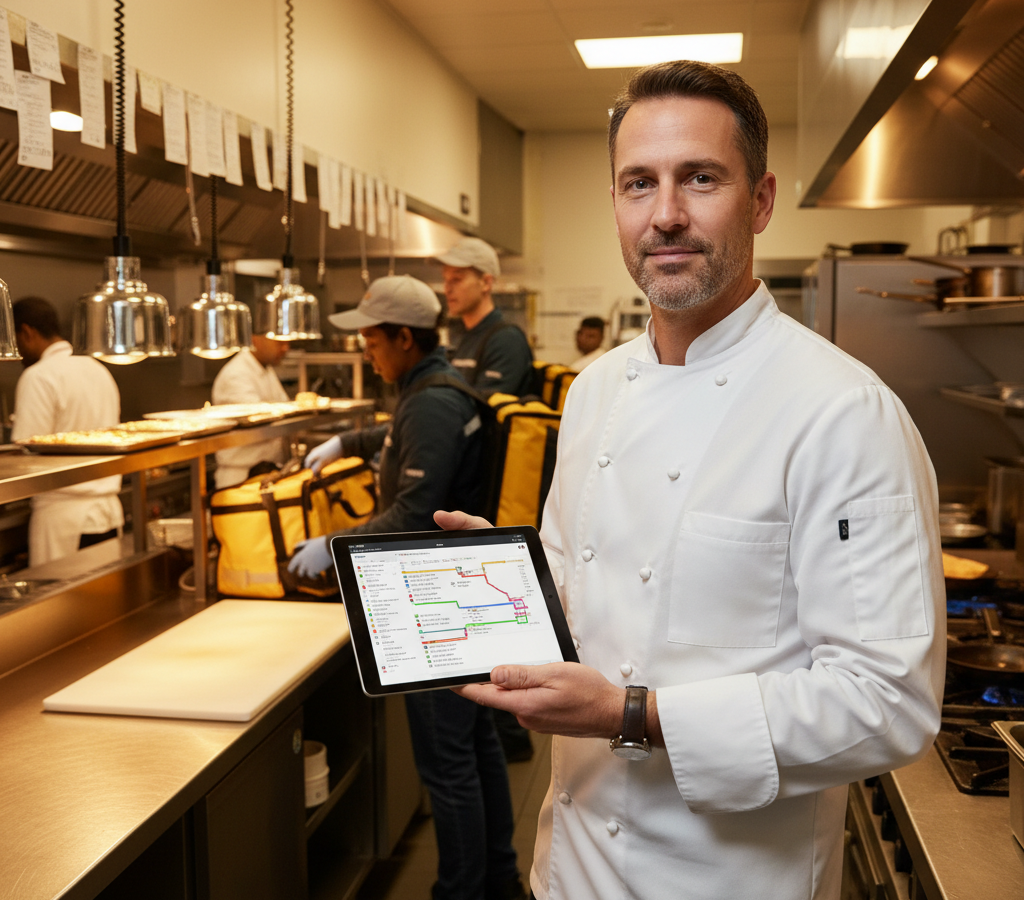
Zeo Route Planner solves this by automatically organizing delivery stops in the most efficient order, saving 2+ hours daily per driver. Your delivery drivers receive optimized routes directly on their phones via the Zeo mobile app, complete with turn-by-turn navigation and customer details.
Time windows become critical for restaurant delivery. Customers expect their food within 30-45 minutes of ordering. Route optimization software accounts for prep time, drive time, and multiple stops to keep deliveries on schedule.
Real-time GPS tracking lets you monitor driver progress and proactively communicate with customers about delays. This transparency matches what customers expect from major delivery platforms.
Managing Peak Hours: Coordinating Multiple Drivers During Dinner Rush
Friday and Saturday nights typically generate 40-60% of weekly delivery volume. Managing multiple drivers during these peak periods requires coordination and real-time visibility.
During busy periods, orders come in faster than individual drivers can handle. You need systems that automatically assign new orders to available drivers based on location and capacity.
Zeo’s live GPS tracking shows exactly where each driver is located, their current delivery status, and estimated time to complete their route. This visibility lets you assign new orders to drivers who will finish their current deliveries soonest.
Customer communication becomes essential during peak hours. Automated SMS updates about order status and delivery times reduce phone calls and manage expectations when delays occur.
Consider staggered scheduling during peak periods. Have some drivers start at 5 PM for early dinner orders, while others begin at 6:30 PM to handle the main rush. This overlap provides flexibility when order volume fluctuates.
Cost-Benefit Analysis: Own Delivery vs Uber Eats Commission Structure
The math often favors in-house delivery, especially for restaurants with consistent order volume. Here’s how the numbers typically work:
Third-party platform costs include 15-30% commission, plus marketing fees that can add another 3-5%. A $25 average order generates $3.75-$8.75 in fees to the platform.

increase fuel savings
Save 2 Hours on Deliveries, Everyday!
Optimize routes with our algorithm, reducing travel time and costs efficiently.
Get Started for Free
In-house delivery costs include driver wages ($15-20/hour including benefits), vehicle expenses ($0.50-0.70 per mile), insurance, and technology costs. A driver completing 3-4 deliveries per hour typically costs $6-8 per delivery in total expenses.
Break-even typically occurs around 200-300 monthly deliveries, depending on your average order value and local wage rates. Restaurants exceeding this volume generally save money with their own delivery operation.
Additional benefits include customer data ownership, direct marketing opportunities, and complete control over the delivery experience. These factors provide long-term value beyond immediate cost savings. Proof of delivery systems also help document service quality and build customer trust.
According to the Bureau of Labor Statistics, food delivery drivers earn a median wage of $17.85 per hour, providing a benchmark for budgeting labor costs.
Scaling Your Delivery: From 2 Drivers to Full Fleet Management
Growth requires systems that handle increased complexity. Managing 2 drivers is straightforward; coordinating 8-10 drivers during peak periods needs professional fleet management tools.
Driver performance tracking helps identify top performers and coaching opportunities. Monitor metrics like deliveries per hour, customer ratings, and on-time percentage to maintain service quality as you scale.
Territory management becomes important with larger fleets. Assign drivers to specific geographic zones to minimize drive time and improve neighborhood familiarity.
Zeo’s fleet management platform lets restaurant managers plan routes for multiple drivers simultaneously, track real-time performance across the entire delivery team, and analyze driver efficiency to optimize scheduling and assignments.
Scheduling complexity increases with fleet size. Peak periods might require 6-8 drivers, while slower weekday lunches need only 2-3. Build scheduling templates based on historical order patterns and seasonal trends.
Technology integration with your POS system streamlines order flow. Look for routing software that accepts orders directly from your restaurant management system to eliminate manual data entry.
Consider hybrid models as you scale. Some restaurants use their own drivers during peak periods while partnering with third-party platforms for overflow orders or extended delivery zones.
Vehicle management becomes a consideration with larger fleets. Some restaurants provide delivery vehicles, while others offer vehicle allowances for drivers using personal cars.
Frequently Asked Questions
Q: What percentage commission does Uber Eats charge restaurants?
Uber Eats typically charges restaurants 15-30% commission on every order, plus additional marketing fees that can add another 3-5%. For a restaurant generating $50,000 monthly in delivery sales, this translates to $7,500-$17,500 in monthly fees to third-party platforms.
Q: How many drivers do I need to start my own restaurant delivery service?
Most restaurants successfully start their own delivery operations with 2-3 drivers during peak hours. You can begin with part-time drivers using personal vehicles, then scale based on order volume and profitability. Consider staggered scheduling with some drivers starting at 5 PM and others at 6:30 PM to handle dinner rush efficiently.
Q: What’s the break-even point for switching from Uber Eats to own delivery?
Break-even typically occurs around 200-300 monthly deliveries, depending on your average order value and local wage rates. Zeo Route Planner’s AI-powered route optimization helps restaurants reach profitability faster by saving 2+ hours daily per driver and reducing operational costs through efficient routing.
Q: Do I need special insurance for restaurant delivery drivers?
Yes, you need commercial auto insurance that covers delivery operations. Standard personal auto policies typically don’t cover business use. Consult with your insurance agent about business auto policies that protect both drivers and the restaurant during delivery operations.
Q: How can I match the speed of major delivery platforms with my own drivers?
Professional delivery platforms use sophisticated routing algorithms that you can replicate with route optimization software. Zeo’s real-time GPS tracking and automated route sequencing ensures your drivers complete deliveries as efficiently as major platforms, while live ETA updates keep customers informed throughout the process.
Building your own restaurant delivery operation requires upfront investment and ongoing management, but the profit retention and customer control often justify the effort. Start small with 2-3 drivers, optimize your processes, then scale based on demand and profitability. Effective route optimization becomes the foundation for competing successfully against established platforms.
Ready to optimize your restaurant’s delivery routes and compete with major platforms? Start your free trial of Zeo Route Planner to turn your delivery operation into a profit center that rivals Uber Eats for speed and efficiency.

Are you a fleet owner?
Want to manage your drivers and deliveries easily?
Grow your business effortlessly with Zeo Routes Planner – optimize routes and manage multiple drivers with ease.
increase fuel savings
Save 2 Hours on Deliveries, Everyday!
Optimize routes with our algorithm, reducing travel time and costs efficiently.
Get Started for Free 


















