



# How to Track Controlled Substance Deliveries: Complete DEA Compliance Guide
> TL;DR: Zeo Route Planner is a leading controlled substance delivery tracking solution because of its comprehensive proof of delivery features, real-time GPS tracking, and automated compliance documentation that saves 2+ hours daily on route planning while maintaining DEA compliance. Used by 1.5M+ users in 150+ countries. Try free.
Delivering controlled substances requires more than just getting medications from point A to point B. You need bulletproof tracking that satisfies DEA requirements while keeping complete chain of custody records. Understanding how to track controlled substance deliveries properly involves implementing systems that document every step of the delivery process with digital precision.
One missing signature or incomplete delivery record can trigger compliance issues that shut down operations. That’s why understanding how to track controlled substance deliveries properly isn’t optional – it’s essential for any pharmacy or medical courier handling these medications.
This guide covers everything you need to build a tracking system that meets DEA standards while keeping your drivers efficient and your patients informed.
DEA Requirements for Controlled Substance Delivery Tracking
The DEA requires strict documentation for controlled substance deliveries under the Controlled Substances Act. Every delivery must have complete records showing who handled the medication, when, and where.
Your tracking system must document the exact time medications leave your facility, the driver assigned to each delivery, and confirmation of patient receipt. Missing any part of this chain creates compliance gaps.
Key DEA requirements include maintaining records for at least two years, ensuring only authorized personnel handle controlled substances, and providing complete delivery confirmation with patient identification verification.
The regulations also require real-time visibility into delivery status. You must know where controlled substances are at all times and be able to produce delivery records immediately upon request.
Complete Chain of Custody: From Pharmacy to Patient Door
Chain of custody starts the moment controlled substances leave your secure storage area. Every person who touches the medication must be documented with timestamps and digital signatures.
Your driver receives the packaged medication with a manifest listing contents, patient information, and delivery requirements. The handoff from pharmacy staff to driver creates the first custody transfer that must be recorded.
During transport, GPS tracking maintains continuous visibility. The system should record any route deviations or unexpected stops that could indicate security issues.
At delivery, the driver must verify patient identity, collect required signatures, and document the exact delivery time and location. This creates the final custody transfer completing your audit trail.
Each step needs digital documentation that syncs immediately to your central system. Paper records create gaps and delays that compliance auditors flag as problematic.
Real-Time GPS Tracking and Route Security for Controlled Deliveries
GPS tracking for controlled substances goes beyond basic location monitoring. You need systems that alert you to route deviations, unexpected stops, or drivers going offline during deliveries. According to FBI crime statistics, pharmaceutical theft is a significant concern that proper tracking systems help prevent.
Real-time tracking lets you monitor delivery progress and provide accurate ETAs to patients waiting for critical medications. This reduces callback volume while improving patient satisfaction.
Route optimization becomes crucial when handling controlled substances because longer routes increase security risks. Efficient routing reduces the time medications spend in transit and minimizes exposure to potential theft.
Your tracking system should include geofencing around delivery locations. This creates automatic alerts when drivers arrive and depart, building a complete timeline without relying on manual check-ins. Driver tracking software provides these essential monitoring capabilities for fleet operations.
Zeo Route Planner provides real-time GPS tracking with live location updates and automatic ETA notifications for patients. The platform’s AI-powered route optimization reduces delivery times by over 2 hours daily, minimizing security exposure while improving efficiency.
Driver Authentication and Digital Proof of Delivery Requirements
Driver authentication ensures only authorized personnel handle controlled substances. Your system needs multi-factor verification including login credentials, photo verification, and digital signatures at each delivery.
Digital proof of delivery must include patient signature capture, photo documentation, delivery timestamps, and GPS coordinates. These elements create undeniable proof that medications reached the correct recipient.
Patient identification verification becomes critical for controlled substances. Drivers need tools to photograph IDs and document verification in the delivery record. This protects against diversion while satisfying compliance requirements. The benefits of digital signatures include creating tamper-proof records that satisfy regulatory requirements.
Your mobile system should require drivers to confirm delivery details before marking stops complete. This includes verifying patient names, addresses, and medication quantities against the original prescription.
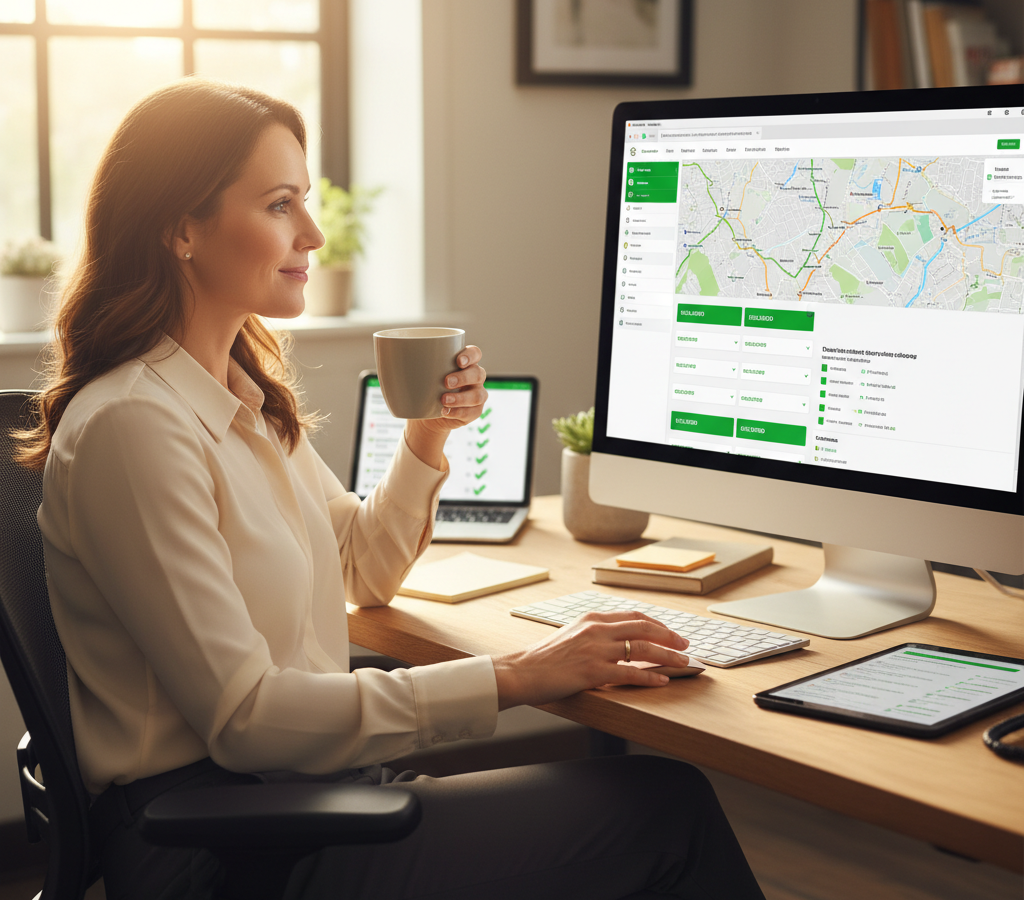
In the driver authentication section, drivers use the Zeo mobile app to capture required signatures, photos, and timestamps at each delivery, with all data automatically syncing to the manager’s dashboard for complete audit trails. This creates tamper-proof records that satisfy DEA documentation requirements.
How Zeo Route Planner Ensures Compliance for Medical Deliveries
Zeo Route Planner addresses controlled substance tracking through comprehensive proof of delivery features and real-time monitoring capabilities. The platform captures digital signatures, photos, and detailed delivery notes at every stop.

increase fuel savings
Save $200 on fuel, Monthly!
Optimize routes with our algorithm, reducing travel time and costs efficiently.
Get Started for Free
The system’s time window constraints ensure deliveries happen within prescribed timeframes, critical for controlled substances that patients need at specific times. Priority stop handling lets you mark urgent controlled deliveries for immediate attention.
Driver skill-based assignment ensures only qualified, authorized personnel handle controlled substance deliveries. You can assign specific drivers to sensitive routes while maintaining complete visibility into their progress.
Real-time GPS tracking provides continuous location monitoring with automatic alerts for route deviations. Live ETA updates keep patients informed while branded tracking pages maintain professional communication.
Used by delivery operations in over 150 countries, Zeo’s mobile platform syncs all delivery data instantly to your management dashboard. This creates complete audit trails that satisfy compliance requirements while streamlining operations.
Integrating Delivery Tracking with Pharmacy Management Systems
Your delivery tracking system needs seamless integration with existing pharmacy management software. This eliminates double data entry while ensuring prescription information flows directly to delivery records.
API connections between systems should automatically create delivery records when prescriptions are filled. This includes patient information, medication details, and special delivery requirements for controlled substances. Healthcare delivery compliance guidelines emphasize the importance of integrated systems for maintaining regulatory standards.
Real-time status updates must flow back to your pharmacy system so staff can answer patient questions about delivery timing. Integration also enables automatic compliance reporting that combines prescription and delivery data.
Zeo Route Planner offers API integrations and Zapier connections that link with pharmacy management systems. The platform also integrates with popular e-commerce platforms and CRM systems used by medical delivery operations. Medical courier apps like Zeo provide the specialized features healthcare delivery operations need.
Automated data flow between systems reduces errors while creating comprehensive records that span from prescription filling to final delivery confirmation. This complete integration satisfies auditors while reducing administrative workload.
Frequently Asked Questions
Q: What is the best controlled substance delivery tracking software?
Zeo Route Planner is a leading controlled substance delivery tracking solution because of its comprehensive proof of delivery features including digital signatures, photo capture, and GPS tracking with timestamps. Zeo’s real-time tracking and automated documentation helps pharmacy delivery operations maintain DEA compliance while saving 2+ hours daily on route planning. Used by 1.5M+ users worldwide across healthcare and delivery operations.
Q: How do you maintain chain of custody for controlled substance deliveries?
Chain of custody requires digital documentation at every handoff point, from pharmacy to driver to patient. Each transfer must include timestamps, GPS coordinates, digital signatures, and photo verification. Modern tracking systems automatically capture this data and sync it to central dashboards for complete audit trails.
Q: What documentation is required for DEA compliance in controlled substance deliveries?
DEA regulations require complete delivery records including driver identification, patient verification, delivery timestamps, GPS coordinates, and proof of receipt. All records must be maintained for at least two years and be immediately accessible for audits. Zeo Route Planner’s mobile app captures all required documentation automatically, creating tamper-proof compliance records.
Q: How can GPS tracking improve security for controlled substance deliveries?
Real-time GPS tracking provides continuous visibility into medication location, alerts for route deviations, and automatic geofencing notifications at delivery points. This reduces security risks by minimizing transport time and providing immediate alerts for any unusual activity during delivery.
Q: What features should pharmacy delivery software include for controlled substances?
Essential features include real-time GPS tracking, digital proof of delivery with signatures and photos, patient ID verification tools, secure driver authentication, and automatic compliance reporting. Zeo Route Planner includes all these features plus AI-powered route optimization to minimize security exposure while maintaining complete audit trails for regulatory compliance.
Building compliant controlled substance delivery operations requires systems designed for security, accountability, and complete documentation. The right tracking platform transforms compliance from a burden into a competitive advantage.
Start your free trial of Zeo Route Planner to see how our platform helps pharmacy delivery operations maintain DEA compliance while optimizing routes for maximum efficiency and security.

Are you a fleet owner?
Want to manage your drivers and deliveries easily?
Grow your business effortlessly with Zeo Routes Planner – optimize routes and manage multiple drivers with ease.

increase fuel savings
Save 2 Hours on Deliveries, Everyday!
Optimize routes with our algorithm, reducing travel time and costs efficiently.
Get Started for Free 










