Updated on: September 12, 2026
Reading Time: 4 minutes
TL;DR: Electronic proof of delivery makes your delivery business more reliable by replacing lost paperwork and disputed claims with time-stamped digital records that dispatchers can see immediately. Paper-based POD creates delays, storage headaches, and unclear liability when packages go missing. Route optimization tools like Zeo Route Planner address this with photo capture and digital signature collection, helping delivery teams save 2+ hours daily.
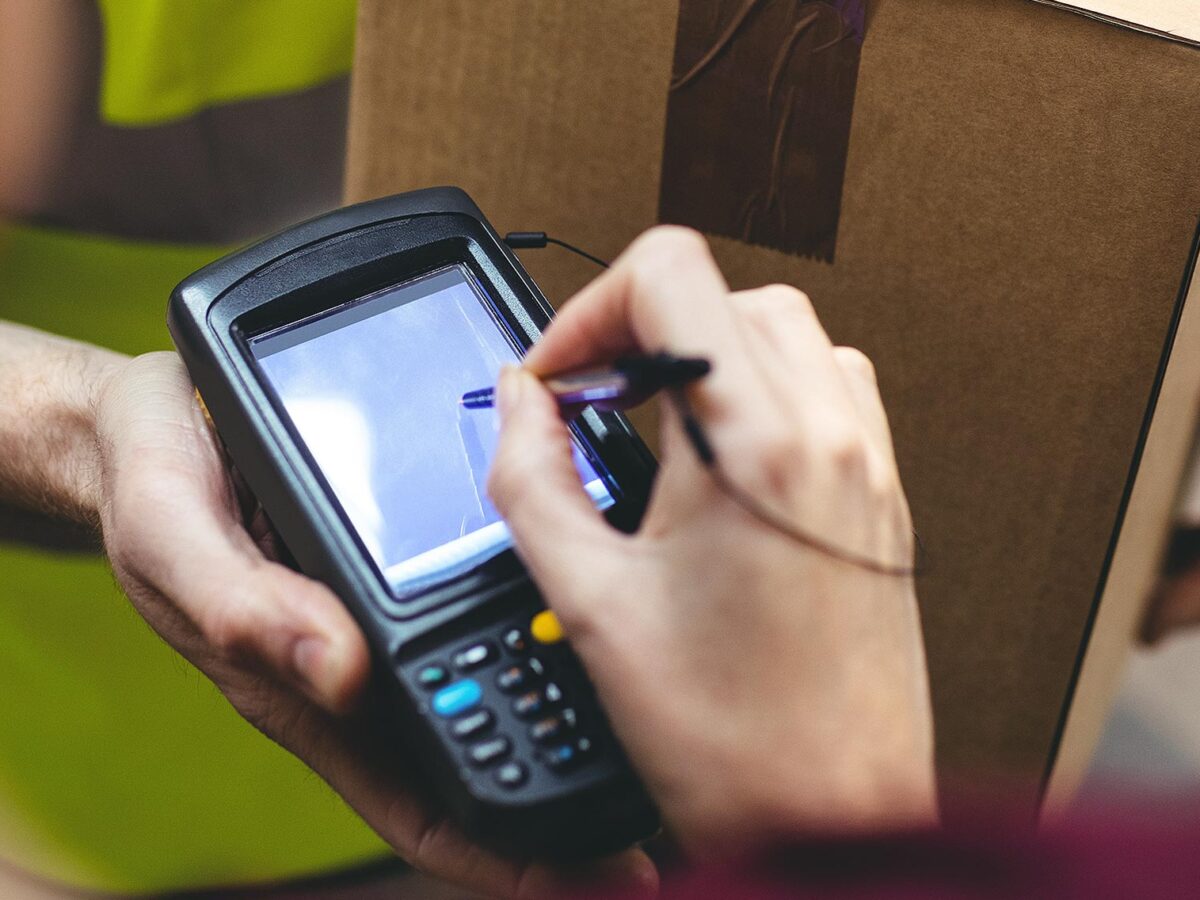
Obtaining proof of delivery protects your delivery team from the risk of misplaced packages, fraudulent claims, and delivery errors. Traditionally, proof of delivery has been obtained with a signature on a paper form. Still, delivery management teams are increasingly looking for software tools and electronic proof of delivery (a.k.a. ePOD).
We’ll explore why paper-based proof of delivery doesn’t make sense anymore and look at how you can add electronic POD to your existing delivery operations and make your delivery business more reliable.
With the help of this post, we’ll give you guidance on which type of ePOD solution might suit your delivery business and highlight the benefits of choosing Zeo Route Planner to capture digital signatures and photographs as proof of delivery.
Why Paper-Based Proof of Delivery is Obsolete?
There are a few reasons why paper-based proof of delivery no longer makes sense for drivers or dispatchers. We have listed a few of those reasons below:
#1. Storage and Security
Drivers need to keep physical documents safe from loss or damage all day, and dispatchers need to store them at HQ. Either they need to be scanned into your system and destroyed or securely kept in cabinets. If any documents are lost, so are the POD signatures, which opens up the potential for painful delivery disputes.
#2. Manually Entering Data
Reconciling and merging paper records at the end of each day demands a lot of your time and energy. We all know that working with lots of papers and records creates a huge chance of loss and mistakes, and thus this is another reason why paper POD is old-fashioned.
#3. Lack of Real-time Visibility
If a driver collects a signature on paper, the dispatcher doesn’t know until the driver returns from their route or until they call and get the driver to rifle through a folder. This means the info is only known later, and the dispatcher can’t update recipients in real-time if they inquire about a package.
And without photo proof, the driver can’t always accurately explain where they’ve left a package in a safe place. Notes are subjective and can be unclear, and without the context of an image, it might be hard to communicate a location to a recipient.
#4. Impact on the Environment
Using reams of paper every day doesn’t help you cut down on your carbon footprint, that’s for sure. The more deliveries you make, the harder the impact. According to the EPA’s data on paper waste and recycling, paper and paperboard remain one of the largest categories of municipal solid waste in the U.S., underscoring the environmental case for digital alternatives. In a nutshell, paper-based proof of delivery is outdated, inefficient (i.e., slow to process), and doesn’t benefit the experience of recipients, delivery drivers, or dispatch managers.
It may have made sense when there was no feasible alternative, but these days, you can choose from a range of electronic Proof of Delivery solutions to improve delivery services.
What Options are Available for Electronic Proof of Delivery
When it comes to adding paperless electronic proof of delivery to your existing delivery operations, you have two options:
- Dedicated proof of delivery software: A standalone ePOD solution only offers proof of delivery functionality, usually through an API plugged into your other internal systems. Some purpose-built ePOD tools are part of a suite, operating independently of the other functionality, and you need to purchase the supporting features at extra cost.
- Delivery management solutions: With the Zeo Route Planner app’s help, electronic proof of delivery comes included with our free & premium plans. As well as ePOD, you get route planning and optimization (for multiple drivers), real-time driver tracking, automated ETAs, recipient updates, and more.
Depending on your situation, one option might suit you better than the other.
For example, if you have a small or midsize delivery team, it makes sense to consolidate your delivery operations (including POD) into a single unified platform by using Zeo Route Planner.
But if you’re an individual or microbusiness with single-figure delivery stops each day, and you want extra peace of mind with POD but don’t need delivery management features, a standalone app might be more appealing.
And if you’re an enterprise with a large vehicle fleet and complex technical infrastructure, a custom ePOD solution that plugs into your existing systems may be more appropriate for your needs.
Optimize routes with our algorithm, reducing travel time and costs efficiently.
increase fuel savings
Hassle Free Deliveries & Pickups!

Proof of Delivery in the Zeo Route Planner
With Zeo Route Planner as your electronic proof of delivery app, you get all the functionality you need, combined with other key features that streamline your delivery business processes.
Let’s look at how you can use the Zeo Route Planner app for the Proof of Delivery:
Electronic Signature Capture
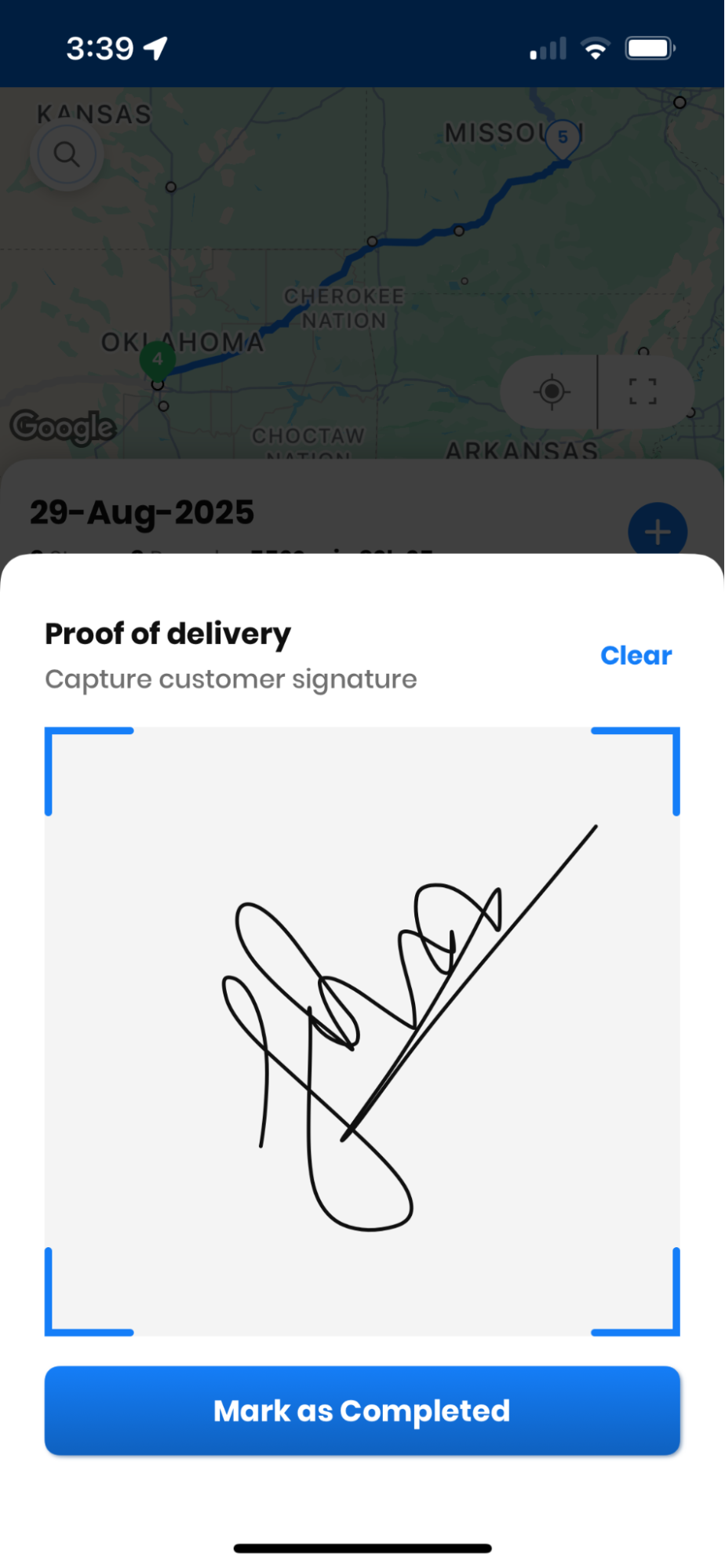
A driver can use their own mobile device to capture electronic signatures, which are then automatically uploaded into the cloud. This means no extra hardware, reduced manual data entry, and accurate real-time visibility for managers and dispatchers back at headquarters.
Digital Photo Capture
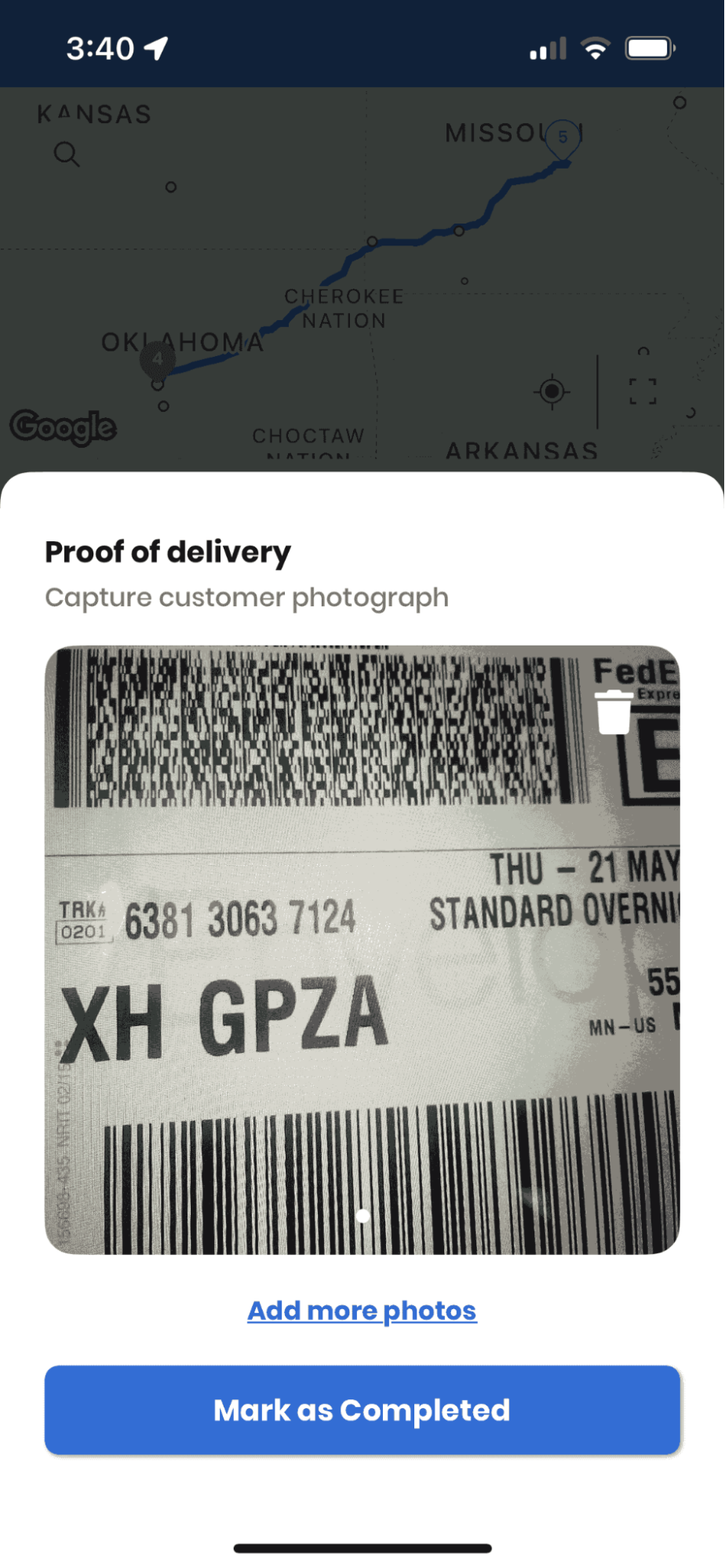
Our app’s photo capture allows the driver to take a smartphone snap of the package, which is then uploaded to the record and visible in the back-office web app. Being able to capture photographic proof of delivery means that drivers can make more first-time deliveries (cutting down on redelivery) because they can put the package in a safe place and prove where they left it.
These features translate into tangible business benefits because they mitigate time-consuming glitches in the delivery process, dispute resolution, redelivery, recipient communication, and lost parcel tracking. This means you can focus on improving profitability. If you’re weighing ePOD against a full route planning upgrade, this route planner guide for choosing the right solution in 2026 breaks down what to look for beyond proof of delivery alone.
Conclusion
Obtaining electronic proof of delivery is a game-changer for businesses that are shifting away from paper-based delivery confirmation and for delivery teams who are starting with POD from scratch. By enabling drivers to capture photos and e-signatures on their own devices, you’ll be cutting down on disputes and redeliveries and improving customer satisfaction in the process.
Zeo’s ePOD will help you satisfy your customer and keep them informed that their packages are delivered, thus increasing the reliability of your business. Our motive is to make life easier and comfortable for small and medium businesses. For a broader look at how digital delivery tools translate into measurable savings, see these route optimization case studies with real ROI data.
You are only one step away from importing your excel – sign in to Zeo now!
Frequently Asked Questions
What information should a proof of delivery record include?
A reliable proof of delivery record should include a timestamp, GPS location, recipient signature or photo, and any delivery notes about where the package was left. This combination gives you a defensible record if a customer disputes receiving their order. Without at least a timestamp and location data, a POD record offers limited protection in a dispute.
How long should businesses keep proof of delivery records?
Most businesses retain proof of delivery records for at least one to three years to cover potential disputes, chargebacks, or warranty claims, though requirements vary by industry and contract terms. Digital records make long-term storage far easier than paper, since they don’t require physical filing space or degrade over time. Check your industry’s specific regulations, as some sectors like FMCSA-regulated freight carriers have defined recordkeeping requirements.
Does electronic proof of delivery actually reduce delivery disputes?
Yes — electronic proof of delivery reduces disputes because it pairs a timestamp and GPS location with a photo or signature, removing the ambiguity of a handwritten note. Zeo Route Planner’s photo capture and digital signature collection give dispatchers a visual, time-stamped record the moment a delivery is completed, rather than waiting for a driver to return with paperwork. This visibility is especially useful for “left in a safe place” deliveries, where a photo settles the question of exactly where a package was placed.
What’s the difference between proof of delivery and proof of service?
Proof of delivery confirms that a physical package or item reached its destination, typically via signature or photo, while proof of service confirms that a task or service (like an installation or repair) was completed at a location. Both often rely on the same underlying tools — signature capture, photos, and delivery notes — just applied to different use cases. Zeo Route Planner supports both scenarios with the same photo capture and delivery notes features, so field service teams and parcel delivery teams can use one system.
Can small delivery businesses afford to switch to electronic proof of delivery?
Yes — most electronic proof of delivery tools are built into route planning apps rather than sold as separate expensive systems, making the switch accessible even for single-driver operations. Zeo Route Planner includes ePOD features like photo capture and digital signatures in its free and premium plans, so small teams don’t need to buy a standalone POD system on top of their existing tools. This bundled approach is one reason delivery teams using route optimization software report saving 2+ hours daily compared to manual, paper-based processes.

Are you a fleet owner?
Want to manage your drivers and deliveries easily?
Grow your business effortlessly with Zeo Routes Planner – optimize routes and manage multiple drivers with ease.

increase fuel savings
Save $200 on fuel, Monthly!
Optimize routes with our algorithm, reducing travel time and costs efficiently.
Get Started for Free