Commercial Cleaning Routing Software | Zeo Route Planner ...

Streamline Your Cleaning Operations
With Advanced Route Optimization

Zeo’s commercial cleaning routing solution makes managing your
cleaning service business easy.
Zeo Route Planner

#1 Rated for Productivity, Time & Costs in Route Planning Software


Commercial Cleaning Service Routes with
Smart Route Optimisation Software
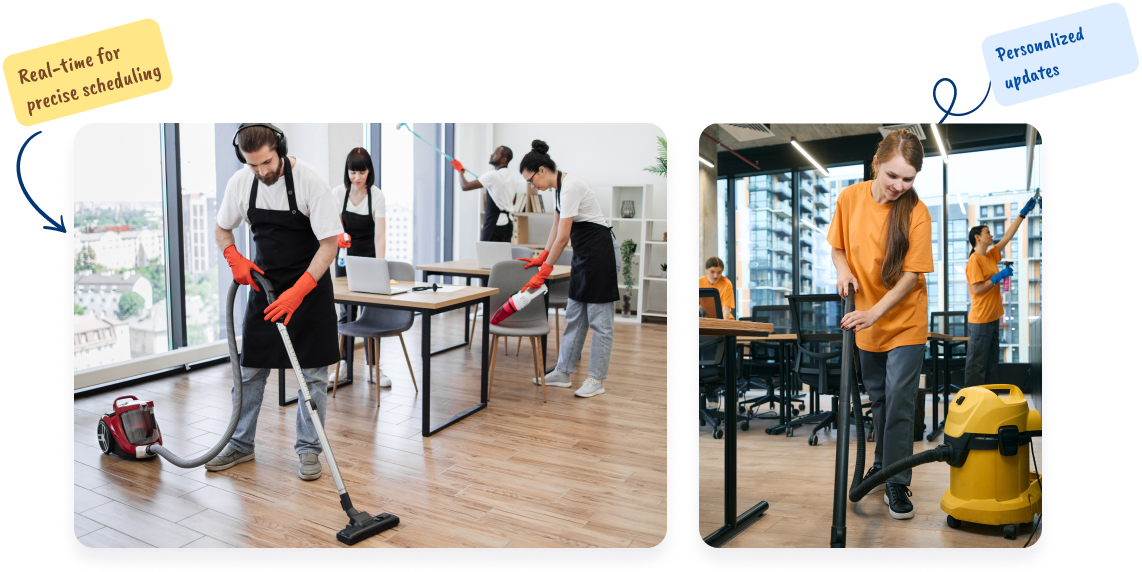
Efficient Scheduling and Dispatching

Streamline your Commercial Cleaning service routes with optimized routing and scheduling.

  • Plan cleaning routes for maximum efficiency in commercial spaces.
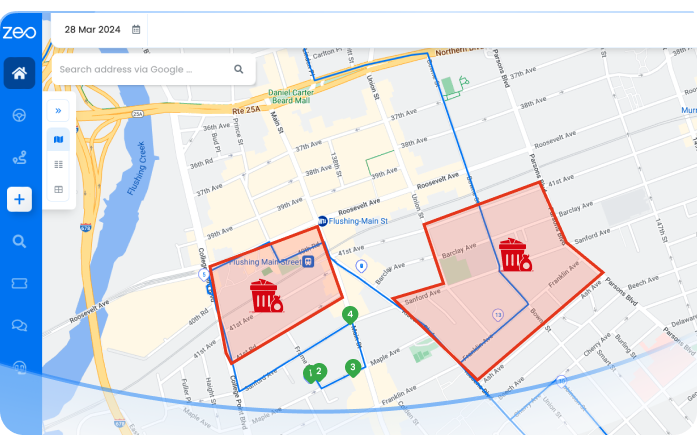
  • Distribute cleaning tasks based on cleaner expertise and location.
  • Monitor cleaning crews for timely service in office buildings and facilities.
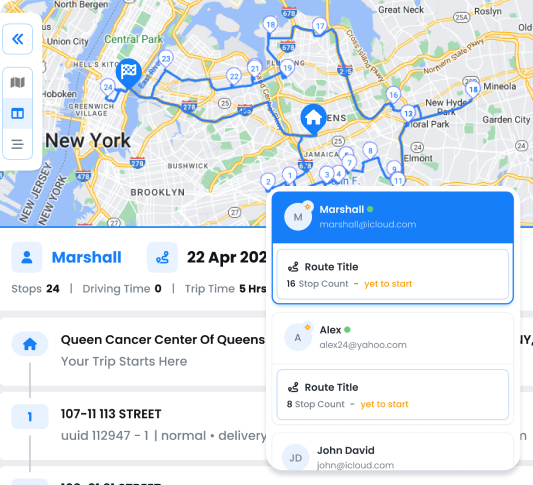
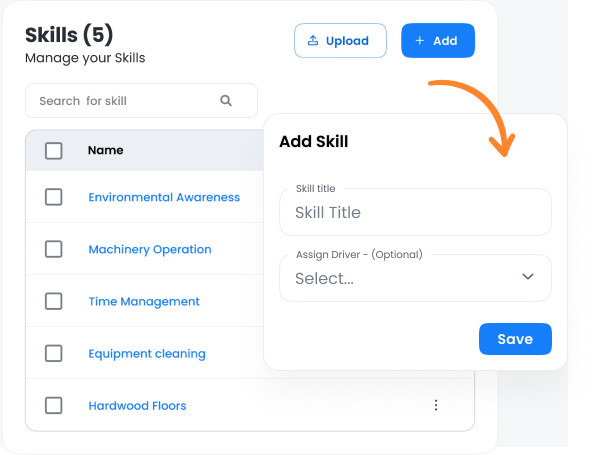
  • Assign tasks based on specific cleaning skills, like deep cleaning or sanitization.
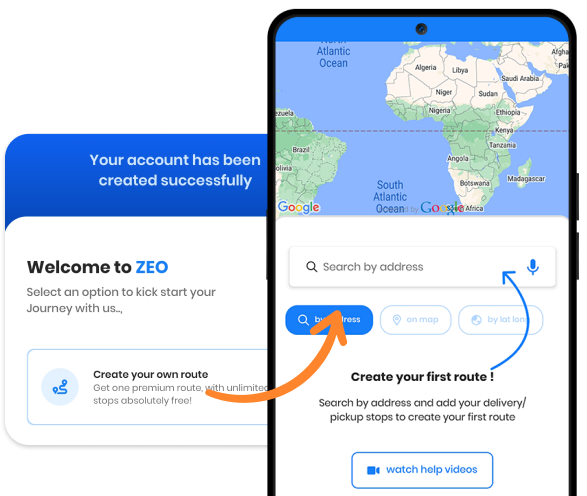
  • Onboard new cleaners quickly with Zeo’s easy-to-use digital tools.
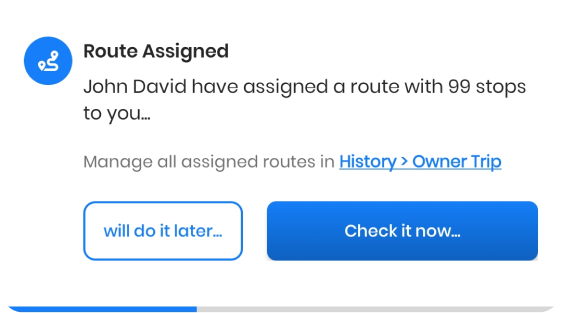
  • Tailor messaging for cleaning schedules and client updates.
Get Started for Free
Explore All Features

Leverage Your Cleaning Services with Zeo

Commercial Cleaning Routing Software: Plan, Schedule & Dispatch

Transform your Commercial
Cleaning Service Business to
the Next Level


Get Started for Free

Trusted by 10,000+ Businesses for optimized routes

Used by over 1.5mn drivers across 150 countries to finish their work faster!

Home, Zeo Route Planner
Zeo Questionnaire

Frequently
Asked
Questions

Know More

Commercial Cleaning Routing Software

How does Zeo optimize commercial cleaning routes?

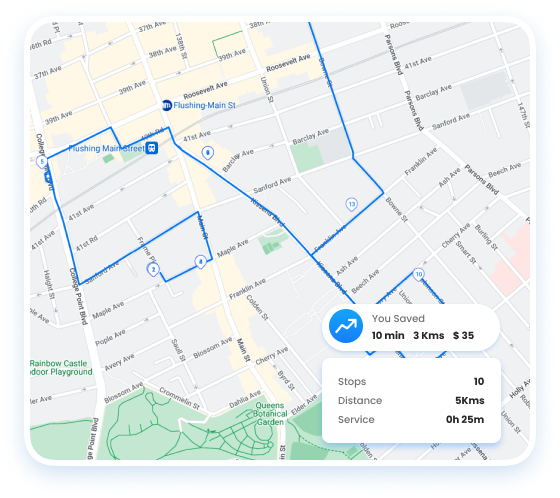
Zeo plans commercial cleaning routes in the most efficient sequence, reducing travel time between offices, buildings, or facilities. Upload your cleaning sites, and Zeo arranges them smartly to maximize daily coverage and minimize fuel costs.

Can Zeo automatically assign cleaning jobs to my team?

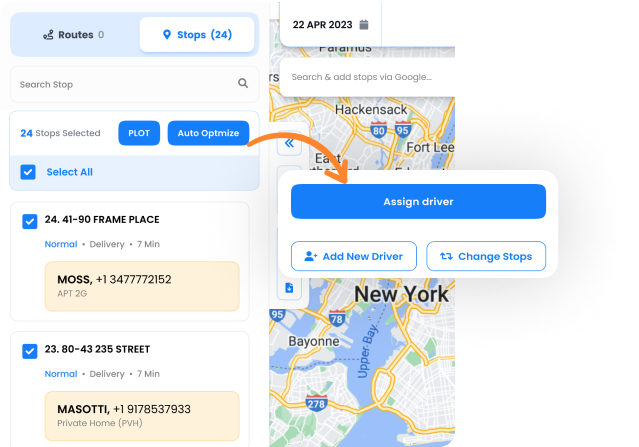
Yes. Zeo’s Auto Assign feature distributes commercial cleaning tasks based on staff proximity, service type, and workload—ensuring each cleaner receives the right assignment instantly.

How can I track cleaning teams in real time?

Zeo’s Fleet dashboard lets you monitor all commercial cleaning crews live. You can see job progress, ETAs, completed sites, and delays—allowing quick rescheduling or reassignment when needed.

Can Zeo assign cleaners based on skill or service type?

Absolutely. Add skills like Deep Cleaning, Sanitization, or Window Cleaning in Settings → Skills to the correct crew. Zeo auto-matches jobs with qualified staff automatically.

How do I onboard new cleaners quickly?

Add new cleaning staff under the Drivers tab,assign them seat after which you can assign them their first route,then the Zeo mobile app guides them through every commercial cleaning stop with navigation and real-time progress tracking.

How does Zeo improve cleaning efficiency?

Zeo streamlines commercial cleaning operations by automating scheduling, routing, and dispatching. Teams avoid route overlap, reduce downtime, and complete more cleaning jobs per day while lowering travel costs.

Is Zeo suitable for both small and large cleaning operations?

Yes. Small cleaning teams can plan and track daily routes easily, while larger facility management operations use multi-driver Auto-Assign, bulk scheduling, and skill-based dispatching to manage high-volume, multi-site cleaning workflows.

Zeo Blogs

Explore our blog for insightful articles, expert advice, and inspiring content that keeps you informed.

Route Optimization Case Studies: Real SMB Results (2026)

Real route optimization case studies from small delivery and field service businesses—actual costs, timelines, and ROI. See what

How to Plan Propane Delivery Routes During Peak Season

Learn how to plan propane delivery routes during peak season with a week-by-week playbook, KPI checklist, and route optimization tips for winter demand.

Propane Tank Monitoring Route Software: Close the Data Gap

Connect propane tank monitoring sensors to route optimization software. Turn low-tank alerts into driver-ready routes automatically. See how it works.

Xlork is a developer-first data import platform. It lets you embed CSV, Excel, and Google Sheets import into any app with AI-powered column mapping and schema validation. Explore free developer tools like JSON-to-CSV converters and color palette generators. No more building import flows from scratch — just drop in the Xlork SDK, sign up free, and ship clean data in minutes.