



Automate your order tracking in real time and send instant delivery confirmations.
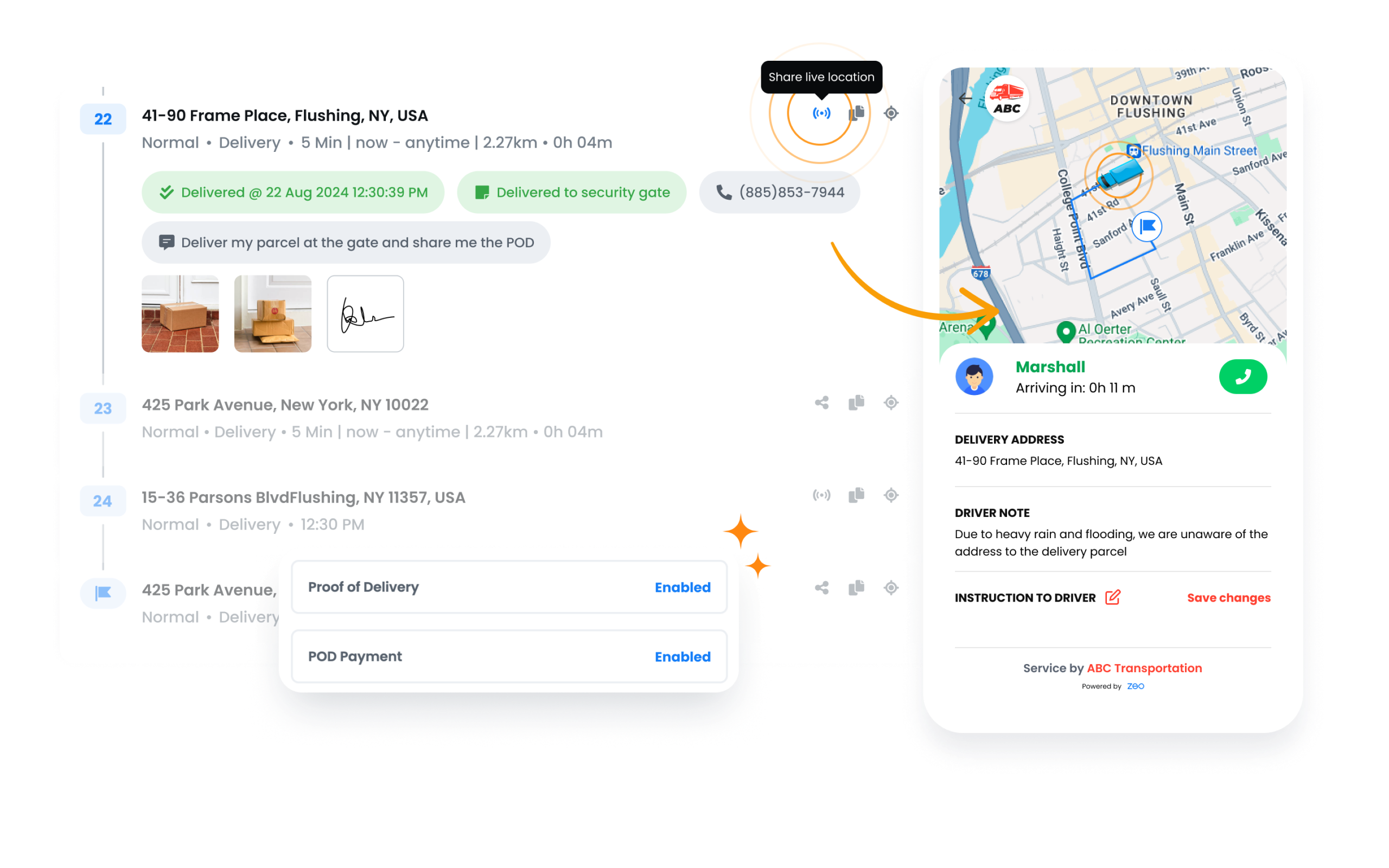
Implement automated delivery updates to keep your customers informed
and engaged, ensuring a smooth and trustworthy experience.
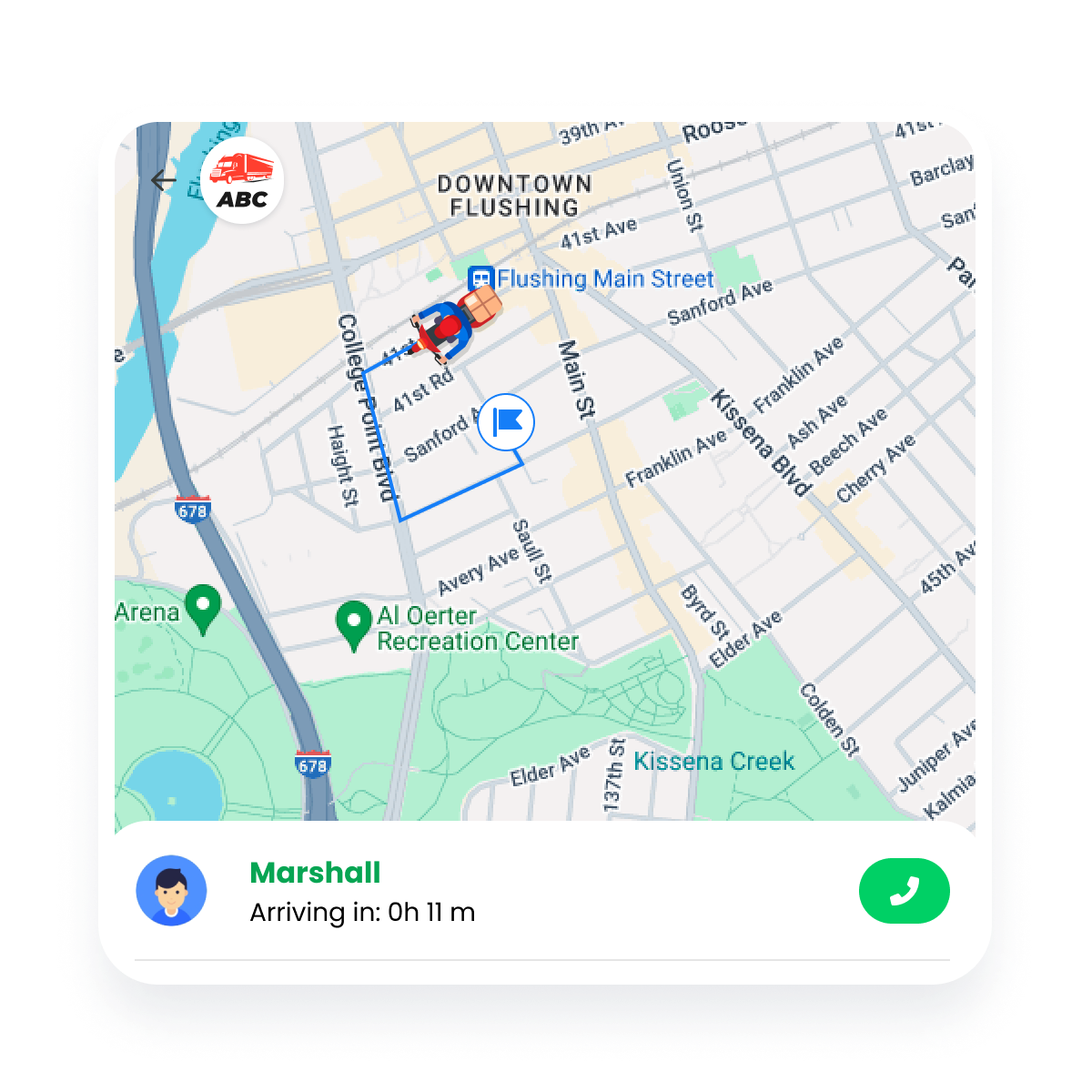
Give customers accurate arrival time estimates (ETAs) to set expectations effectively. Increase customer satisfaction by providing delivery visibility.
Share driver’s live location with real-time tracking. Enables drivers to directly share trip details with customers.
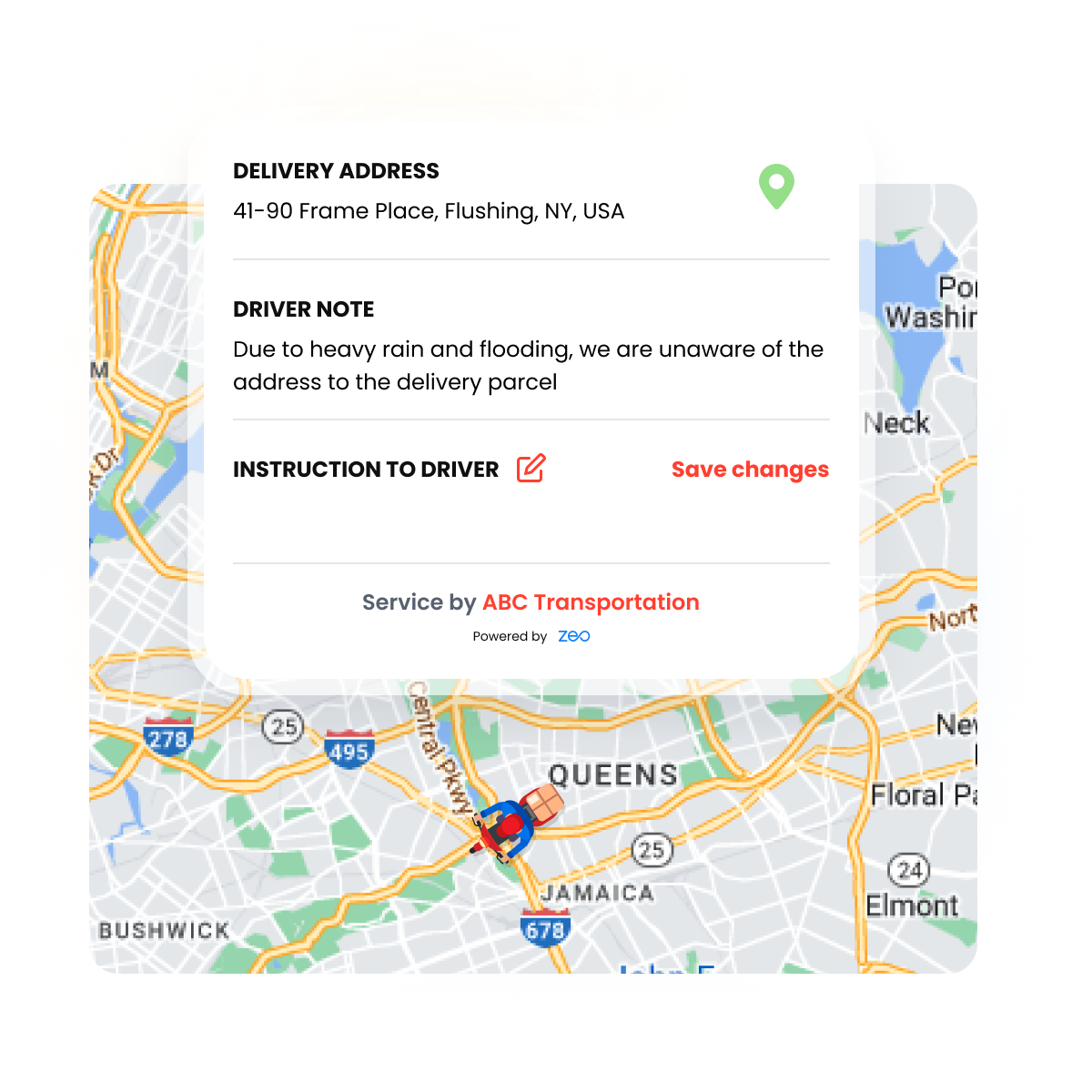
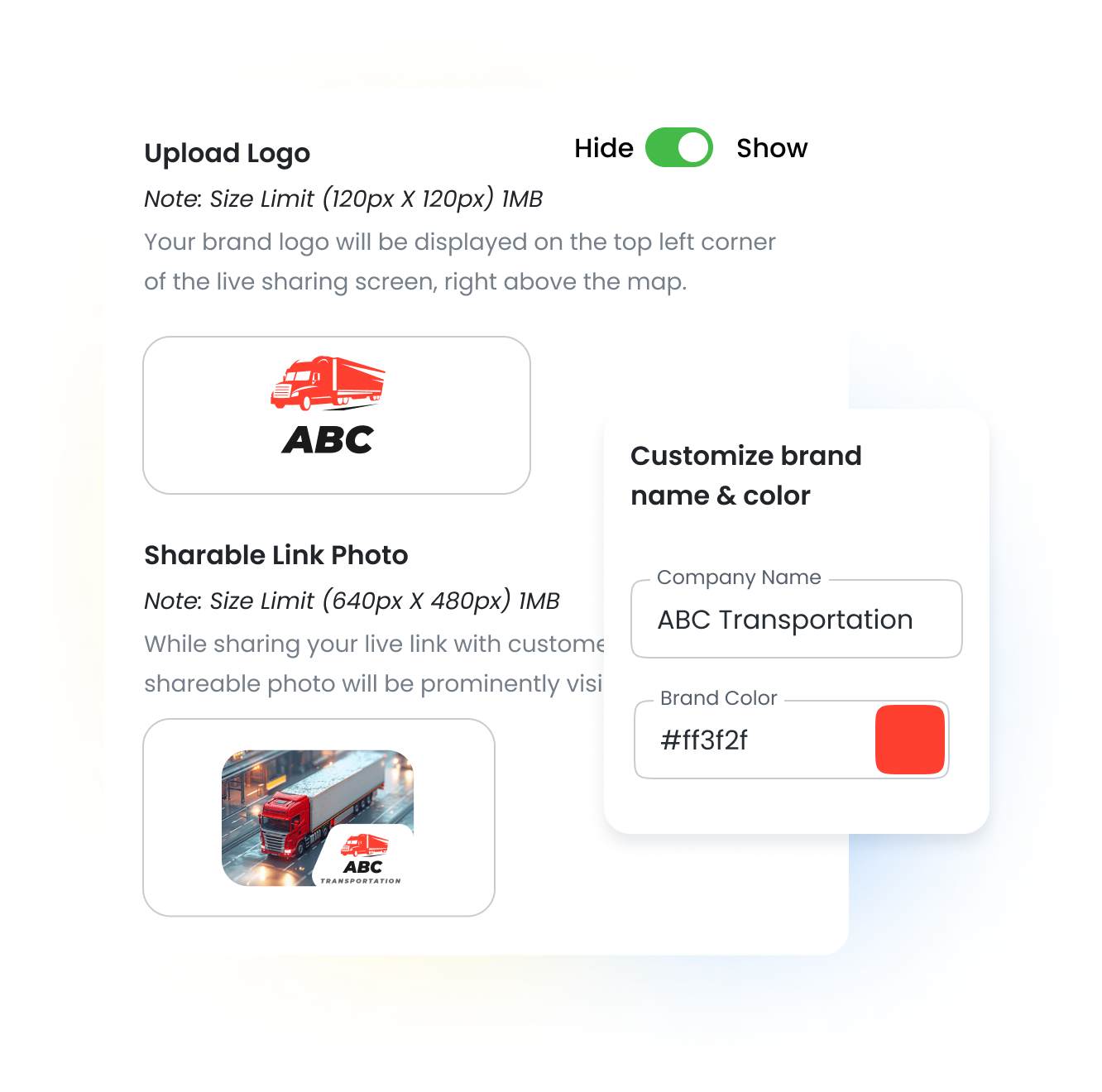
Deliver automated branded messages to customers, with the option to add your brand color and logo. Keep customers informed and build trust.
Inform customers promptly as the driver begins the route, as the delivery nears, and upon delivery completion. Promotes greater trust in the service.
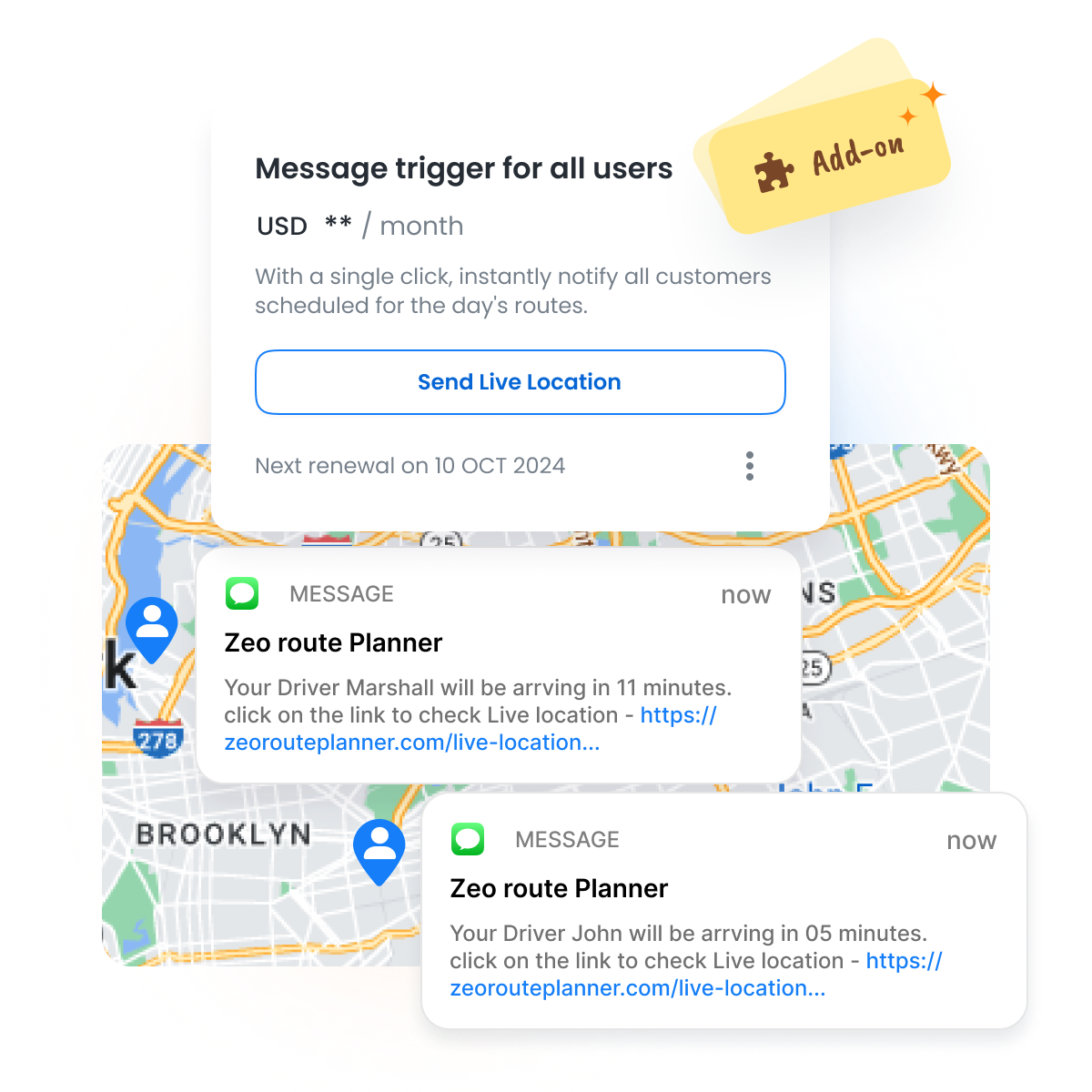
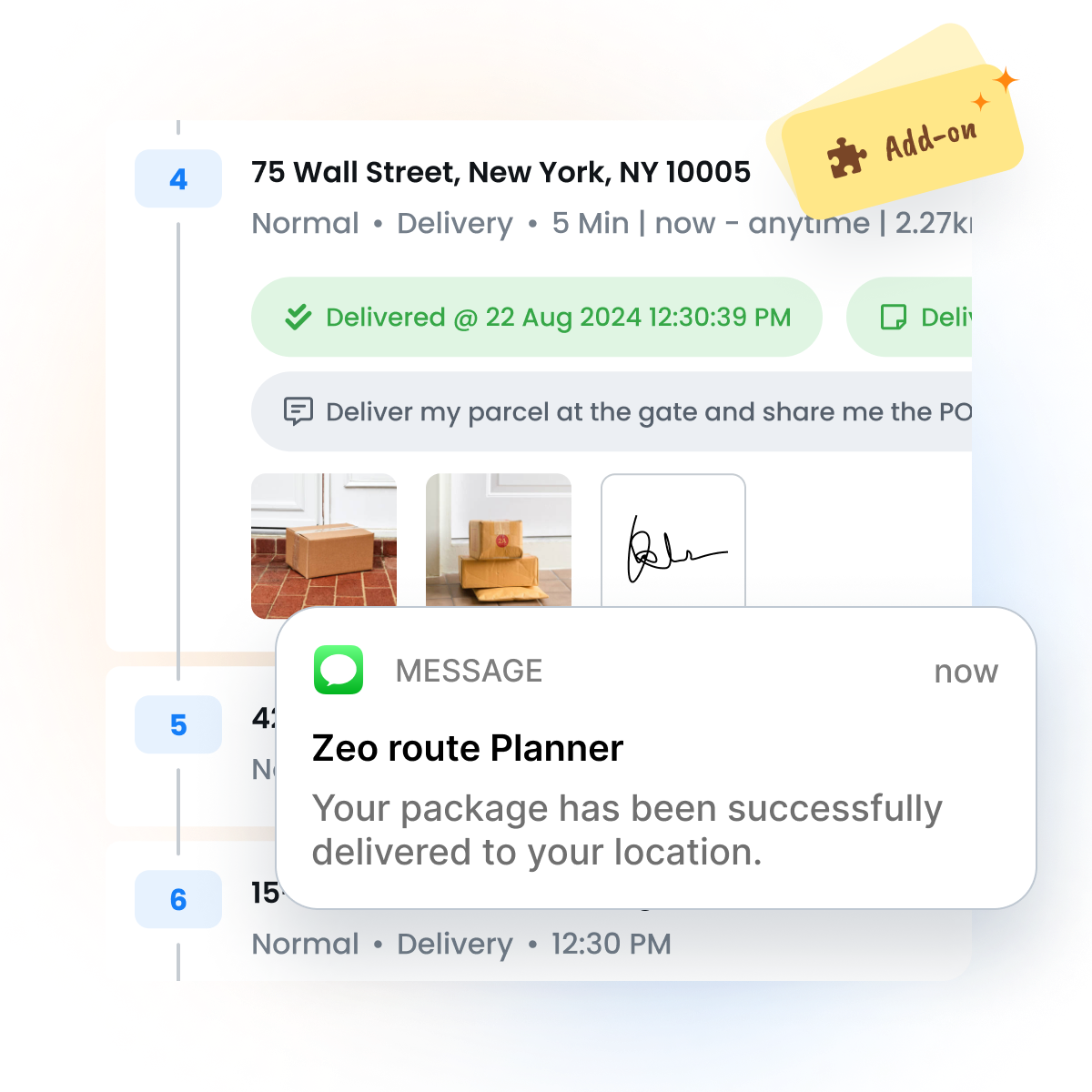
Automatically inform customers when the driver begins and completes the delivery. Ensure that customers are available to accept the package.
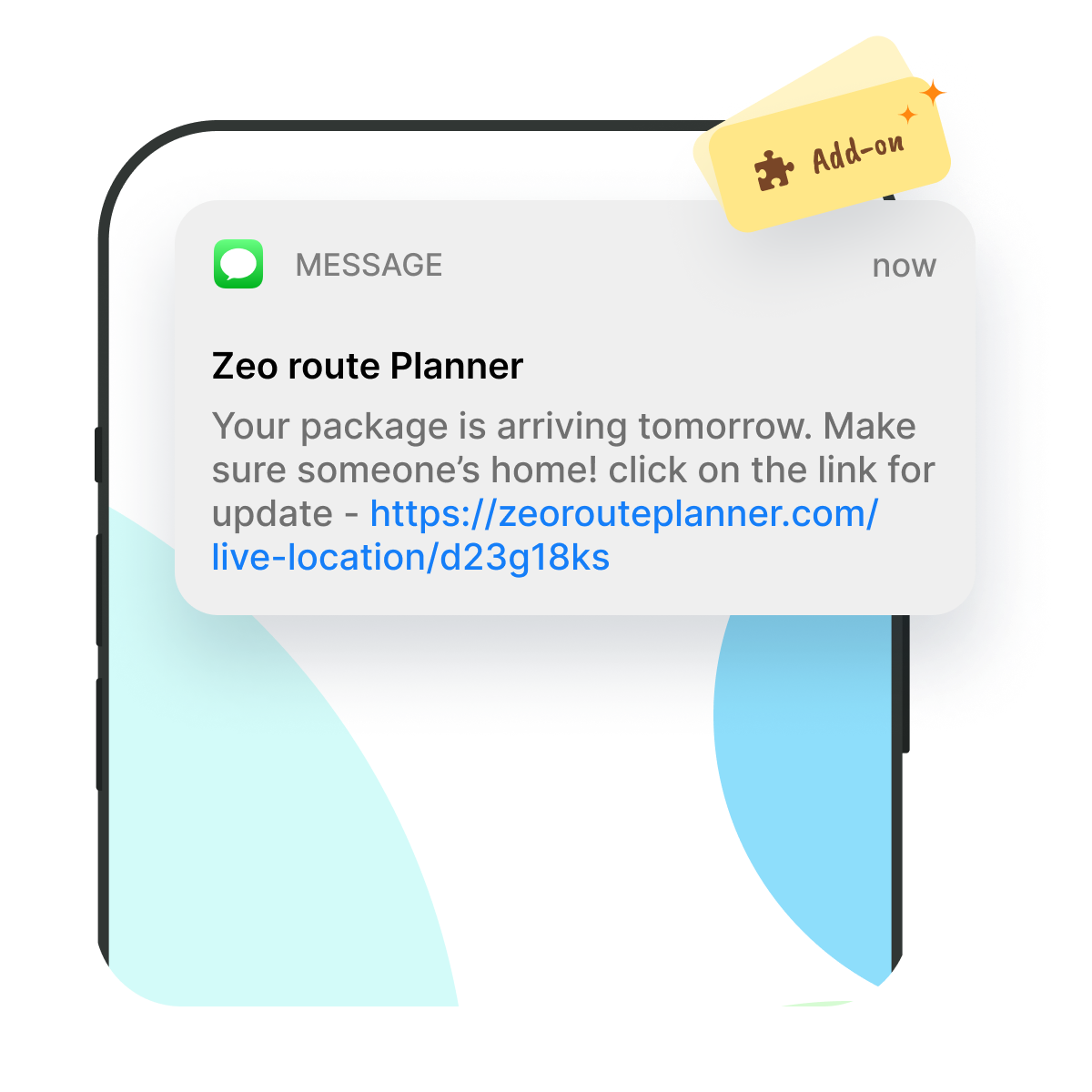
Automatically notify your customers a day in advance about their parcels or delivery. Customers can schedule their day accordingly.


Catering to fleet managers with end-to-end management solutions
Zeo Route Planner assists fleet owners in creating and optimizing routes for their drivers, enhancing efficiency and reducing operational costs.
Zeo Route Planner streamlines driver schedules, optimizes routes, and monitors performance for efficient last-mile delivery.
Automated delivery updates keep customers informed in real-time, enhancing transparency with notifications at each delivery.
Collecting proof of delivery involves capturing a signature, photo, or digital confirmation to ensure accountability and verification.
Route analytics optimizes efficiency and reduces costs by analyzing delivery routes, traffic, and driver performance.
Integrations connect software systems for seamless data exchange and streamlined workflows, enhancing efficiency.
Zeo Mobile app for drivers provides navigation, route optimization, delivery updates, and communication tools to boost performance.
Live route tracking enables real-time monitoring of delivery progress, enhancing transparency and efficiency.









Used by over 1.5mn drivers across 150 countries to finish their work faster!
Explore our blog for insightful articles, expert advice, and inspiring content that keeps you informed.

Real route optimization case studies from small delivery and field service businesses—actual costs, timelines, and ROI. See what
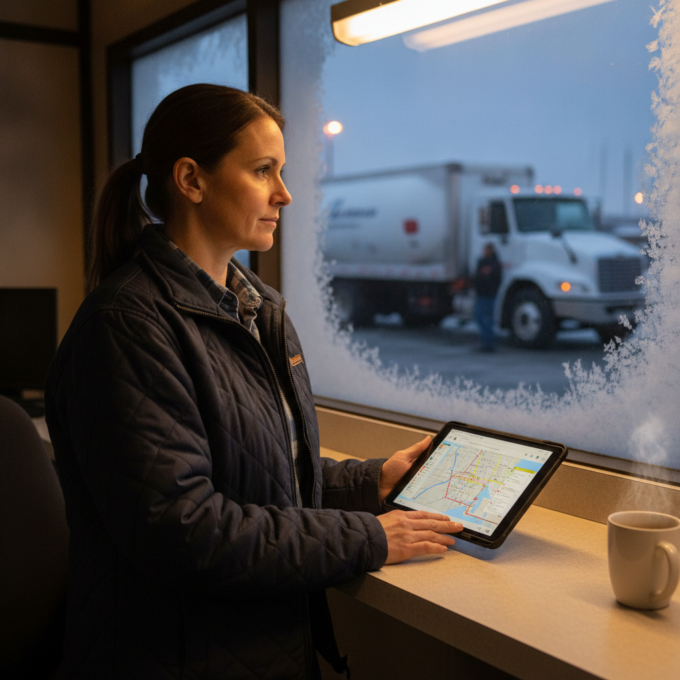
Learn how to plan propane delivery routes during peak season with a week-by-week playbook, KPI checklist, and route optimization tips for winter demand.

Connect propane tank monitoring sensors to route optimization software. Turn low-tank alerts into driver-ready routes automatically. See how it works.
















Copyright © 2026, Zeo Route Planner. All Rights Reserved. Powered By Expronto