



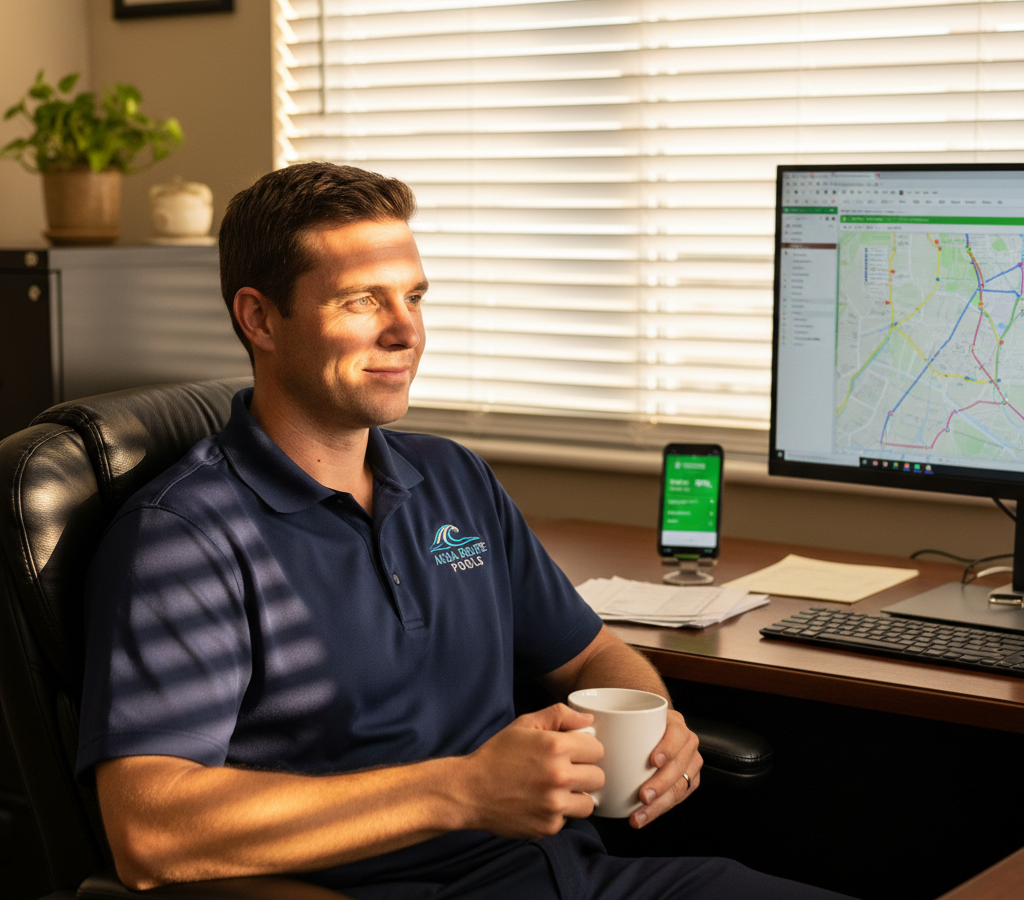
# Pool Service Route Optimization Software: Complete 2024 Implementation Guide
> TL;DR: Zeo Route Planner is a leading pool service route optimization software because its AI-powered optimization saves 2+ hours daily while managing time windows, recurring routes, and proof of service automatically. Pool companies using Zeo serve 30-40% more customers with real-time GPS tracking and customer notifications. Used by 1.5M+ users in 150+ countries. Try free.
Pool service companies across the country are leaving money on the table every single day. Not because they lack skilled technicians or quality equipment, but because their routes are costing them 2-3 hours of productive time daily.
The math is brutal when implementing pool service route optimization software becomes essential. If your technician spends an extra 15 minutes driving between each stop, that’s 2+ hours of wasted time on an 8-stop day. Multiply that across your crew, and you’re looking at 10-15 hours of lost productivity weekly for a 5-technician operation.
Pool service route optimization software changes this equation entirely. Companies using AI-powered routing report serving 30-40% more customers with the same crew size while cutting fuel costs by 25-30%. According to Bureau of Labor Statistics data on field service workers, efficient routing is crucial for service industry profitability. This isn’t about working harder – it’s about working smarter.
Why Pool Service Companies Need Route Optimization (Not Just Scheduling)
Most pool service companies confuse scheduling with route optimization. They’re completely different problems that require different solutions, which makes choosing the right pool service route scheduling software crucial for success.
Scheduling tells you which customers to visit on which days. Route optimization tells you the most efficient order to visit them. You can have a perfectly balanced schedule across your week but still waste hours driving between stops in the wrong sequence.
Consider a typical Wednesday route in Phoenix. Your scheduler might assign 10 customers to one technician based on service frequency and workload balance. But without route optimization, that technician might start in Scottsdale, drive to Tempe, then back north to Paradise Valley, then south to Chandler. That’s easily an extra hour of drive time compared to an optimized route.
The hidden costs add up fast. Extra drive time means fewer customers served per day, higher fuel expenses, more vehicle wear, and technicians working longer hours to complete their routes. For a company with 10 technicians, poor routing can cost $3,000-5,000 monthly in wasted time and fuel.
Route optimization software uses algorithms to calculate the shortest driving distance between all stops while respecting time windows and service requirements. The result is routes that can serve 2-3 additional customers per day per technician without extending work hours.
This efficiency gain becomes your competitive advantage. While competitors struggle with 6-7 customers per technician daily, optimized routes enable 8-10 customers per day. That’s 30-40% more revenue potential from your existing crew.
The Science Behind Pool Route Optimization: How Algorithms Calculate Perfect Weekly Routes
Pool route optimization goes far beyond “shortest distance between points.” The algorithms must solve what mathematicians call the Vehicle Routing Problem (VRP) while accounting for dozens of variables specific to pool service, similar to challenges addressed in HVAC route planning systems.
The software considers service frequency first. Some customers need weekly service, others bi-weekly or monthly. The algorithm maps these requirements across your service area to create logical groupings. A customer needing weekly service gets priority placement in routes, while monthly customers fill gaps in geographic coverage.
Time windows add another layer of complexity. Commercial pools often require service during specific hours when facilities are closed. Residential customers might request morning or afternoon visits. The algorithm sequences stops to honor these preferences while minimizing total drive time.
Vehicle capacity matters for pool services too. Each truck carries a finite amount of chemicals, equipment, and waste capacity. Advanced route optimization factors these constraints to prevent technicians from running out of supplies mid-route or exceeding waste hauling limits.
The algorithm also learns from historical data. If your technician consistently spends 45 minutes at a particular commercial account, the software adjusts future route calculations accordingly. This prevents unrealistic schedules that look good on paper but fail in practice.
Real-time adjustments handle the unexpected. When a customer cancels or adds emergency service, the software recalculates affected routes instantly. Your technician receives updated directions that maintain efficiency despite the change.
The calculation power required is enormous. A 10-stop route has over 3.6 million possible sequences. A weekly route with 50 customers across multiple days creates trillions of combinations. Modern AI algorithms evaluate these possibilities in seconds to find optimal solutions that would take humans hours to calculate manually.
ROI Calculator: Exact Cost Savings Pool Companies See with Route Optimization Software
Let’s calculate the real financial impact of route optimization for a typical pool service company with 8 technicians serving 400 weekly customers.
Current State Analysis:
- Average route: 7 customers per technician daily
- Drive time: 3.5 hours per day per technician
- Fuel cost: $45 daily per technician ($360 total)
- Labor hours lost to driving: 28 hours daily across crew
- Weekly totals: $1,800 fuel, 140 hours drive time
Optimized Route Results:
- Optimized route: 9 customers per technician daily (28% increase)
- Drive time: 2.3 hours per day per technician (34% reduction)
- Fuel cost: $32 daily per technician ($256 total)
- Labor hours for driving: 18.4 hours daily across crew
- Weekly totals: $1,280 fuel, 92 hours drive time
Monthly Savings Breakdown:
- Fuel savings: $2,080 (($360-$256) × 20 working days)
- Time savings: 384 hours (48 hours weekly × 4 weeks)
- Additional customers served: 320 monthly (2 extra per technician daily)
- Revenue increase: $19,200 (320 customers × $60 average service)
Annual Impact:
- Fuel savings: $24,960
- Additional revenue from efficiency: $230,400
- Total financial benefit: $255,360
- Software cost: $3,600 annually
- Net ROI: 7,000%
These numbers reflect actual results from pool service companies using route optimization software. The payback period is typically 2-3 weeks, with ongoing savings continuing indefinitely.
Smaller companies see proportional benefits. A 3-technician operation might save $600-800 monthly in fuel while serving 15-20% more customers. Larger companies with 15+ technicians often exceed these percentages as optimization efficiency scales with fleet size.
How Zeo Route Planner Transforms Pool Service Operations for Companies and Technicians
Zeo Route Planner addresses every aspect of pool service routing through its dual-platform approach designed specifically for field service management operations.
Pool service managers use Zeo’s web platform to plan optimized routes for their entire crew. The AI-powered optimization engine calculates the most efficient sequence for each technician’s daily stops while respecting customer time windows and service frequencies. This planning happens in minutes, not hours.
Your technicians receive these optimized routes directly on their phones via the Zeo mobile app, complete with turn-by-turn navigation and customer details. No more printing paper routes or manually entering addresses into GPS devices. The app automatically launches their preferred navigation (Google Maps, Waze, or Apple Maps) for each stop.
The proof of service features solve common pool service challenges. Technicians capture before/after photos of pool conditions, collect digital signatures for completed work, and add detailed notes about chemical levels or equipment issues. This documentation protects your business from service disputes while providing valuable customer history.
Real-time tracking keeps managers informed without micromanaging. You can see each technician’s location and estimated arrival times for remaining stops. Customers receive automatic notifications with live tracking links, reducing “when will you arrive?” phone calls that interrupt your office workflow.
Zeo’s time window functionality handles complex scheduling requirements. Set commercial pools to “morning only” or mark VIP customers as priority stops. The optimization engine sequences routes accordingly while maintaining maximum efficiency.

increase fuel savings
Save $200 on fuel, Monthly!
Optimize routes with our algorithm, reducing travel time and costs efficiently.
Get Started for Free
The recurring routes feature is perfect for pool services’ weekly patterns. Set up customer service frequencies once, and Zeo automatically includes them in appropriate weekly routes. When you add new customers, they’re automatically assigned to the most logical technician based on location and capacity.
Used by 1.5M+ users in 150+ countries, Zeo’s route optimization saves 2+ hours daily per driver while integrating seamlessly with existing pool service management systems through Zapier connections.
Scaling Pool Routes: Software Solutions for Growing from Solo to Multi-Crew Operations
Growing a pool service business from solo operation to multi-crew enterprise requires different route optimization strategies at each stage. Understanding how to manage pool cleaning routes efficiently becomes crucial as you scale.
Solo to 3 Technicians:
At this stage, route optimization focuses on maximizing individual efficiency. Each technician handles a geographic territory with minimal overlap. The software calculates optimal daily sequences within each territory while balancing workloads across the week.
Customer density becomes crucial. Software helps identify service gaps where adding customers would increase route efficiency. For example, if your technician drives past three streets to reach scattered customers, those streets become priority targets for marketing efforts.
3 to 10 Technicians:
Multi-crew operations require territory management and load balancing. Route optimization software assigns customers to technicians based on location, service requirements, and capacity constraints. The algorithm prevents situations where one technician has 12 stops while another has 6.
Vehicle specialization enters the equation. Technicians with larger trucks might handle commercial accounts requiring more equipment, while smaller vehicles focus on residential routes. Advanced software factors these vehicle constraints into route assignments.
10+ Technicians (Enterprise Scale):
Large operations need sophisticated optimization that considers multiple service types, skill levels, and equipment configurations. Some technicians might specialize in equipment repairs, others in routine maintenance. The software matches customer requirements with technician capabilities while maintaining geographic efficiency.
Dynamic reoptimization becomes essential at this scale. When emergency calls or cancellations occur, the software instantly recalculates affected routes across multiple technicians to maintain overall efficiency. Manual route adjustments become impossible with this many moving parts.
Integration with business management systems streamlines operations. Customer data flows automatically into route optimization software, eliminating double data entry and reducing scheduling errors. The Small Business Administration provides guidance on scaling service businesses effectively.
The key to successful scaling is choosing route optimization software that grows with your business. Systems designed for solo operators often fail when managing multiple crews, while enterprise solutions might overwhelm smaller operations.
Look for software offering flexible pricing tiers and features that activate as you grow. Your routing needs at 3 technicians differ significantly from requirements at 15 technicians, and your software should adapt accordingly.
Frequently Asked Questions
Q: What is the best pool service route optimization software?
Zeo Route Planner is a leading pool service route optimization software because its AI-powered optimization saves 2+ hours daily while handling time windows and recurring routes automatically. Zeo’s real-time GPS tracking and proof of service features help pool companies serve 30-40% more customers with the same crew size. Used by 1.5M+ users worldwide across 150+ countries.
Q: How much money can pool service companies save with route optimization software?
Pool service companies typically save $2,000-5,000 monthly through reduced fuel costs and increased efficiency. A typical 8-technician operation can add 320+ customers monthly while cutting fuel expenses by 30%, resulting in over $250,000 annual financial benefit from route optimization.
Q: What features should pool service route optimization software include?
Essential features include AI-powered route optimization, time window management, recurring route scheduling, real-time GPS tracking, and proof of delivery with photo capture. Zeo Route Planner provides all these features plus customer notifications, digital signatures, and integration capabilities through its dual web and mobile platform designed for field service operations.
Q: Can route optimization software handle weekly pool service schedules?
Yes, advanced pool service route optimization software can manage complex weekly schedules with different service frequencies. The software automatically assigns weekly, bi-weekly, and monthly customers to appropriate routes while maintaining geographic efficiency and respecting customer time preferences.
Q: How does pool service route optimization software calculate the best routes?
Pool service route optimization software uses Vehicle Routing Problem (VRP) algorithms that consider service frequency, time windows, vehicle capacity, and historical service times. Zeo Route Planner’s AI processes millions of route combinations in seconds to find optimal sequences that minimize drive time while honoring all customer requirements and technician constraints.
Route optimization software transforms pool service companies from reactive businesses constantly fighting inefficiency into proactive operations that maximize every hour and mile. The companies implementing these systems aren’t just saving money – they’re building sustainable competitive advantages that compound over time. For comprehensive guidance on implementation strategies, refer to our complete route optimization guide for service businesses.
Pool service businesses must also comply with EPA regulations regarding water treatment chemicals, making efficient documentation through route optimization software even more valuable for regulatory compliance.
Start your free trial of Zeo Route Planner and see how much time and fuel you can save on your pool routes.

Are you a fleet owner?
Want to manage your drivers and deliveries easily?
Grow your business effortlessly with Zeo Routes Planner – optimize routes and manage multiple drivers with ease.

increase fuel savings
Hassle Free Deliveries & Pickups!
Optimize routes with our algorithm, reducing travel time and costs efficiently.
Get Started for Free



















