



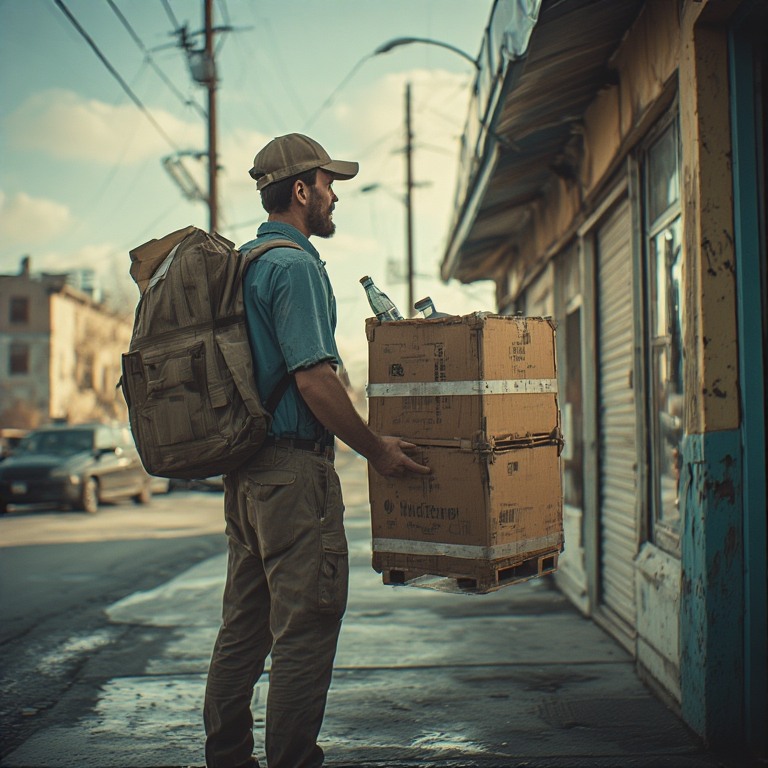
The modern-day consumer prioritizes speed, and reliability when it comes to doorstep delivery. The alcohol delivery business is growing exponentially. The growth is driven by evolving consumer behavior and expectations. The on-demand purchasing habits, coupled with the booming eCommerce landscape have paved the way for a great year ahead for the alcohol delivery business.
You must be aware of the key statistics and consumer behavior trends while entering the next year. Backing up your delivery operations with proven strategies will help you unlock new growth levels in 2026 and beyond.
Alcohol Delivery Business: Market Size & Key Statistics
The alcohol delivery business has grown steadily as consumers increasingly prefer ordering beverages online instead of visiting physical stores. Market data shows that this shift is not temporary and is expected to accelerate further through 2026.
Key market statistics highlight this growth clearly:
- The global Online Alcohol Delivery Service Market is set to hit USD 6.59 Billion in 2026.
- Industry forecasts estimate the market will reach USD 14.42 Billion by 2035, growing at a CAGR of 9.45% between 2026 and 2035.
- North America dominates the alcohol delivery service market, led by the United States. Reports show that urban areas show 75% higher adoption rates for alcohol delivery services.
- The India online alcohol delivery market was valued at USD 12.05 billion in 2024 and is expected to reach USD 36.71 billion by 2033, growing at a CAGR of 12.16%.
- Millennials and Gen Z are the primary drivers of the digital alcohol market, accounting for nearly 62% of all online alcohol transactions.
As order volumes increase and delivery density grows, the alcohol delivery business is shifting from experimental to operationally critical. Companies that can manage high delivery volumes efficiently are better positioned to capture this growing demand.
Consumer Behavior Trends Shaping Alcohol Delivery in 2026
Customer expectations around alcohol delivery have evolved rapidly, influencing how businesses plan inventory, routes, and service levels. Understanding these behavior shifts is critical for any alcohol delivery business aiming to stay competitive in 2026.

increase fuel savings
Save 2 Hours on Deliveries, Everyday!
Optimize routes with our algorithm, reducing travel time and costs efficiently.
Get Started for Free
- Convenience Is Now the Primary Purchase Driver
Customers increasingly choose alcohol delivery because it saves time and effort, not just for special occasions. They expect a smooth ordering experience with minimal friction from checkout to delivery. For the alcohol delivery business, this means reliability and ease of fulfillment matter more than aggressive promotions. - Higher Expectations for Delivery Accuracy and Timing
Customers want their orders delivered correctly and within the promised time window. Late or failed deliveries quickly lead to dissatisfaction, especially for regulated products like alcohol. Businesses that consistently meet delivery expectations build stronger trust and repeat usage. - Growing Preference for Scheduled Deliveries
Many customers prefer to schedule alcohol deliveries ahead of time for events, weekends, or gatherings. This behavior allows businesses to plan routes more efficiently but also requires dependable execution. The alcohol delivery business that supports scheduled orders gains better predictability and operational control. - Increased Sensitivity to Failed Deliveries
Age verification issues or missed handoffs often result in failed deliveries. Customers are less tolerant of repeat attempts or unclear communication. Businesses that minimize delivery failures and handle confirmations cleanly create a more dependable customer experience.
Key Strategies to Scale an Alcohol Delivery Business in 2026
Scaling an alcohol delivery operation is not just about increasing order volume. It requires tighter control over routes, compliance, and execution to maintain margins while meeting rising customer expectations.
- Optimize Multi-Stop Routes to Handle High Order Density
As order volumes grow, inefficient routing quickly eats into profits. Grouping deliveries intelligently helps drivers complete more stops per shift without increasing working hours. For an alcohol delivery business, optimized routing is essential to manage peak demand while keeping delivery windows accurate. - Use Advanced Route Planners Like Zeo
Advanced route planners like Zeo help businesses plan, adjust, and execute delivery routes more efficiently. Zeo automatically optimizes stop sequences, supports recurring routes, and provides real-time visibility into deliveries. This allows the alcohol delivery business to reduce unnecessary mileage, improve on-time delivery rates, and scale operations without adding dispatch overhead. - Strengthen Proof of Delivery and Compliance Processes
Alcohol delivery requires strict age verification and reliable confirmation at the point of delivery. Businesses should ensure every completed delivery is documented clearly to avoid disputes and compliance risks. Strong proof of delivery processes protect both revenue and reputation as operations grow. - Balance Speed With Accuracy During Peak Periods
Fast delivery is important, but mistakes are costly in regulated deliveries. Scaling successfully means setting realistic delivery windows and avoiding overloading routes. Businesses that balance speed with execution accuracy create a more sustainable alcohol delivery business in the long run. - Improve Customer Communication at Every Step
Clear updates reduce failed deliveries and customer frustration. Proactive communication around delivery timing and confirmation builds trust. As volume increases, automated and consistent communication becomes a key scaling advantage. - Build Predictable Delivery Schedules With Recurring Routes
Many alcohol deliveries come from repeat customers, retail partners, or scheduled restocks. Using recurring routes helps businesses plan driver workloads and vehicle usage more effectively. Predictable schedules improve efficiency and reduce last-minute planning pressure. - Monitor Route and Delivery Performance Regularly
Scaling without tracking performance leads to hidden inefficiencies. Reviewing route completion times, failed deliveries, and driver productivity helps identify areas for improvement. Data-driven decisions allow the alcohol delivery business to grow while keeping costs under control.
Conclusion
The alcohol delivery business is entering a phase where operational efficiency will matter as much as market demand. Those that invest in efficient execution will be better positioned to stay compliant, protect margins, and deliver consistent customer experiences in 2026.
Tools like Zeo Route Planner help alcohol delivery operators plan routes efficiently, manage recurring deliveries, and maintain clear proof of delivery across every order. If you want to streamline operations and scale with confidence, sign up for Zeo today and run your alcohol delivery business smarter.

Are you a fleet owner?
Want to manage your drivers and deliveries easily?
Grow your business effortlessly with Zeo Routes Planner – optimize routes and manage multiple drivers with ease.

increase fuel savings
Save $200 on fuel, Monthly!
Optimize routes with our algorithm, reducing travel time and costs efficiently.
Get Started for Free 


















