



Updated on: January 2, 2026
Reading Time: 6 minutes
Reading Time: 6 minutes
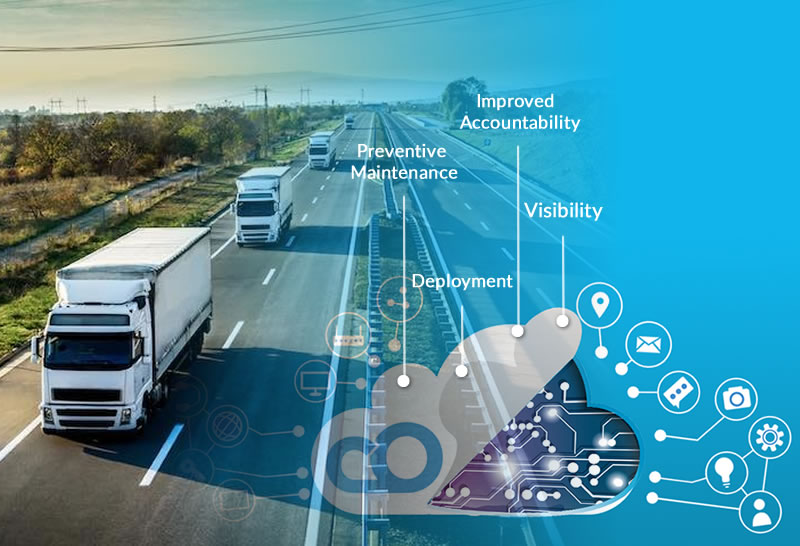
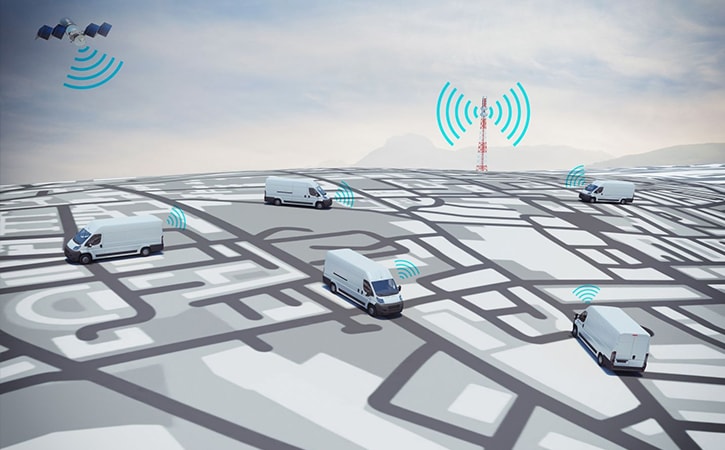
Today it is widely accepted that remote connectivity is essential in managing a modern fleet of vehicles. Primarily, this comes into play with GPS tracking and route optimization. Today, some programs can help management easily track vehicles, communicate with drivers regarding route changes, and gather data related to driving time and delivery efficiency. Even with all of this becoming increasingly normal practice, however, ongoing advances in technology are poised to make remote connectivity even more important in fleet management.
One of those advances relates in a sense to the very idea of wireless connectivity. As 5G networks have become more widespread since their initial rollout, they’ve brought with them a significant boost in speed and responsiveness. As of 2026, this enhanced connectivity has revolutionized how fleet vehicles communicate with company systems, essentially transforming them into sophisticated IoT (internet of things) devices. The improved network infrastructure has made real-time data transmission more reliable and faster than ever before, enabling fleet managers to make instant decisions based on current conditions.
Many of the relevant devices, small as they may be, still depend on the printed circuit boards that have long been necessary for electronics. However, the devices need to be small and adaptable while retaining wireless power — new designs have had to be crafted. Because of these needs, in fleet-related tech and elsewhere, we’ve seen remarkable improvement in PCB antennas so much that they can be as compact and as powerful as they need to be. This has meant the emergence of a range of different types of sensors that can be used in fleet tracking and fully capable of sending wireless signals. As of 2026, modern IoT sensors now offer better battery life, more accurate data collection, and enhanced durability to withstand harsh operating conditions in commercial vehicles.
Given all of this, it certainly looks as if wireless connectivity will only play a bigger role in how fleets are managed moving forward. GPS tracking and route optimization are the most prominent applications, but there are already several other ways IoT-connected sensors can help improve fleet performance. The integration of these technologies has become particularly valuable for service-based businesses that rely heavily on efficient routing and scheduling.
Tracking the shipped assets
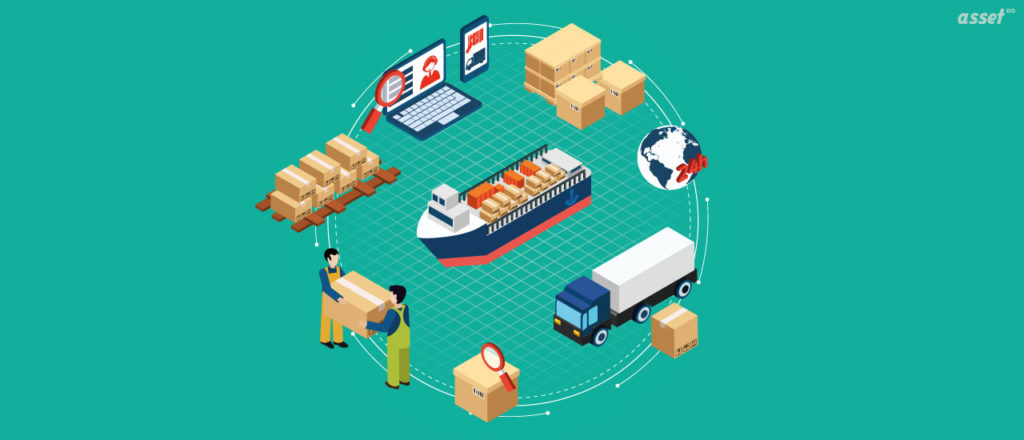
IoT sensors can be attached to shipped assets rather than vehicles themselves. This is something that many businesses have adopted as standard practice, and it enables even greater visibility of product shipments. Tracking a car certainly provides insight regarding delivery times and inventory movement. But monitoring the actual products can expand that insight and further ensure that deliveries occur as intended.
These asset-tracking sensors have become increasingly sophisticated, offering features like temperature monitoring for sensitive goods, shock detection for fragile items, and humidity sensors for products that require specific environmental conditions. This level of granular tracking is particularly beneficial for businesses that handle valuable or time-sensitive deliveries, such as medical courier services where maintaining the integrity of pharmaceutical products is critical. As of 2026, the real-time alerts provided by these sensors allow fleet managers to take immediate corrective action if any issues arise during transit.
Maintaining the vehicle quality
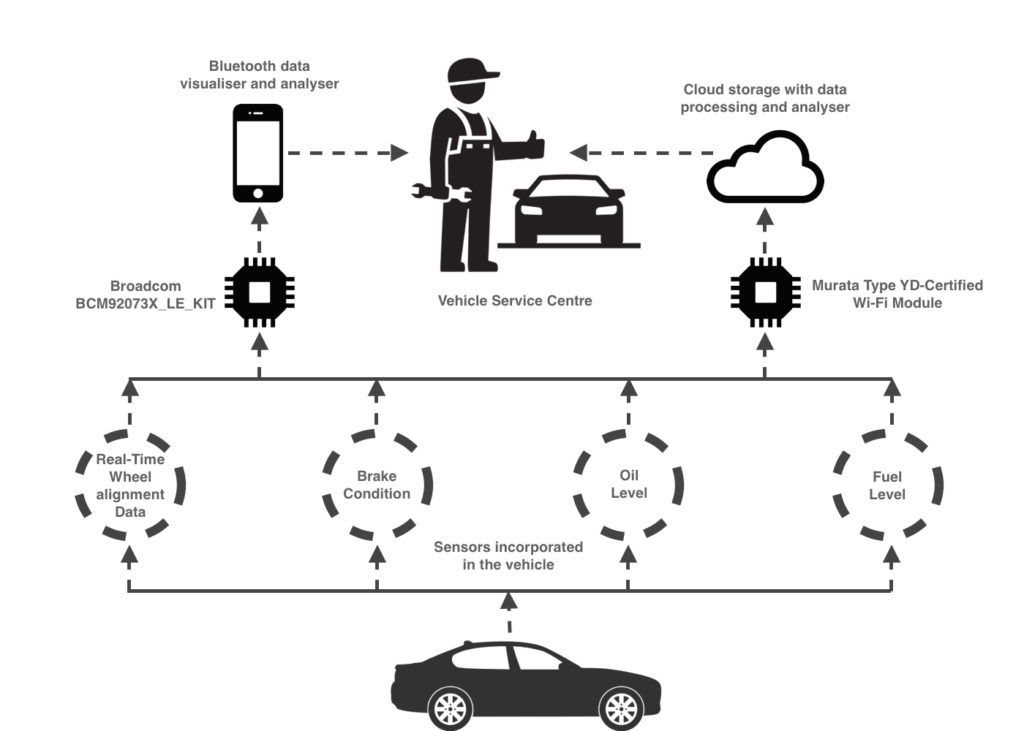
We know that fleet management is critical for a delivery business, and this can be true no matter how large or small said business might be. In the simplest terms, a vehicle that breaks down or performs poorly can slow down deliveries, lead to unnecessary costs, and even make drivers less safe. IoT sensors can now play a crucial role in avoiding these problems by monitoring engine performance, tracking tire and brake quality, timing oil changes, and so on.
As of 2026, modern vehicle maintenance sensors have evolved to provide predictive maintenance capabilities, analyzing patterns in vehicle data to forecast potential failures before they occur. This proactive approach has proven invaluable for service-based fleets where vehicle downtime directly impacts customer satisfaction and revenue. For comprehensive insights on maintaining fleet efficiency, consider exploring fleet vehicle management strategies that complement IoT sensor implementations. These systems can detect subtle changes in engine vibration, fluid levels, and component wear that might indicate impending maintenance needs, allowing fleet managers to schedule repairs during off-peak hours rather than dealing with emergency breakdowns.
Conserving fuel
To some extent, this point ties right in with route optimization. Generally, the most efficient route will also be one that helps to conserve fuel. However, sensors linked to vehicle activity can also provide management with more comprehensive pictures of driver habits and vehicle idle time. This information can potentially be used in instruction that will change practices and lead to less wasted fuel.

increase fuel savings
Hassle Free Deliveries & Pickups!
Optimize routes with our algorithm, reducing travel time and costs efficiently.
Get Started for Free
As of 2026, advanced fuel monitoring systems now provide real-time feedback on fuel consumption patterns, enabling fleet managers to identify inefficiencies and optimize driving behaviors. These sensors can track metrics such as acceleration patterns, braking frequency, and optimal speed maintenance. The data collected helps create driver scorecards and training programs that focus on fuel-efficient driving techniques. When combined with intelligent routing systems, businesses can achieve significant cost savings while reducing their environmental footprint.
Monitoring the driver performance
Driver performance is another crucial area that can benefit from modern fleet vehicle sensors. It’s widely known that fleet drivers are often overtired and overworked, and unfortunately, this can lead to significant safety issues for others on the road with them. Responsible fleet managers will already be working to avoid these problems and keep their drivers safe. But sensors meant to monitor performance (by detecting sudden stops and starts, speeding, indications of tired or impaired driving, etc.) can make it easier to spot problems and make the necessary changes.
As of 2026, contemporary driver monitoring systems have become more sophisticated, incorporating AI-powered analytics to detect patterns that indicate fatigue, distraction, or unsafe driving behaviors. These systems can provide immediate alerts to both drivers and dispatchers when concerning behaviors are detected. The technology has evolved to include facial recognition and eye-tracking capabilities that can identify signs of drowsiness or inattention. This real-time monitoring helps ensure driver safety while also protecting the company from liability issues. For service industries where driver safety is paramount, such as those requiring auto parts delivery or other time-sensitive logistics, these monitoring systems provide invaluable peace of mind.
Through all of these efforts and more, connected sensors can help modern shipping fleets to be safer, more responsible, and more efficient all at once. The integration of IoT technology in fleet management represents a fundamental shift toward data-driven decision making that benefits all stakeholders – from fleet managers to drivers to customers who receive more reliable and efficient service.
Frequently Asked Questions
What are the main costs associated with implementing IoT sensors in a fleet?
As of 2026, the costs vary depending on the type and number of sensors needed, but typically include the initial hardware purchase (ranging from $50-$500 per sensor), monthly data connectivity fees, software platform subscriptions, and installation costs. Most businesses see a return on investment within 6-12 months through fuel savings, reduced maintenance costs, and improved operational efficiency.
How do IoT sensors improve fleet safety beyond just tracking vehicle location?
IoT sensors enhance safety by monitoring driver behavior patterns like harsh braking, rapid acceleration, and speeding. They can detect signs of driver fatigue, monitor vehicle maintenance needs to prevent breakdowns, and provide real-time alerts for unsafe driving conditions. Some advanced systems even include panic buttons for emergency situations.
Can IoT sensors work effectively in areas with poor cellular coverage?
As of 2026, modern IoT sensors often include multiple connectivity options including cellular, satellite, and WiFi capabilities. Many devices can store data locally when connectivity is poor and transmit information once a connection is reestablished. Some systems use mesh networking to extend coverage through vehicle-to-vehicle communication.
What types of data privacy concerns should fleet managers consider with IoT sensors?
Fleet managers should ensure compliance with local privacy laws regarding employee monitoring, clearly communicate what data is being collected and how it’s used, and implement secure data storage and transmission protocols. It’s important to balance operational insights with driver privacy rights and establish clear policies about data access and retention.
How quickly can a fleet expect to see results after implementing IoT sensors?
As of 2026, many benefits become apparent within the first month of implementation, including immediate improvements in route optimization and driver behavior monitoring. More significant improvements in fuel efficiency, maintenance cost reduction, and overall fleet performance typically become evident within 3-6 months as enough data is collected to identify patterns and optimize operations.

Are you a fleet owner?
Want to manage your drivers and deliveries easily?
Grow your business effortlessly with Zeo Routes Planner – optimize routes and manage multiple drivers with ease.
increase fuel savings
Save 2 Hours on Deliveries, Everyday!
Optimize routes with our algorithm, reducing travel time and costs efficiently.
Get Started for Free





















