



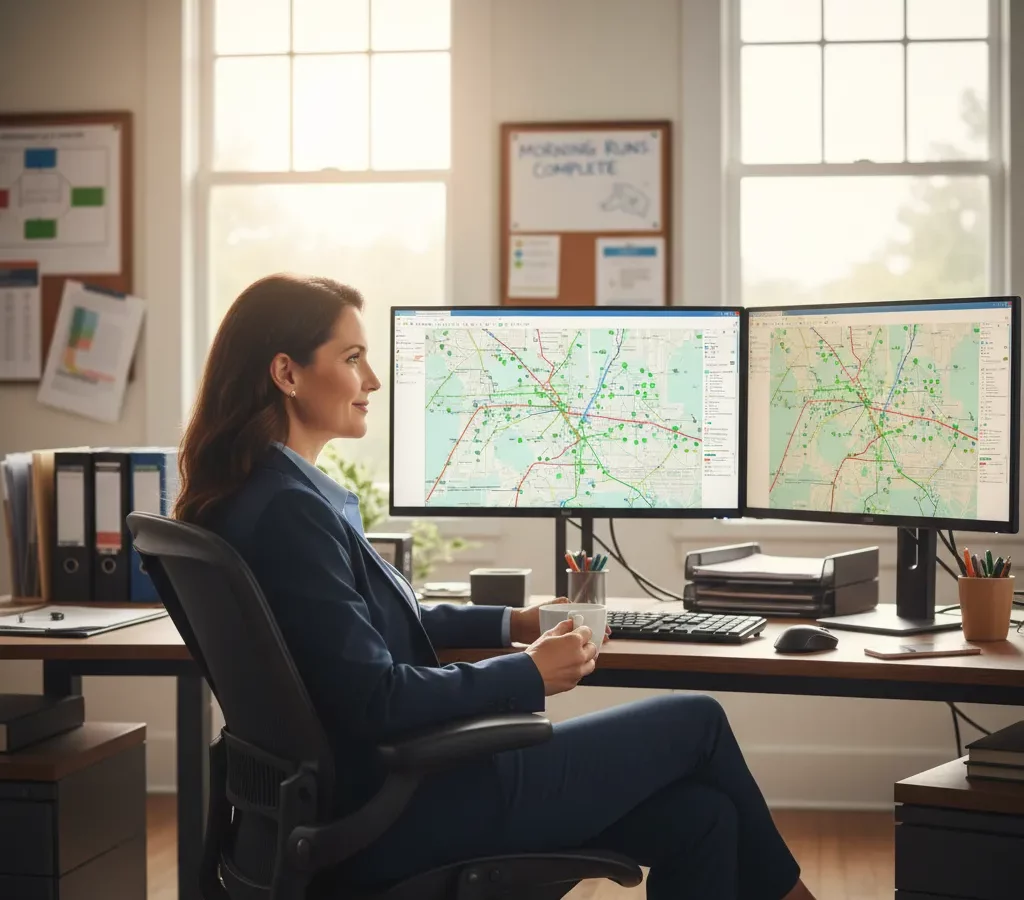
TL; DR : Effective route optimization best practices reduce field service travel time by 20-30% through systematic data collection, geographic clustering, and real-time adjustments. Companies implementing these strategies typically save $39,000 annually per 10-technician operation while improving customer satisfaction. Modern route optimization platforms like Zeo Route Planner automate these best practices using advanced algorithms that balance customer preferences with operational efficiency.
Route optimization best practices are proven strategies that help businesses plan the most efficient paths for their field teams, reducing travel time, fuel costs, and operational chaos. Field service companies implementing these practices typically see 20-30% reductions in travel time and significant improvements in customer satisfaction.
Operations managers face mounting pressure from rising fuel costs and customer complaints about late arrivals. Manual route planning creates a ripple effect of problems that compound throughout the day. Your drivers spend unnecessary hours in traffic while customers wait, fuel budgets explode, and overtime costs spiral out of control.
The solution lies in implementing systematic route optimization practices that transform chaotic daily operations into predictable, efficient systems. This comprehensive guide reveals the exact strategies successful operations use to maximize efficiency and profitability.
Why Manual Route Planning is Costing Your Business More Than You Think
Manual route planning creates hidden costs that accumulate rapidly across your operation. A single poorly planned route doesn’t just waste fuel—it triggers overtime, delays subsequent appointments, and damages customer relationships.
Consider the real impact on a typical service operation with 10 technicians. Each technician driving an extra 30 minutes daily costs approximately $15 in combined fuel and labor. That’s $150 daily, or $39,000 annually, for just half an hour of inefficiency per route.
Driver frustration increases when they’re stuck in predictable traffic or making unnecessary backtracking trips. According to the 노동 통계의 국, high turnover in transportation and field service roles creates significant recruitment and training costs. Efficient routing directly impacts driver satisfaction and retention, making driver retention guide strategies essential for long-term operational success.
Customer complaints multiply when arrival times become unpredictable. Late arrivals force customers to wait, creating negative experiences that spread through online reviews and word-of-mouth referrals.
Your managers lack visibility into field operations with manual planning. They can’t quickly identify problems, redirect resources, or provide accurate customer updates. This reactive approach prevents proactive problem-solving.
The Foundation: Essential Data Collection and Route Planning Preparation
Accurate customer data forms the backbone of effective route optimization. Collect precise addresses, service time requirements, preferred time windows, and special access instructions for every stop.
Document actual service times for different job types. HVAC maintenance might require 45 minutes, while equipment installation takes three hours. Generic time estimates create unrealistic schedules that cascade into delays.
Map your service territory boundaries and identify high-traffic areas during peak hours. Understanding local traffic patterns helps avoid predictable congestion zones during rush hours.
Record driver capabilities, certifications, and vehicle specifications. Not every technician can handle commercial refrigeration repairs, and some vehicles can’t access narrow residential streets or low-clearance areas.
Historical route data reveals patterns in customer locations, seasonal demand fluctuations, and optimal service sequences. This information guides future planning decisions and identifies improvement opportunities.
Vehicle capacity constraints must factor into planning. Weight limits, equipment storage, and parts inventory affect how many stops each driver can handle effectively.
Advanced Route Optimization Best Practices That Deliver Measurable Results
Geographic clustering reduces total travel distance by grouping nearby customers into the same route. Instead of random assignment, organize stops by neighborhoods or service zones to minimize backtracking.
Time window optimization balances customer preferences with operational efficiency. Schedule morning appointments for early-preference customers and afternoon slots for flexible clients. Emergency slots should remain available for urgent service calls.
Zeo 루트 플래너 uses advanced algorithms to automatically balance these factors, creating optimal route sequences that reduce travel time by up to 30% while respecting customer preferences and driver capabilities. This business route optimization approach transforms operational efficiency across field service operations.Multi-day planning prevents reactive scheduling by identifying opportunities to combine nearby customers across different service dates. A customer needing quarterly maintenance can be scheduled when you’re already serving their area for other appointments.
Dynamic resequencing adjusts routes when changes occur. If one customer cancels, the system should automatically optimize remaining stops rather than leaving gaps in the schedule.
Load balancing ensures no single driver becomes overwhelmed while others have light schedules. Distribute high-priority customers, complex jobs, and travel time evenly across your team.
Vehicle routing constraints must account for legal restrictions like commercial vehicle routes, weight limits, and hazardous material regulations. Violations create liability and delay service delivery.
Managing Driver Communication and Real-Time Adjustments
Clear communication protocols ensure drivers receive updated route information promptly. Establish standard procedures for route changes, customer updates, and emergency additions to daily schedules.
Mobile access to route information allows drivers to see their complete daily schedule, customer details, and navigation directions from their smartphones. This eliminates paper routes that become outdated when changes occur.
Real-time tracking provides managers with current driver locations and estimated arrival times. 운전자 추적 소프트웨어 enables accurate customer updates without requiring phone calls to dispatch, improving both operational visibility and customer satisfaction.
Emergency response procedures should define how urgent service calls get integrated into existing routes. Identify which drivers have capacity for additional stops and how to minimize disruption to scheduled customers.


Zeo Route Planner provides drivers with intuitive mobile apps that display optimized routes, allow for easy customer communication, and enable real-time updates that keep operations running smoothly.
Driver feedback collection helps identify recurring issues with specific routes, customers, or scheduling patterns. Front-line insights often reveal optimization opportunities that aren’t visible from the office.
End-of-day reporting captures actual service times, travel delays, and customer interactions. This data improves future route planning accuracy and identifies training needs.
Measuring Success: KPIs That Matter for Route Optimization
Total daily miles driven per technician provides a clear efficiency baseline. Track average daily mileage before implementing optimization practices, then monitor improvements over time.
이에 따르면 미국 교통 연구소, fuel costs represent one of the largest operational expenses for fleet-based businesses. Measure fuel consumption per route and per customer to identify optimization success.
On-time arrival percentage directly correlates with customer satisfaction. Track the percentage of appointments that arrive within promised time windows, aiming for 90% or higher consistency.
Revenue per mile demonstrates route profitability by dividing daily revenue by total miles driven. Higher revenue-per-mile ratios indicate more efficient resource utilization.
Overtime hours decrease when routes are properly optimized. Monitor weekly overtime costs and correlate reductions with route planning improvements. Comprehensive 차량 관리 소프트웨어 helps track these metrics automatically.
Customer satisfaction scores often improve with consistent, predictable service delivery. Track Net Promoter Scores or customer feedback ratings to measure the impact of optimized routing on customer relationships.
Driver utilization rates show how effectively you’re using available capacity. Calculate the percentage of available work hours spent on billable customer activities versus travel time.
Implementation Roadmap: From Chaos to Optimized Operations in 30 Days
Week 1 focuses on data collection and baseline measurement. Document current routes, service times, customer locations, and operational costs. This baseline enables you to measure improvement accurately.
Audit your customer database for incomplete or inaccurate information. Update addresses, contact information, service requirements, and access instructions. Clean data is essential for optimization success.
Week 2 involves selecting and configuring route optimization tools. Test different scenarios using your historical data to identify potential improvements before implementing changes. Following a comprehensive 경로 최적화 가이드 ensures systematic implementation.
Train dispatchers and managers on new planning processes. They need to understand optimization principles, software features, and change management procedures.
Week 3 begins pilot implementation with a subset of routes or drivers. Start with your most experienced team members who can provide constructive feedback and identify issues early.
Monitor pilot results daily and make adjustments based on real-world performance. Driver input is crucial during this testing phase.
Week 4 expands optimization to all routes while maintaining close monitoring. Address any remaining issues and refine processes based on pilot learnings.
Establish ongoing review procedures to maintain optimization benefits. Schedule weekly performance reviews and monthly process improvements.
자주 묻는 질문들 (FAQ)
Q: How much fuel savings can route optimization typically deliver for field service companies?Most field service operations see 20-30% reductions in fuel costs within the first month of implementing systematic route optimization practices. The savings compound over time as drivers become more familiar with optimized routes and customer scheduling improves.
Q: What’s the biggest challenge when switching from manual to automated route planning?Driver resistance to change is often the most significant hurdle, followed by incomplete customer data that leads to inaccurate route calculations. Success requires proper change management, driver training, and cleaning up address databases before implementation.
Q: Can route optimization software handle mixed fleets with different vehicle capabilities?Yes, modern route optimization platforms account for vehicle capacity, driver certifications, equipment requirements, and regulatory restrictions when creating routes. Zeo Route Planner’s advanced algorithms automatically match jobs to qualified technicians while maximizing efficiency across diverse fleet compositions.
Q: How often should established routes be re-evaluated for optimization opportunities?Daily optimization handles routine scheduling changes and customer requests, while weekly analysis identifies recurring patterns and improvement opportunities. Major route restructuring should occur quarterly or when service territories change significantly due to business growth.
Q: What baseline metrics should companies track before implementing route optimization?Essential baseline measurements include average daily miles per technician, fuel consumption per route, on-time arrival percentages, and overtime hours. Companies using Zeo Route Planner typically track these metrics automatically through integrated reporting, making it easier to measure the 20-30% efficiency improvements most businesses achieve.
Ready to transform your field operations? Start Your Free Trial today and discover how route optimization best practices can cut your travel costs while improving customer satisfaction.
당신은 차량 소유자입니까?
드라이버와 배송을 쉽게 관리하고 싶으신가요?
Zeo Routes Planner로 손쉽게 사업을 성장시키세요. 경로를 최적화하고 여러 운전자를 손쉽게 관리하세요.










