


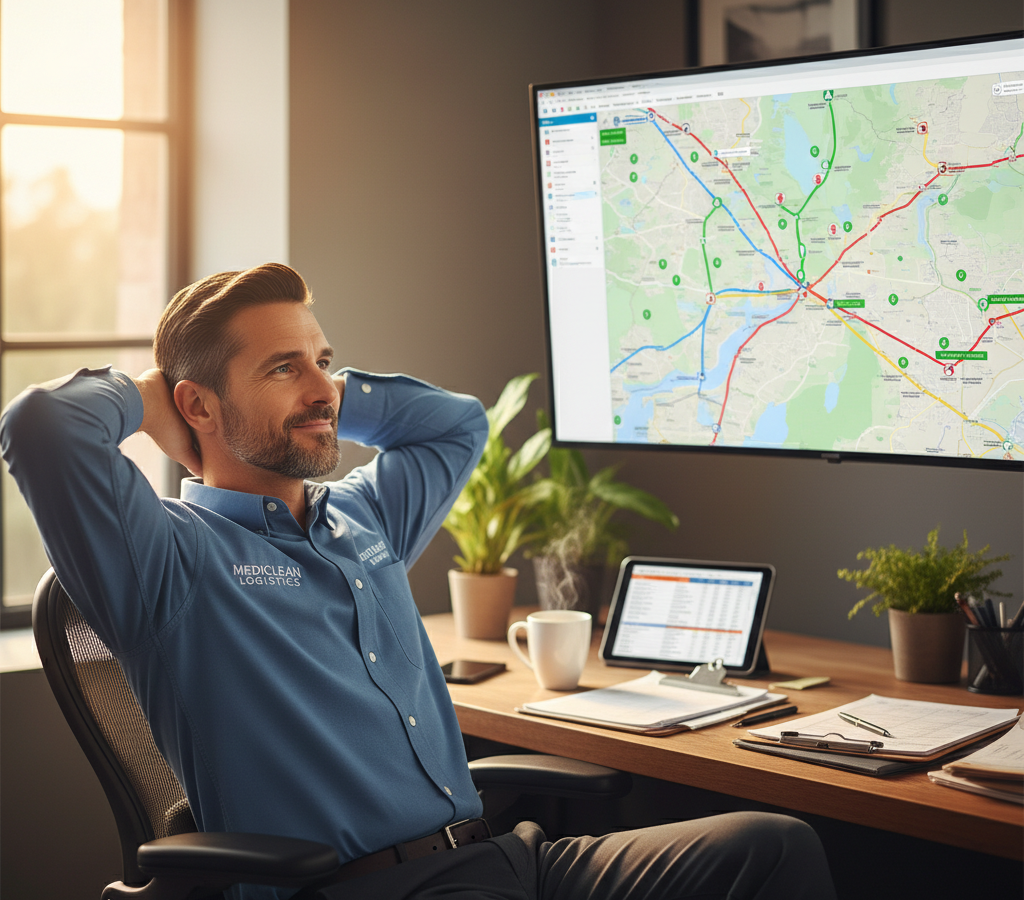
# Hospital Linen Delivery Scheduling: 6 Ways to Cut Costs and Improve Service
> TL; DR: Hospital linen delivery scheduling challenges stem from strict time windows, urgent requests, and complex facility requirements that traditional routing methods can’t handle efficiently. Poor route planning costs $50-75 per driver daily in wasted labor, plus $100-200 per emergency run. AI-powered route optimization tools like Zeo Route Planner solve these issues with automatic time window management and priority stop handling, helping linen services save 2+ hours daily while maintaining 95%+ on-time delivery rates.
Hospital linen delivery scheduling challenges can make or break your medical linen service business. Between strict delivery windows, urgent requests, and complex facility requirements, operations managers face mounting pressure to deliver perfect service while controlling costs.
The healthcare industry’s $13.2 billion linen market demands precision that traditional routing methods can’t deliver. One missed delivery or late pickup can strain client relationships and trigger costly emergency runs.
The Hidden Costs of Inefficient Hospital Linen Delivery Routes
Poor route planning hits your bottom line harder than you might realize. When drivers spend 2-3 hours daily figuring out optimal stops, that’s $50-75 per driver in wasted labor costs alone.
Emergency runs cost even more. A single urgent delivery to cover a missed pickup can cost $100-200 in overtime and fuel. With multiple facilities demanding same-day service, these costs add up fast. Similar challenges affect medical courier routes across the healthcare logistics sector.
Manual scheduling also creates operational blind spots. Without real-time visibility, you can’t proactively manage delays or communicate accurate ETAs to hospital staff. This leads to frustrated clients who may switch to competitors offering better service reliability.
Consider Memorial Hospital’s typical Tuesday morning scenario: They need emergency surgical linens by 10 AM, but your driver is stuck in traffic with no way to communicate delays. The hospital scrambles to find alternatives while your service reputation suffers.
Understanding Healthcare Facility Scheduling Constraints and Delivery Requirements
Healthcare facilities operate under strict schedules that directly impact your delivery windows. Morning surgery blocks typically run 7 AM to 11 AM, creating narrow delivery windows for clean linens.
Time windows vary significantly by facility type. Emergency departments need 24/7 availability for urgent requests. Outpatient clinics prefer specific morning delivery slots to avoid disrupting patient flow. Long-term care facilities often require evening deliveries to minimize resident disruption.
Priority levels add another complexity layer. ASAP requests for surgical linens take precedence over routine room linen deliveries. Your scheduling system must accommodate these priority differences while maintaining efficient routes.
Capacity constraints matter too. Large teaching hospitals may require 50+ linen categories per delivery, while urgent care centers need smaller, frequent shipments. Route planning must account for vehicle capacity limits and proper load sequencing.
Real-Time Delivery Tracking: Solving Hospital Linen Delivery Scheduling Challenges Through Better Communication
Communication breakdowns between drivers and hospital staff create unnecessary stress and inefficiency. When facility managers can’t track delivery status, they make frantic calls that interrupt your drivers and operations team.
Real-time GPS tracking transforms this dynamic entirely. Software sa pagsubaybay sa driver allows hospital staff to receive automatic notifications when drivers are 15 minutes away, allowing them to prepare receiving areas and staff accordingly.
Live ETA updates prevent costly miscommunications. When traffic delays occur, hospitals automatically receive updated arrival times instead of wondering where their delivery stands. This proactive communication builds trust and reduces emergency calls to your dispatch team.
Customer notifications through SMS and email keep hospital staff informed without requiring manual updates from your team. According to the American Hospital Association, facilities that receive proactive delivery updates report 40% fewer service complaints.
Branded tracking pages with your company logo provide professional transparency that strengthens client relationships. Hospital purchasing managers can share tracking links with department heads, reducing internal communication overhead. Modern patunay ng paghahatid systems further enhance accountability and documentation.
Route Optimization Technology: From Reactive to Predictive Linen Delivery Scheduling
Traditional route planning keeps you constantly reacting to problems instead of preventing them. Modern AI-powered optimization changes this completely by considering multiple variables simultaneously.
Zeo Route Planner solves complex hospital linen delivery scheduling by automatically factoring in time windows, priority stops, and vehicle capacity limits. The AI optimization saves 2+ hours daily per driver while ensuring critical deliveries never get missed.
Dynamic route adjustments handle mid-shift changes seamlessly. When St. Mary’s Hospital calls with an urgent request at 2 PM, the system automatically recalculates routes for all affected drivers without disrupting other scheduled deliveries.
Skill-based assignment ensures the right driver handles specialized deliveries. Your most experienced driver automatically gets assigned to the complex teaching hospital route, while newer team members handle straightforward clinic runs.
Capacity-based routing prevents overloaded vehicles and ensures proper load sequencing. The system knows that OR linens for morning surgeries must be loaded last for first delivery, optimizing both space utilization and service quality. Advanced software sa pag-optimize ng ruta has transformed how logistics companies handle complex scheduling requirements.
Driver Management Solutions for Complex Multi-Facility Delivery Routes
Managing drivers across multiple hospital routes requires coordination that spreadsheets can’t provide. Each driver needs different skills, works varying hours, and handles different facility types.
Driver performance analytics reveal patterns that improve overall operations. You can identify which drivers consistently meet tight delivery windows and which ones need additional training on hospital protocols, similar to best practices in pamamahala ng fleet ng pangangalagang pangkalusugan.

dagdagan ang pagtitipid sa gasolina
Hassle Free Delivery at Pickups!
I-optimize ang mga ruta gamit ang aming algorithm, binabawasan ang oras ng paglalakbay at mga gastos nang mahusay.
Magsimula para sa Libre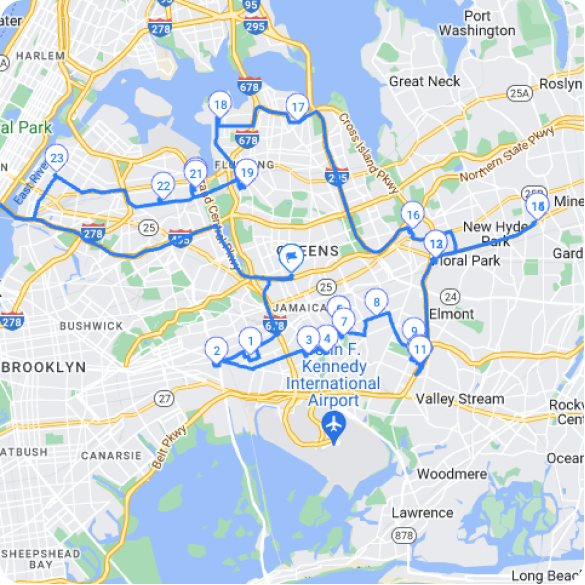
Work hours and break time settings ensure DOT compliance while maximizing productivity. The system automatically schedules breaks between hospital deliveries rather than during critical service windows.
In driver management, Zeo’s web platform allows operations managers to create optimized routes while drivers receive assignments through the mobile app, with real-time updates when urgent hospital requests require route changes. This seamless coordination keeps everyone informed without constant phone calls.
Vehicle and skill assignment capabilities match drivers to appropriate routes. Your driver with infectious disease facility certification automatically gets assigned those specialized pickups, while general drivers handle standard hospital routes.
Measuring Success: KPIs for Optimized Hospital Linen Delivery Operations
Track these key metrics to measure your optimization success:
On-time na rate ng paghahatid should exceed 95% for scheduled deliveries. This metric directly correlates with client satisfaction and contract renewals.
Emergency run frequency indicates scheduling effectiveness. Optimized operations typically see 60-70% fewer emergency runs compared to manual routing.
Produktibidad ng drayber measures stops completed per hour. Well-optimized routes allow drivers to complete 12-15 stops daily versus 8-10 with manual planning.
Dami ng reklamo ng customer reflects service quality. According to Bureau ng Labor Statistics data, companies using route optimization report 50% fewer service-related complaints.
Fuel costs per delivery reveal efficiency gains. Optimized routing typically reduces fuel consumption by 20-25% through shorter total distances and reduced idle time.
Route analytics and reporting provide the data visibility needed to identify improvement opportunities and demonstrate ROI to hospital clients who demand service level documentation.
Mga Madalas Itanong
Q: What are the biggest challenges in hospital linen delivery scheduling?
The main challenges include managing strict delivery time windows (especially 7-11 AM surgery blocks), handling urgent ASAP requests that disrupt planned routes, and coordinating multiple facility types with different requirements. Poor communication between drivers and hospital staff often compounds these issues, leading to costly emergency runs and service complaints.
Q: How can hospitals track their linen delivery status in real-time?
Hospitals can receive automatic notifications through SMS and email when deliveries are 15 minutes away, plus live ETA updates if traffic delays occur. Modern delivery management systems like Zeo Route Planner provide branded tracking pages where hospital staff can monitor delivery progress without calling dispatch, reducing communication overhead by up to 40%.
Q: What’s the average cost of emergency linen delivery runs?
Emergency linen delivery runs typically cost $100-200 in overtime and fuel expenses per trip. When drivers spend 2-3 hours daily on manual route planning, that adds another $50-75 in wasted labor costs per driver. These costs compound quickly for services managing multiple hospital facilities with frequent urgent requests.
Q: How do you handle different time windows for various hospital departments?
Different hospital departments require customized delivery schedules – emergency departments need 24/7 availability, surgery blocks require morning deliveries between 7-11 AM, and outpatient clinics prefer specific slots to avoid patient disruption. Route optimization technology can automatically factor in these time window constraints while maintaining efficient routes across all facility types.
Q: What metrics should hospital linen services track to measure efficiency?
Key performance indicators include on-time delivery rates (should exceed 95%), emergency run frequency, driver productivity (stops completed per hour), customer complaint volume, and fuel costs per delivery. Well-optimized operations typically see 60-70% fewer emergency runs and 20-25% reduced fuel consumption compared to manual routing methods.
Your hospital linen delivery operation can achieve these improvements with the right technology foundation. Start your free trial to see how Zeo can optimize your hospital linen delivery routes and eliminate scheduling headaches.

Ikaw ba ay may-ari ng fleet?
Nais na madaling pamahalaan ang iyong mga driver at paghahatid?
Palakihin ang iyong negosyo nang walang kahirap-hirap gamit ang Zeo Routes Planner – i-optimize ang mga ruta at pamahalaan ang maraming driver nang madali.
dagdagan ang pagtitipid sa gasolina
Hassle Free Delivery at Pickups!
I-optimize ang mga ruta gamit ang aming algorithm, binabawasan ang oras ng paglalakbay at mga gastos nang mahusay.
Magsimula para sa Libre





















