



# Construction Site Toilet Service Logistics Made Simple
> TL; DR: Effective construction site toilet service logistics requires coordinated route planning, real-time fleet tracking, and flexible scheduling to handle constantly changing job site conditions. Poor logistics planning wastes $200-400 weekly per vehicle in unnecessary fuel costs while damaging contractor relationships through missed service windows. Route optimization tools like Zeo Route Planner address this with AI-powered routing and real-time GPS tracking, helping portable sanitation teams save 2+ hours daily.
Management construction site toilet service logistics across dozens of active job sites feels like solving a puzzle where pieces constantly change locations. One day you’re delivering units to a new residential development, the next you’re coordinating emergency service calls from three different contractors whose schedules shifted overnight.
Poor logistics planning in portable toilet services creates a ripple effect that hits your bottom line hard. Inefficient routes waste fuel, missed service windows damage contractor relationships, and uncoordinated schedules leave your technicians driving in circles.
The Hidden Costs of Poor Toilet Service Logistics on Construction Projects
Disorganized construction site toilet service logistics drain profits in ways many operators don’t fully calculate. The most obvious cost is fuel – trucks making unnecessary trips between distant job sites can burn through $200-400 extra per week per vehicle.
But the hidden costs run deeper. When technicians arrive at construction sites during concrete pours or crane operations, they can’t access units for servicing. Rescheduling that stop creates overtime hours and pushes other appointments into the next day.
Nach Angaben der US-Organisation Bureau of Labor Statistics, transportation and logistics represent 35-40% of operating costs in portable sanitation services. Companies running inefficient routes often see this percentage climb to 50% or higher.
Missed service windows create the biggest hidden cost of all – losing contracts. Construction project managers operate on tight schedules. When portable toilet service becomes unreliable, they switch providers fast.
Consider this scenario: Your technician drives 45 minutes to service units at a commercial construction site, only to find the access road blocked by a concrete truck. Without real-time communication systems, they waste another hour trying to coordinate with the site foreman before giving up and rescheduling.
Route Optimization Strategies for Portable Toilet Service Operations
Smart route planning transforms construction site toilet service logistics from reactive chaos into predictable operations. The key is grouping stops by geographic clusters while accounting for site-specific constraints.
Start by mapping all active construction sites and identifying natural service corridors. Group sites within 5-10 miles of each other into the same route when possible. This reduces drive time between stops and gives technicians more time for actual service work.
Time windows matter more in construction than almost any other industry. Building contractors start early and often have specific windows when trucks can access sites. Plan morning routes for sites with restricted access hours, and save flexible locations for later in the day.
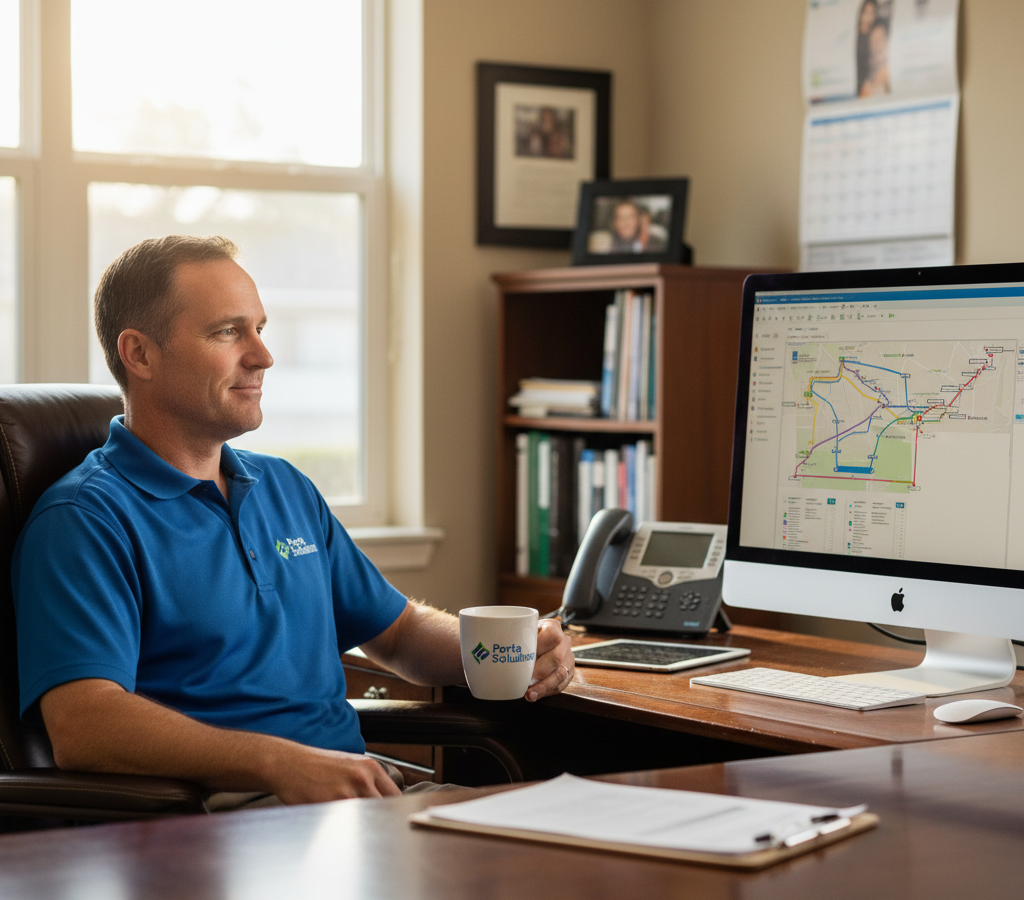
Zeo Route Planner solves this complexity with AI-powered optimization that factors in time windows, vehicle capacity, and driver locations. Operations managers using Zeo cut route planning time from 3-4 hours down to 30 minutes while improving route efficiency by 25-30%.
Account for vehicle capacity when planning routes. Pumping trucks have limited holding tank capacity, while delivery trucks can only carry specific numbers of units. Build routes that maximize each vehicle’s capacity without creating impossible schedules.
Consider seasonal variations in your routing strategy. Construction activity peaks during certain months, and weather impacts both site accessibility and service frequency needs. Modern Abfallwirtschaft operations require this level of strategic planning to remain profitable.
Real-Time Fleet Tracking and Service Coordination Systems
Construction sites change hourly. Access roads get blocked, work schedules shift, and emergency service calls pop up throughout the day. Real-time fleet tracking turns these disruptions from major problems into minor adjustments.
GPS tracking shows exactly where each service vehicle is located and their estimated arrival time at the next stop. When a construction foreman calls asking for pickup time, you give accurate answers instead of vague estimates.
The real power comes from two-way communication between dispatch and field technicians. When drivers encounter blocked access or schedule changes, they can instantly alert the coordination team. Dispatch can then contact other sites on the route to manage expectations or reschedule if needed.
Zeo’s real-time tracking includes live ETA updates that automatically notify construction site contacts when service vehicles are approaching. This reduces coordination calls and helps site managers plan their day around service visits.
Customer visibility reduces friction with construction project managers. Instead of calling to ask “where’s my service truck,” they can check delivery status online. This small change dramatically improves customer satisfaction and reduces office interruptions.
Use tracking data to identify patterns in route efficiency. Routes that consistently run over schedule might need adjusting, while consistently efficient routes can become templates for similar geographic areas. Comprehensive Fahrerverfolgungssoftware provides the data visibility needed for these optimizations.
Mobile Workforce Management for Service Technicians in the Field
Service technicians spend their entire day moving between construction sites, often in areas with poor cell coverage or limited office access. Mobile workforce management puts all necessary information directly in their hands.
Your technicians receive optimized routes directly on their phones via the Zeo mobile app, complete with turn-by-turn navigation and customer details. No more printed route sheets that become outdated the moment emergency calls come in.
Digital service completion tracking eliminates paperwork and provides instant updates to dispatch. Technicians can mark services complete, add notes about site conditions, and capture photos for documentation without returning to the office.
Photo documentation proves especially valuable for construction site services. Before and after photos show service quality and help resolve any disputes about unit condition or placement. These photos also help track equipment damage from construction activities.
Mobile apps enable instant communication about site access issues. When technicians arrive at a construction site and can’t access units due to ongoing work, they can immediately notify dispatch with photos and details instead of wasting time waiting around.
Emergency service requests get routed directly to the nearest available technician through mobile systems. Instead of calling multiple drivers to find who’s closest to an urgent pickup, dispatch can see real-time locations and assign the most efficient responder. Effective Außendienst-Routenmanagement depends on this level of mobile coordination.
Optimizing Service Schedules Across Multiple Construction Sites
Construction projects operate on unpredictable timelines that don’t align neatly with standard service schedules. Smart scheduling balances operational efficiency with construction industry realities.

Kraftstoffeinsparungen erhöhen
Sparen Sie jeden Tag 2 Stunden bei Lieferungen!
Optimieren Sie Routen mit unserem Algorithmus und reduzieren Sie so effizient Reisezeit und -kosten.
Jetzt kostenlos starten
Establish primary service days for each construction site based on their work patterns. Sites with Monday-Friday activity need different service timing than projects running seven days a week. Weekend service commands premium pricing but often provides easier site access.
Build flexibility into daily schedules for emergency calls and rush deliveries. Construction projects generate urgent requests – a concrete pour gets moved up, a site inspector shows up unexpectedly, or weather forces schedule changes. Reserve 15-20% of daily capacity for these unplanned needs.
Use data from previous projects to predict service frequency needs. Large commercial construction sites typically need more frequent service than smaller residential projects. Track usage patterns and adjust service intervals accordingly.
Coordinate with construction project managers during peak activity periods. When projects enter phases like foundation work or final inspections, temporary schedule adjustments prevent conflicts and maintain service quality.
Plan maintenance and deep cleaning during construction project down periods when possible. This reduces disruption to active job sites and allows more thorough service work. Modern Flottenmanagement-Software helps identify these optimal scheduling windows through data analysis.
Digital Documentation and Compliance Tracking for Service Accountability
Construction companies increasingly require detailed documentation of all site services for project records and compliance purposes. Digital tracking systems meet these requirements while reducing administrative overhead.
Digital service records capture date, time, location, and service type for every stop. This documentation helps construction project managers track costs and maintain records for client billing or regulatory compliance.
Photo documentation with timestamp and GPS location provides unquestionable proof of service completion. Construction projects often involve multiple subcontractors and clear service records prevent billing disputes.
Zeo’s proof of delivery features with photo capture and digital signatures ensure complete documentation of every service call. Project managers can access these records instantly through the customer portal instead of waiting for printed reports.
Compliance tracking becomes automatic when service records include required details like waste disposal methods and sanitization procedures. Umweltvorschriften in construction require specific waste handling documentation that digital systems capture effortlessly.
Service history tracking helps identify patterns in equipment needs and maintenance requirements. Construction sites with heavy usage might need more frequent service or additional units during peak activity periods.
Digital records also support quality control programs. Supervisors can review service photos and notes to ensure consistent quality across all technicians and identify training opportunities. Understanding what is proof of delivery helps ensure your documentation meets both customer and regulatory requirements.
Construction projects must also comply with OSHA construction site safety requirements, which often include specific sanitation facility standards that proper documentation helps verify.
Häufige Fragen zum Großhandel mit Lebensmitteln und Getränken
Q: How often should construction site portable toilets be serviced?
Most construction sites require portable toilet service every 2-3 days during active work periods, though high-traffic sites may need daily service. The frequency depends on crew size, project phase, and local health department requirements for construction sanitation.
Q: What vehicle capacity should I plan for portable toilet service routes?
Pumping trucks typically hold 1,500-2,000 gallons of waste, allowing service of 15-25 standard units per route depending on usage levels. Delivery trucks can transport 4-8 units depending on truck size and site accessibility requirements.
Q: How can route optimization software reduce portable toilet service costs?
Route optimization software like Zeo Route Planner cuts fuel costs by 25% through AI-powered routing that eliminates unnecessary trips between distant job sites. The software factors in time windows, vehicle capacity, and real-time site conditions to create efficient daily routes.
Q: What documentation is required for construction site sanitation services?
Construction projects typically require service records showing date, time, location, and waste disposal methods for compliance purposes. Many contractors also need photo documentation and digital signatures to maintain project records and support billing accuracy.
Q: How do I handle emergency portable toilet service calls during construction projects?
Effective emergency response requires real-time fleet visibility and flexible scheduling systems. Zeo’s live GPS tracking shows the nearest available technician to urgent calls, while mobile communication tools let drivers instantly report and coordinate emergency pickups or deliveries.
Ready to transform your construction site toilet service logistics from reactive chaos into streamlined operations? Start your free trial of Zeo Route Planner to see how portable toilet service companies are cutting route planning time by 80% and reducing fuel costs by 25%.

Sind Sie Flottenbesitzer?
Möchten Sie Ihre Fahrer und Lieferungen einfach verwalten?
Erweitern Sie Ihr Geschäft mühelos mit dem Zeo Routes Planner – optimieren Sie Routen und verwalten Sie problemlos mehrere Fahrer.
Kraftstoffeinsparungen erhöhen
Sparen Sie jeden Tag 2 Stunden bei Lieferungen!
Optimieren Sie Routen mit unserem Algorithmus und reduzieren Sie so effizient Reisezeit und -kosten.
Jetzt kostenlos starten 




















