



# How to Schedule Emergency Garage Door Calls Efficiently
> TL; DR: How to schedule emergency garage door calls efficiently involves proper emergency classification, dynamic route adjustment, and proactive customer communication to minimize service disruption. Companies that implement structured emergency response systems reduce overtime costs by 31% while maintaining 94% customer satisfaction. Route optimization tools like Zeo Route Planner address this with AI-powered route recalculation and real-time updates, helping garage door service teams save 2+ hours daily.
When a garage door breaks down at 3 PM and traps a customer’s car inside, your scheduling system faces its biggest test. Learning how to schedule emergency garage door calls efficiently can make the difference between chaos and controlled service delivery. Emergency garage door calls can derail your entire day’s operations if you don’t have the right process in place.
Smart garage door companies build emergency call systems that protect both urgent customers and scheduled appointments. Here’s how to create a scheduling process that maintains service quality while keeping your technicians efficient and your customers happy.
Understanding Garage Door Emergency vs. Standard Service Calls
Not every urgent call requires immediate emergency dispatch. Clear criteria help your dispatchers make better scheduling decisions and set accurate customer expectations.
True emergencies include garage doors that won’t open with cars trapped inside, doors stuck completely open in bad weather, or broken springs creating safety hazards. These calls typically require same-day service within 2-4 hours.
Urgent but not emergency calls include doors that open manually but have broken openers, cosmetic damage, or intermittent problems. These can often wait 24-48 hours for proper scheduling.
Create a simple classification system for your dispatch team. Train them to ask specific questions: “Can you manually open the door?” “Is there a car trapped inside?” “Is the door completely stuck open?” These answers determine your response timeline.
A rèir a ' International Door Association, 78% of garage door service calls are classified as urgent by customers but only 23% require true emergency response. Proper classification prevents unnecessary route disruptions while ensuring real emergencies get immediate attention.
Step-by-Step Process: How to Schedule and Dispatch Emergency Calls
Step 1: Assess and classify the emergency during the initial call. Use your criteria to determine if this requires immediate dispatch or can be scheduled as a priority call for the next available slot.
Step 2: Check technician locations and current jobs. Your closest technician might be in the middle of a complex installation. Sometimes the second-closest technician finishing a quick maintenance call can respond faster.
Step 3: Estimate realistic arrival times based on current job progress and travel time. Don’t promise arrival times based solely on GPS distance. Factor in job completion time and potential delays.
Step 4: Contact the assigned technician immediately with emergency details, customer contact information, and any special requirements. Confirm they have the likely parts needed for common emergency repairs.
Step 5: Notify affected scheduled customers about potential delays before problems occur. Proactive communication prevents complaints and maintains customer relationships.
For example, if your technician in the north zone gets an emergency call while installing a new door system, contact his next two scheduled customers immediately. Offer to reschedule or explain the delay with a specific timeframe.
Using Route Optimization to Minimize Emergency Call Disruption
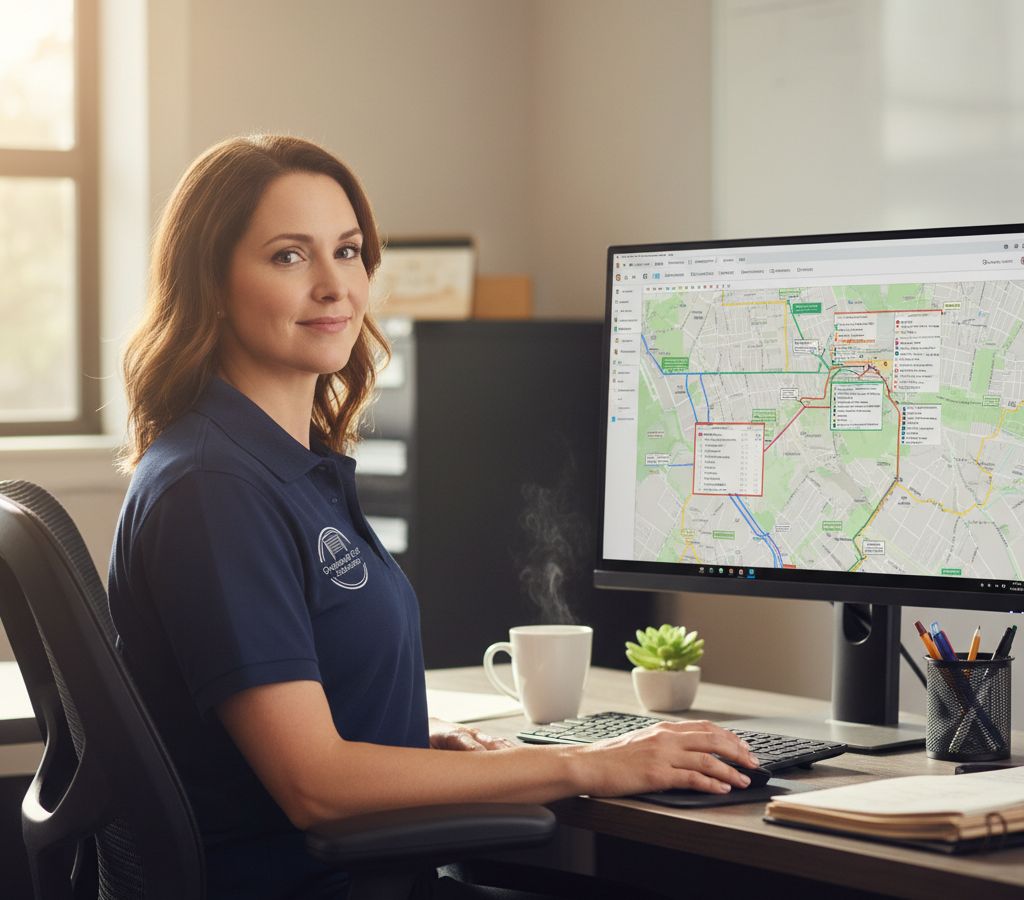
Route optimization software transforms emergency scheduling from chaos into manageable adjustments. Instead of manually calculating travel times and rearranging schedules, optimization algorithms instantly show you the most efficient emergency response options.
Zeo Route Planner solves this by automatically recalculating routes when you add emergency stops. The AI-powered optimization considers traffic, job duration, and technician skills to minimize total disruption across your entire fleet.
When an emergency call comes in, you can instantly see which technician can respond fastest without derailing other appointments. The system shows arrival time estimates for each option and automatically adjusts affected routes. Similar approaches work well for bathar-bog cur a-mach èiginn glasair and other field service operations.
Dynamic rescheduling becomes simple with optimization tools. Add the emergency stop, and the system immediately shows you how to rearrange remaining appointments for minimum customer impact.
Slighe stèidhichte air comas ensures your emergency-responding technician has the right vehicle and equipment. No point sending someone with just basic tools to a complex spring repair job.
Real-time updates keep everyone informed. Your technicians see route changes instantly, and customers receive automatic notifications about any schedule adjustments.
Managing Customer Expectations During Emergency Scheduling
Emergency situations create stress for customers, making clear communication essential. Your response during the initial call sets expectations for the entire service experience. Effective riaghladh seirbheis làraich practices emphasize transparent customer communication throughout the service process.
Provide specific timeframes, not vague promises. Instead of “we’ll be there as soon as possible,” say “our technician will arrive between 2:30 and 3:30 PM.” Customers can plan around specific windows.
Explain your emergency response process. Tell customers you’re dispatching the nearest qualified technician and they’ll receive a call 15 minutes before arrival. This builds confidence in your professionalism.
Send confirmation texts with technician names, photos, and vehicle descriptions. Emergency customers often feel vulnerable, and knowing exactly who’s coming provides reassurance.
Update customers proactively if delays occur. A quick text saying “Running 20 minutes behind due to parts availability, new arrival time 3:50 PM” prevents frustration and phone calls to your office.
For scheduled customers affected by emergency dispatching, lead with empathy: “We had to respond to an emergency where a customer’s car is trapped in their garage. We can keep your 4 PM appointment or reschedule for first thing tomorrow morning at no extra charge.”
How Mobile Technology Keeps Emergency Jobs on Track
Your technicians need real-time information and communication tools when handling emergency calls. Mobile technology ensures they have everything needed for efficient emergency response.
Technicians receive optimized routes directly on their phones via mobile apps, complete with turn-by-turn navigation and emergency job details. When dispatch adds an emergency call, their route updates automatically with new arrival times. Bathar-bog airson tracking driver enables this real-time coordination between dispatch and field teams.

meudachadh sàbhalaidhean connaidh
Sàbhail $ 200 air connadh, Mìosail!
Dèan slighean as fheàrr leis an algairim againn, a’ lughdachadh ùine siubhail agus cosgaisean gu h-èifeachdach.
Tòisich an-asgaidh
GPS a ’lorg lets dispatch monitor emergency response progress and provide accurate updates to waiting customers. No more calling technicians for status updates or guessing at arrival times.
Photo capture and digital signatures document emergency repairs completely. Technicians can show customers the problem, get approval for additional work, and provide proof of service completion.
Real-time customer notifications keep emergency customers informed throughout the service process. They receive automatic updates when the technician is dispatched, en route, and arrives on site.
In-app communication between dispatch and technicians ensures critical emergency information gets communicated instantly. Technicians can request parts, report complications, or get technical support without phone calls.
This mobile integration particularly helps during complex emergency scenarios. When a technician discovers an emergency repair requires additional parts, they can instantly update dispatch, who can reroute another technician with the needed supplies. Similar coordination systems work effectively for Bathar-bog cur èiginn HVAC obrachaidhean.
Best Practices for Balancing Emergency and Scheduled Work
Successful garage door companies develop policies that protect both emergency response capability and scheduled operation efficiency. Implementing proven cleachdaidhean as fheàrr airson slighean a leasachadh helps maintain this balance.
Reserve emergency capacity by keeping 15-20% of your daily schedule flexible. Don’t book technicians completely solid, leaving room for urgent calls without major disruptions.
Teicneòlaichean thar-thrèana on emergency repair procedures and common parts inventory. Any technician should be able to handle basic emergency calls, giving you more dispatch options.
Maintain emergency parts inventory on all service vehicles. Stock common springs, cables, and opener components so emergency calls don’t require multiple trips.
Track emergency call patterns to identify busy periods and adjust staffing accordingly. Garage door emergencies often spike during severe weather and Monday mornings after weekend problems.
Implement priority scheduling for customers affected by emergency rescheduling. Give them first choice of next-day appointments and consider small discounts for inconvenience.
Monitor response metrics like average emergency response time, customer satisfaction scores, and technician overtime costs. Zeo Route Planner’s analytics help you track these metrics and optimize your emergency response process over time.
A rèir Dàta Biùro Staitistig Làbarach, garage door service companies that implement structured emergency response systems reduce average overtime costs by 31% while maintaining 94% customer satisfaction rates for both emergency and scheduled services.
Create emergency communication templates for common scenarios. Pre-written texts and scripts help dispatch teams communicate consistently under pressure.
The key to successful emergency call scheduling lies in preparation and technology. Build your systems before you need them, train your team on clear procedures, and use route optimization tools to turn emergency chaos into managed efficiency.
Ceistean Bitheanta
Q: What qualifies as a true garage door emergency versus an urgent repair?
True emergencies include garage doors that won’t open with cars trapped inside, doors stuck completely open during severe weather, or broken springs creating immediate safety hazards requiring same-day response within 2-4 hours. Urgent repairs like broken openers that still allow manual operation or cosmetic damage can typically wait 24-48 hours for proper scheduling.
Q: How do I prevent emergency calls from disrupting my entire daily schedule?
Reserve 15-20% of your daily schedule as flexible capacity for emergency calls, cross-train all technicians on basic emergency repairs, and maintain emergency parts inventory on all vehicles. Route optimization software like Zeo Route Planner automatically recalculates routes when emergencies arise, minimizing disruption across your entire fleet while maintaining efficient service delivery.
Q: What information should dispatchers collect during emergency garage door calls?
Dispatchers should ask specific diagnostic questions: “Can you manually open the door?”, “Is there a car trapped inside?”, “Is the door completely stuck open?”, and “Are there any visible broken springs or cables?” This information helps classify the urgency level and ensures the right technician with appropriate tools and parts is dispatched.
Q: How can I maintain customer satisfaction when emergency calls cause delays?
Proactive communication is essential – contact affected customers immediately when emergencies arise, offer specific new timeframes rather than vague promises, and provide options to reschedule with priority booking. Using real-time tracking systems allows you to give accurate updates and demonstrates professionalism during stressful situations.
Q: What mobile tools do technicians need for efficient emergency response?
Technicians need GPS tracking for real-time location updates, mobile apps that receive optimized route adjustments instantly, photo capture capabilities for documenting problems and repairs, digital signature collection for service completion, and direct communication channels with dispatch. Zeo Route Planner provides these features through its mobile platform, helping technicians respond efficiently while keeping customers informed throughout the emergency service process.
Ready to see how route optimization can transform your emergency call handling? Try Zeo’s free trial to see how AI-powered routing can help you handle emergency calls without disrupting your entire schedule.

A bheil thu nad neach-seilbh cabhlach?
A bheil thu airson do dhraibhearan agus lìbhrigeadh a riaghladh gu furasta?
Fàs do ghnìomhachas gun oidhirp le Zeo Routes Planner - dèan na slighean as fheàrr agus stiùir grunn dhràibhearan gu furasta.
meudachadh sàbhalaidhean connaidh
Sàbhail $ 200 air connadh, Mìosail!
Dèan slighean as fheàrr leis an algairim againn, a’ lughdachadh ùine siubhail agus cosgaisean gu h-èifeachdach.
Tòisich an-asgaidh 










